Which text to video model should you use?
All four models make clips with sound from a written prompt, but they behave differently. The notes below come from independent same-prompt tests by Fuser, Krea and Atlas Cloud, the makers’ own prompt guides, and the samples we ran ourselves. Ranks and prices are in the table above.
Wan 3.0 follows the prompt most literally. In Krea’s test it hit “the most literal, dramatic version of a prompt”, and in Fuser’s five same-input rounds it caught details Seedance 2.5 missed. It makes up to 30 seconds in one pass and costs less per second than Seedance 2.5. Its weak points: it sometimes cuts to a new angle mid-clip, and its sound mix runs loud (Krea, Fuser).
Seedance 2.5 gives the most polished, film-like look: light on metal, glass and skin, a quieter mix, and dialogue in more than ten languages. It is the most expensive of the four per second, softens faces in close-ups at 720p, and fast actions can warp. ByteDance’s guide advises one camera move per shot (ByteDance).
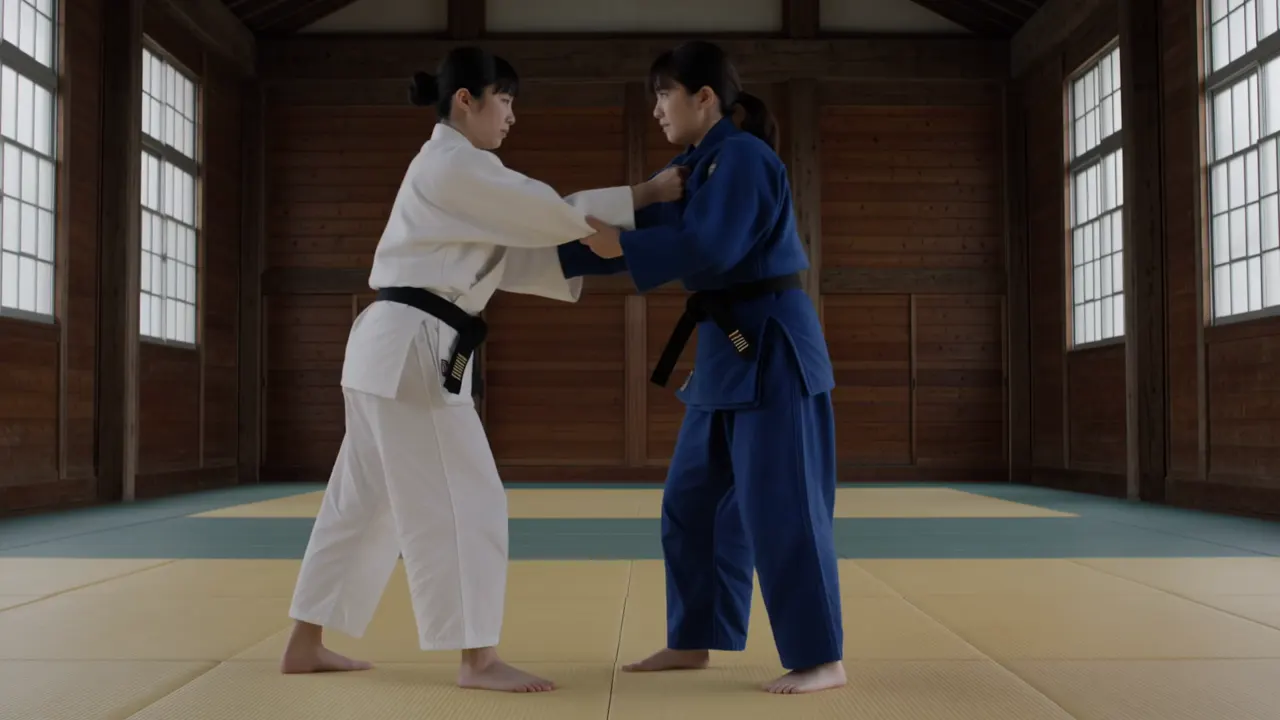
Kling 4.0 is the one for action and long takes: every tester’s 15- to 30-second single takes held, it kept limbs on the right person in our judo throw, and it spelled our sign and subtitle correctly. It adds cuts and music unless told not to, and drops some look words, such as a film-stock style (Fuser).
MiniMax H3 comes in two versions here. H3 Max Turbo is the fastest and cheapest clip on the page, good for drafting wording before you spend more. The official H3 adds 2K. It renders 768p as 1344×768 rather than 720p, and it rewrites short prompts, which can add a cut (Krea).
Text to video or image to video?
Text to video invents everything from your words, so two runs of the same prompt give two different clips. When the product, character or composition must match something you already have, start from a picture instead: image to video uses your image as the first frame. A common workflow is to make the still with the AI image generator, then animate it.
Length, resolution and shape
Pick the shortest length that fits the action. A 5-second clip holds one move; 10 seconds fits two or three timed beats; 20 to 30 seconds suits a single long take on Kling 4.0 or Wan 3.0. Resolution changes the price more than anything else, and a rerun at a higher resolution is a new take, not an upscale of your draft, so draft at 720p only to test wording. Choose the aspect ratio before you generate: 16:9 for YouTube and websites, 9:16 for phones, 1:1 for feeds, and 21:9 on Kling 4.0, Seedance 2.5 and MiniMax H3 for a cinema-wide frame.
What you pay
Each clip has a price in credits that depends on the model, length, resolution and sound, and you see it before you generate. Credits come from one-time packs that never expire, so there is no monthly plan to cancel. If a clip fails, times out or is refused, its credits return to your balance automatically.
How we made the samples on this page
Every sample shows the prompt, model and settings it was made with, and its price on zzo.ai today. Most prompts come from published tests and guides, credited on each card, so you can compare our result with theirs. Some samples were made on the model maker’s own app with the same model, prompt and settings, and are marked as such. None of the clips are edited, and where a clip missed part of the prompt, the card says so.