4 models make 4–30 second clips at up to 2K; 4 of them add sound. Clips start at 25 credits ($0.25), with no subscription and credits that never expire. On the Artificial Analysis Image to Video Arena (checked October 30, 2026), Seedance 2.5 is #1 (Elo 1,152), MiniMax H3 #4, Wan 3.0 #9.
Upload an image, describe how it should move, and get a video clip that starts from your picture, with sound. You see the price before you generate, pay with credits from a one-time pack, and failed clips are refunded automatically.
Upload a photo, then describe how it should move.
First frame
The photo this clip started from
Made with these models
Each one shows the prompt, model and what it costs here. Pick one to start from it.
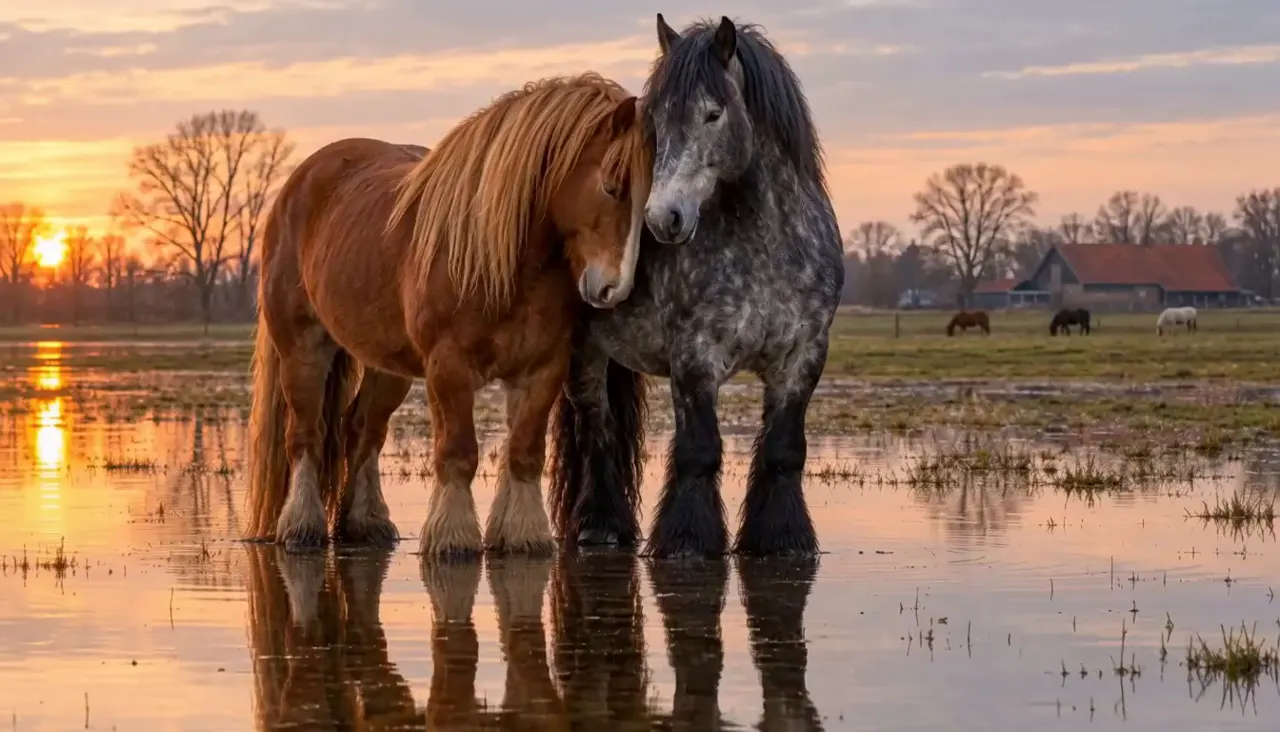
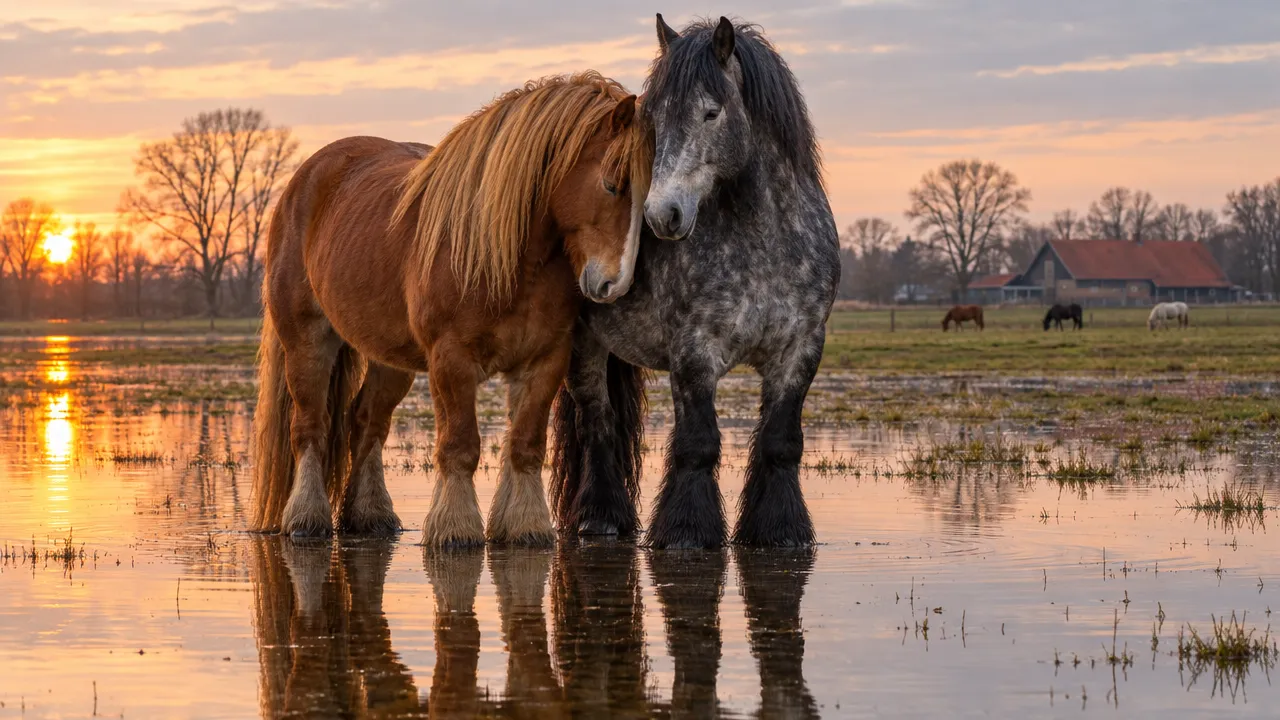
“Two heavy draft horses stand together in a shallow flooded pasture at dusk — a chestnut with a long flaxen-copper mane, head lowered and turned inward, resting against the shoulder of a dark dapple-grey with black feathered legs. Ankle-deep still water mirrors them almost perfectly. Golden-hour side light, pale peach and dove-grey sky, bare winter trees and a red-roofed barn far in the background with small grazing horses. Extremely slow, quiet motion”MiniMax H3, photo to video, 5 s, sound, 40 credits, input image made with GPT Image 2.5
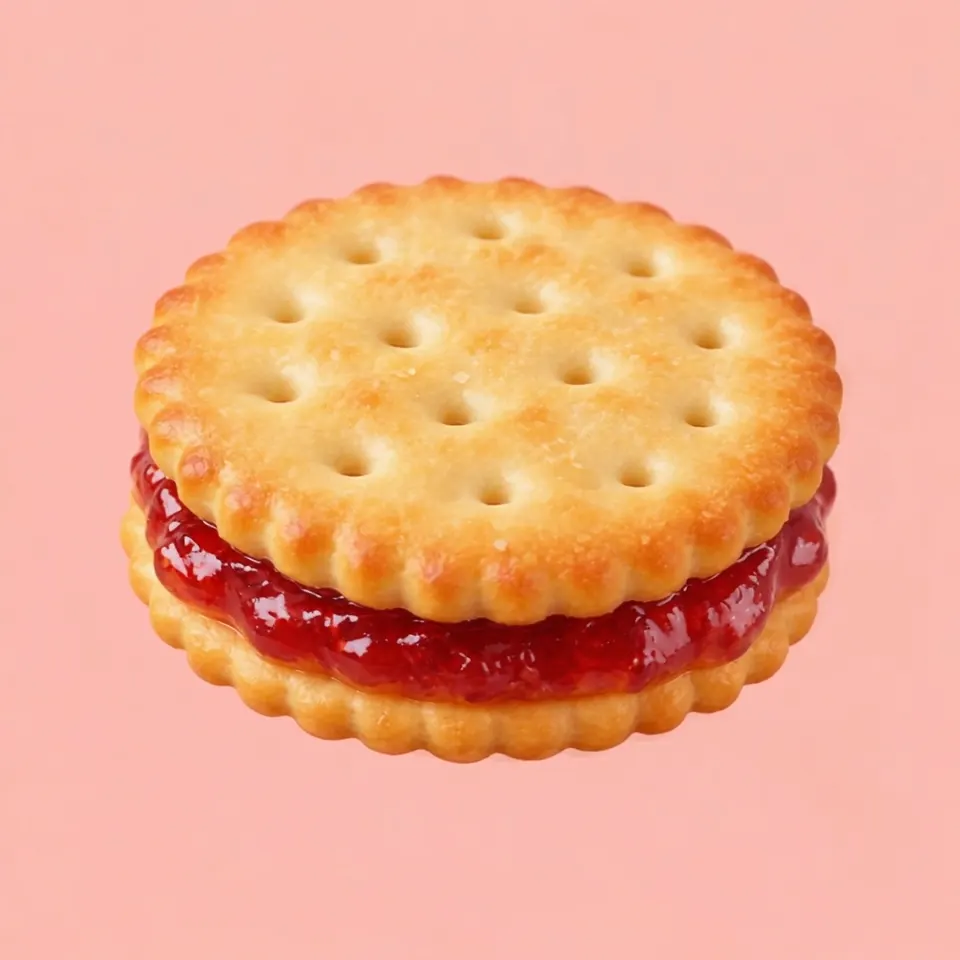
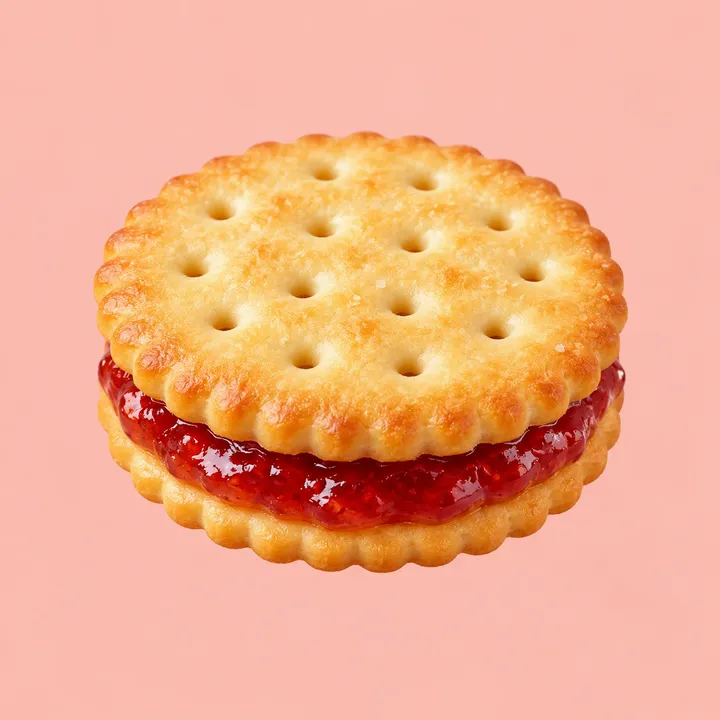
“A strawberry sandwich cookie slowly completes one full rotation while the camera moves smoothly around it and keeps the product centered.”Seedance 2.5, photo to video, 5 s, sound, 300 credits, made on Dreamina, input image made with GPT Image 2
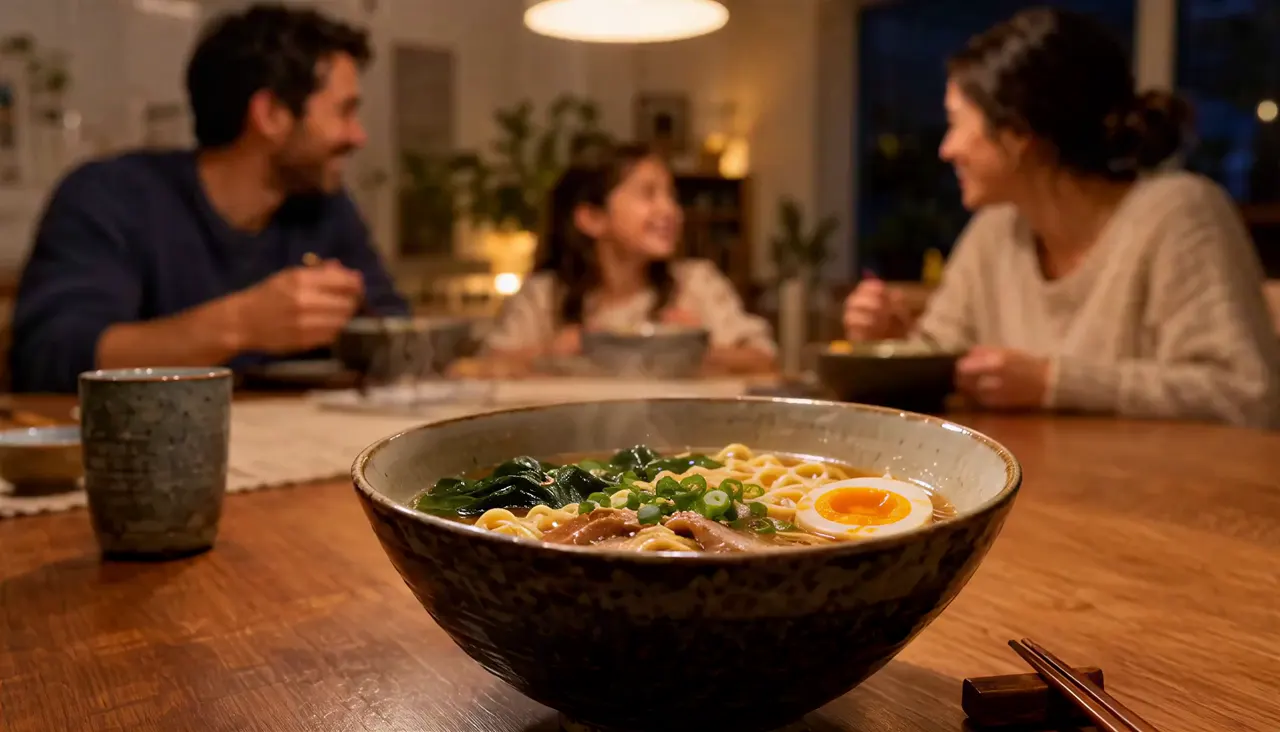
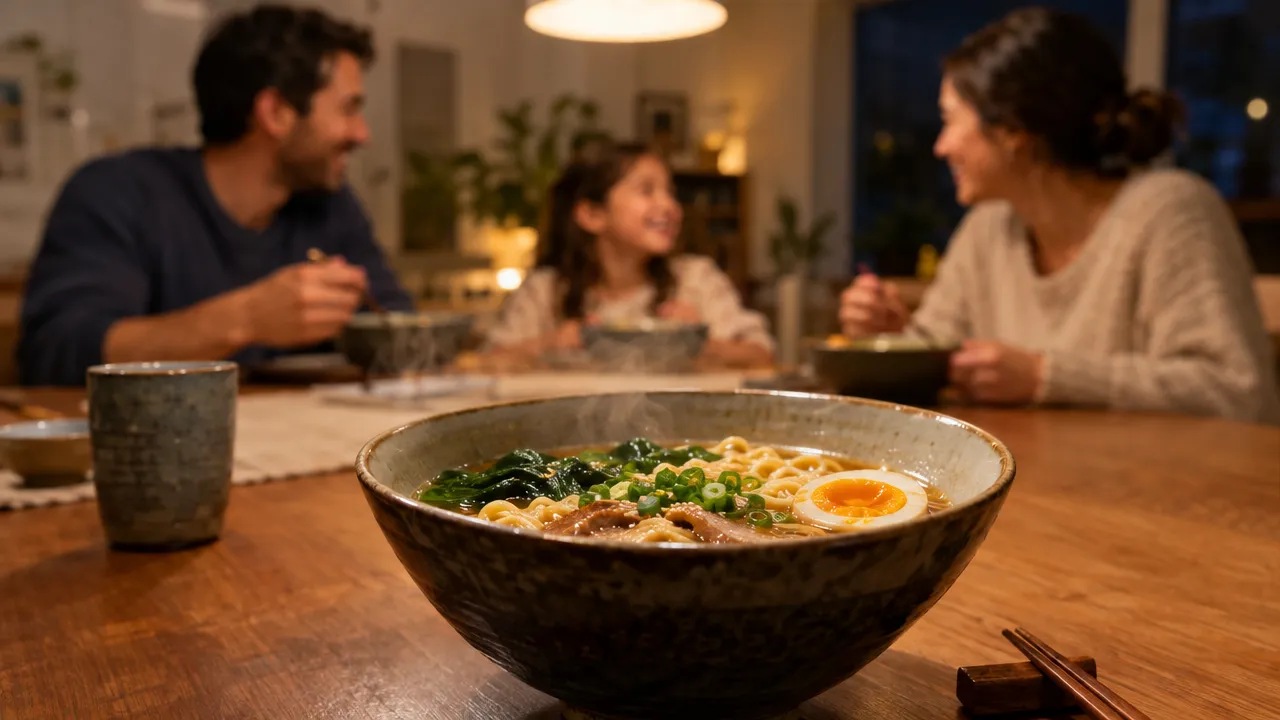
“Pull focus to the people in the background and add more steam to the ramen bowl.”MiniMax H3, photo to video, 10 s, sound, 260 credits, input image made with GPT Image 2.5
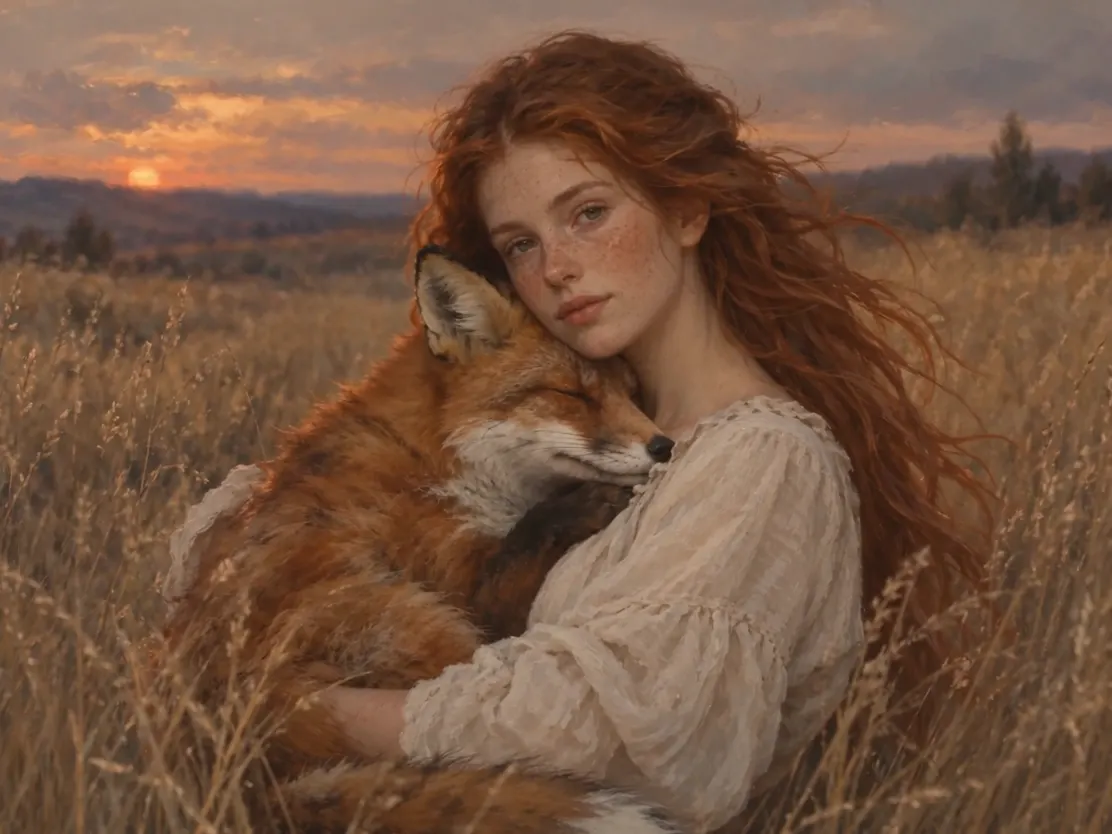
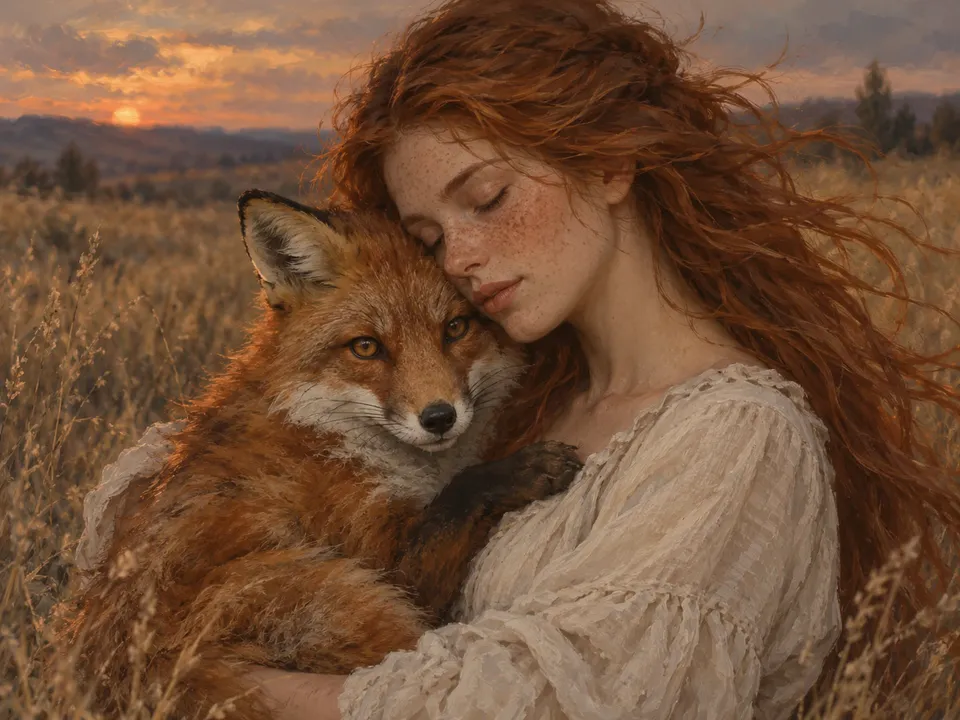
“A girl holds a fox. She opens her eyes and looks gently at the camera while the fox hugs her. The camera slowly pulls back, the wind blows through the girl's hair, and the sound of the wind can be heard.”Seedance 2.5, photo to video, 5 s, sound, 300 credits, made on Dreamina, input image made with GPT Image 2
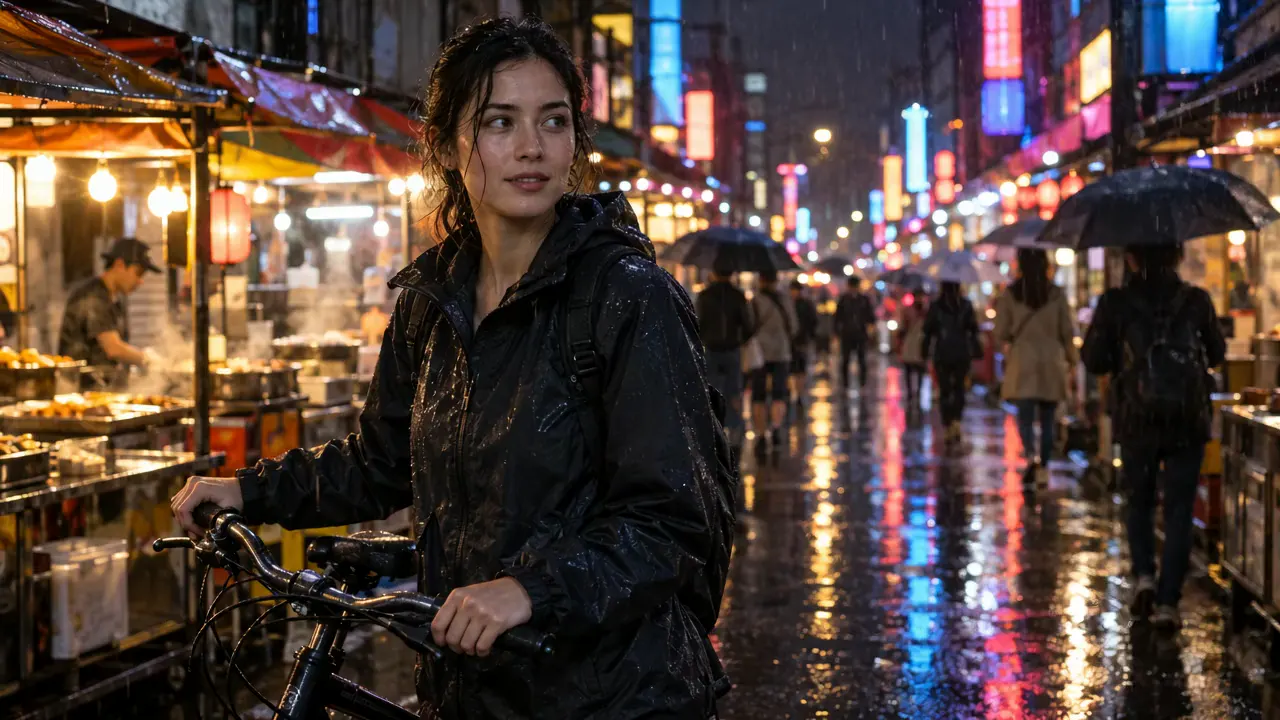
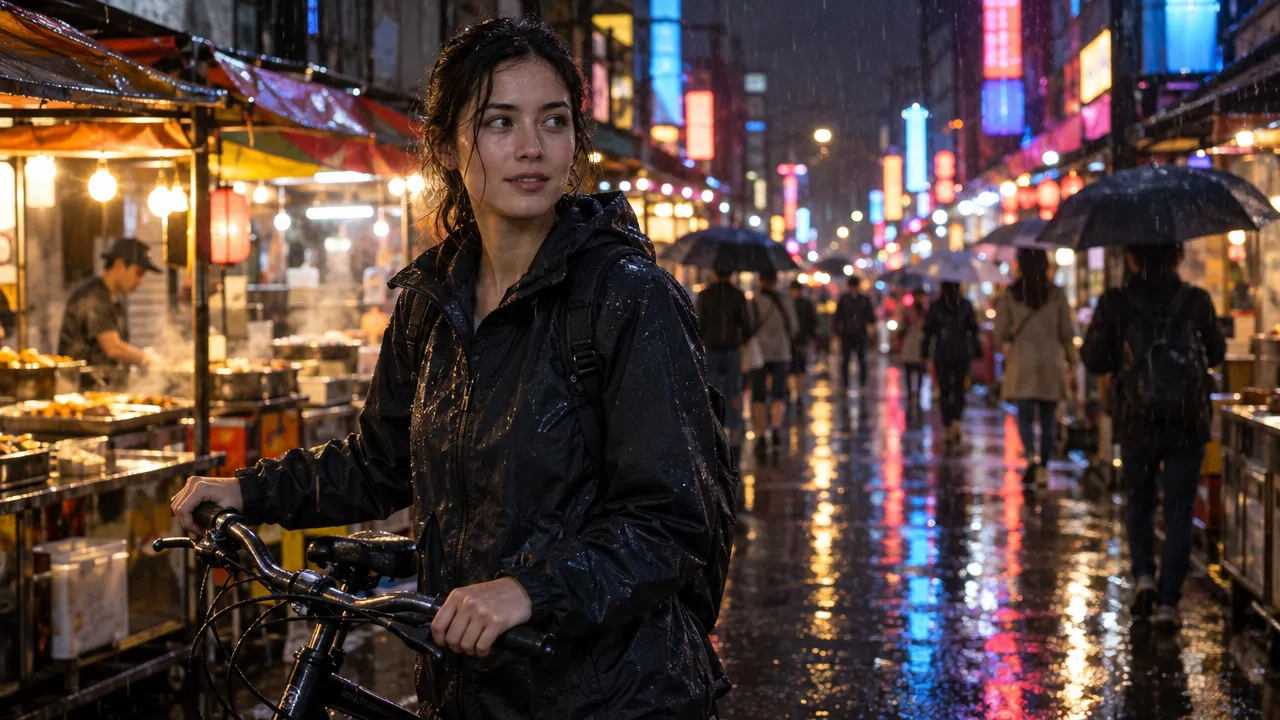
“Handheld shot on a rainy night market street. The woman with the bicycle turns her head to the camera and says: ‘I know a better place for noodles.’ Rain keeps falling, people with umbrellas walk past behind her, and neon signs reflect on the wet road. Audio: steady rain, distant street chatter, and her voice.”Wan 3.0, photo to video, 5 s, sound, 100 credits, made on Wan, input image made with GPT Image 2.5
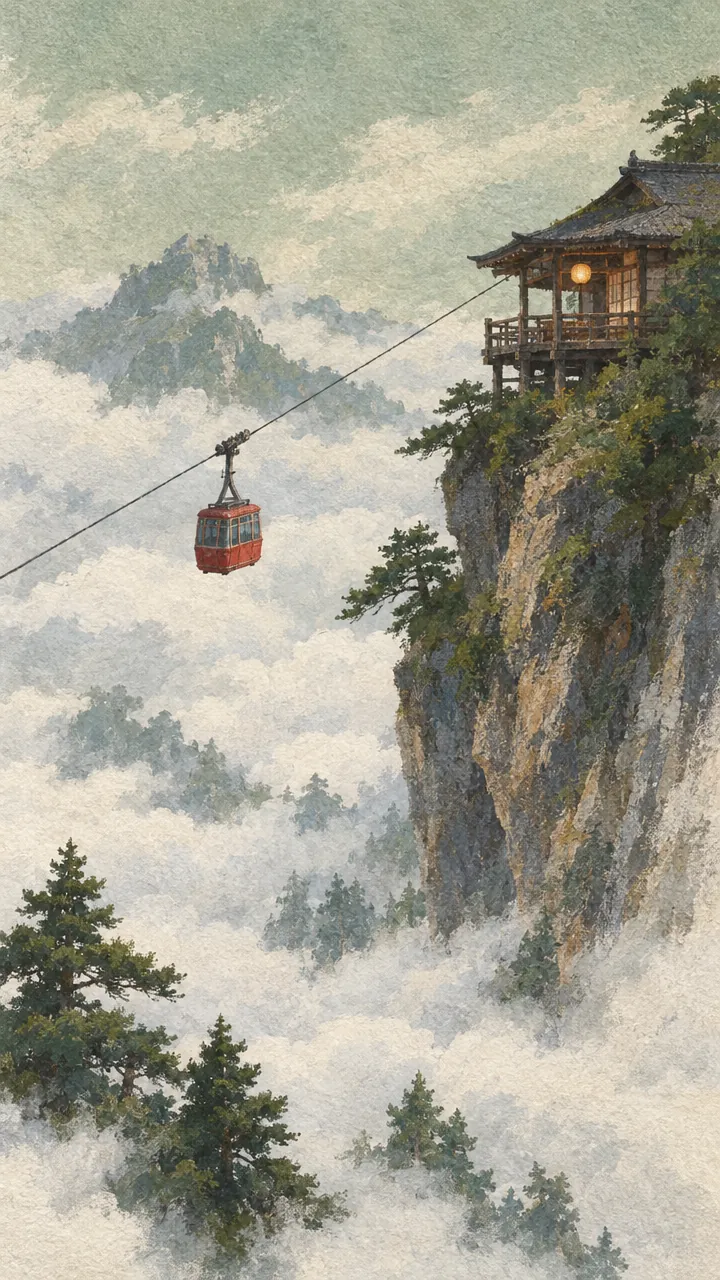
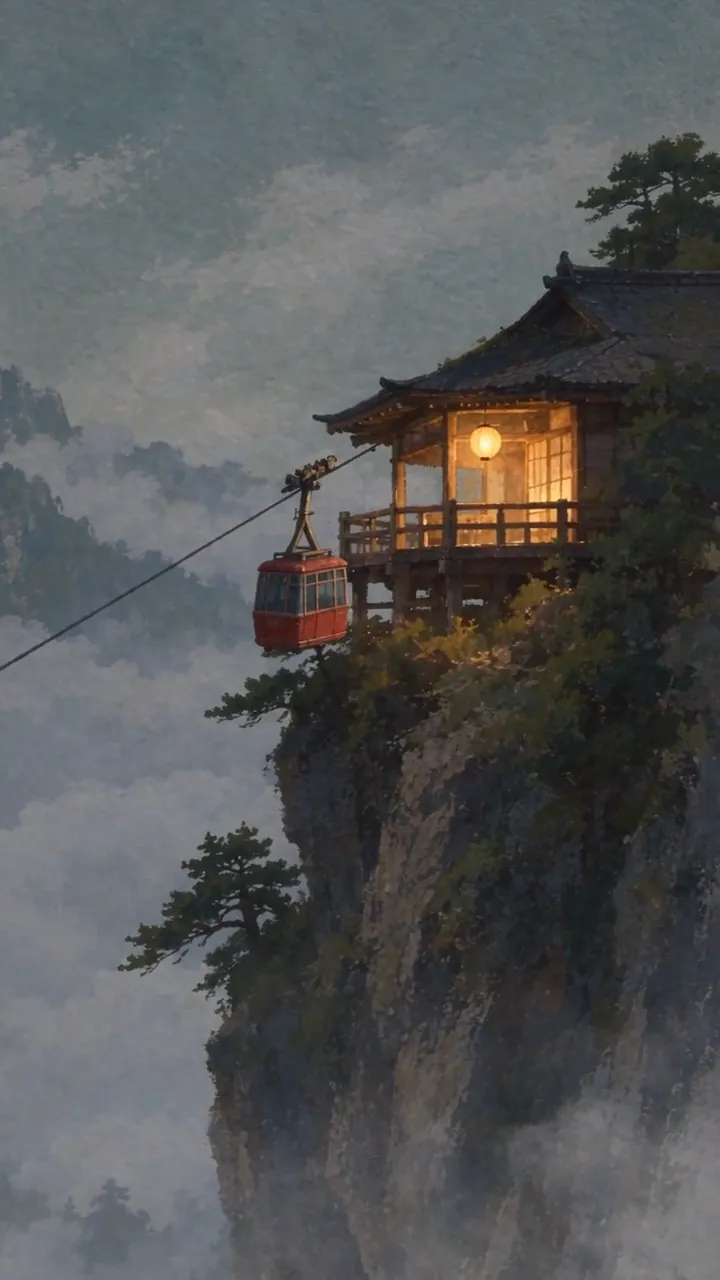
“The cable car sways and climbs slowly toward the top of frame. Cloud crosses the span from the right and hides the car completely for about a second, then the car comes back out on the same line, at the same speed, with the same sway. The lantern on the balcony swings and its light warms as the ambient light drops. The camera tilts up a few degrees to follow the climb. Every frame stays a gouache painting on rough paper: hold the brush texture, the dry-brush rock edges and the paper grain, and never let the image resolve toward photography. Audio: wind across the cable, the steel cable ticking through the sheave, one distant bell from the teahouse. No music.”Seedance 2.5, photo to video, 10 s, sound, 595 credits, made on Dreamina, input image made with GPT Image 2.5
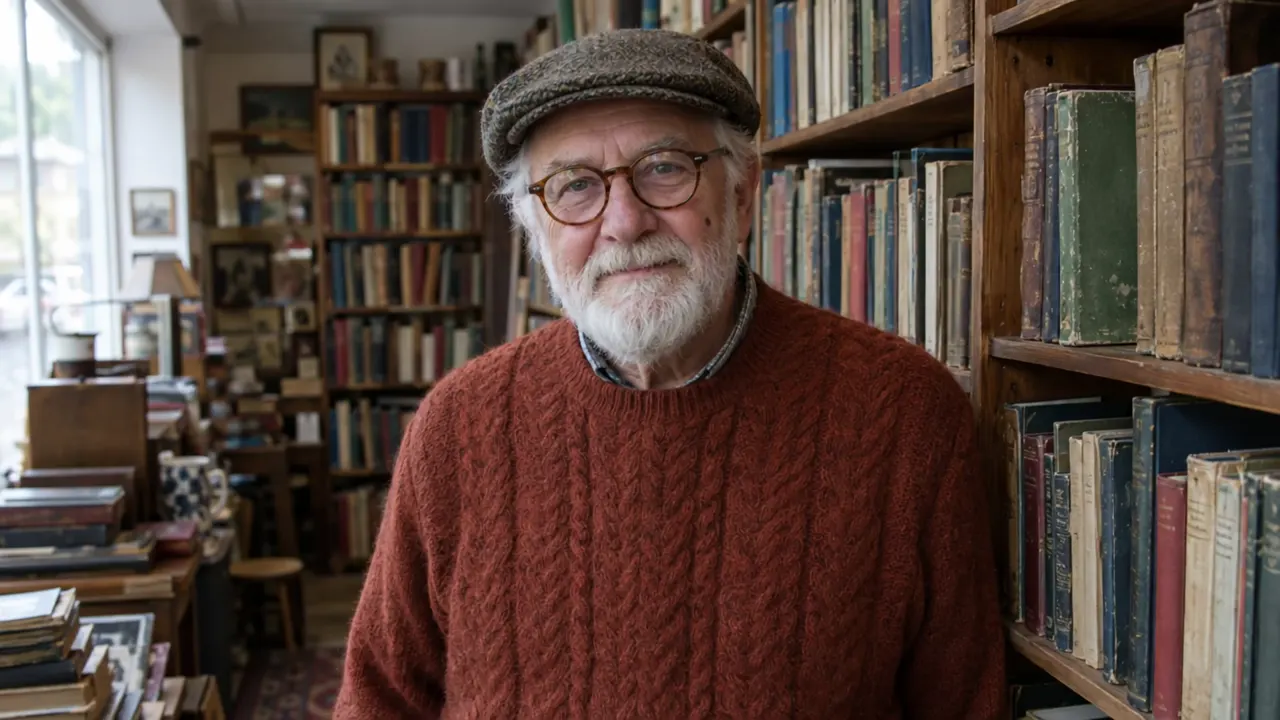
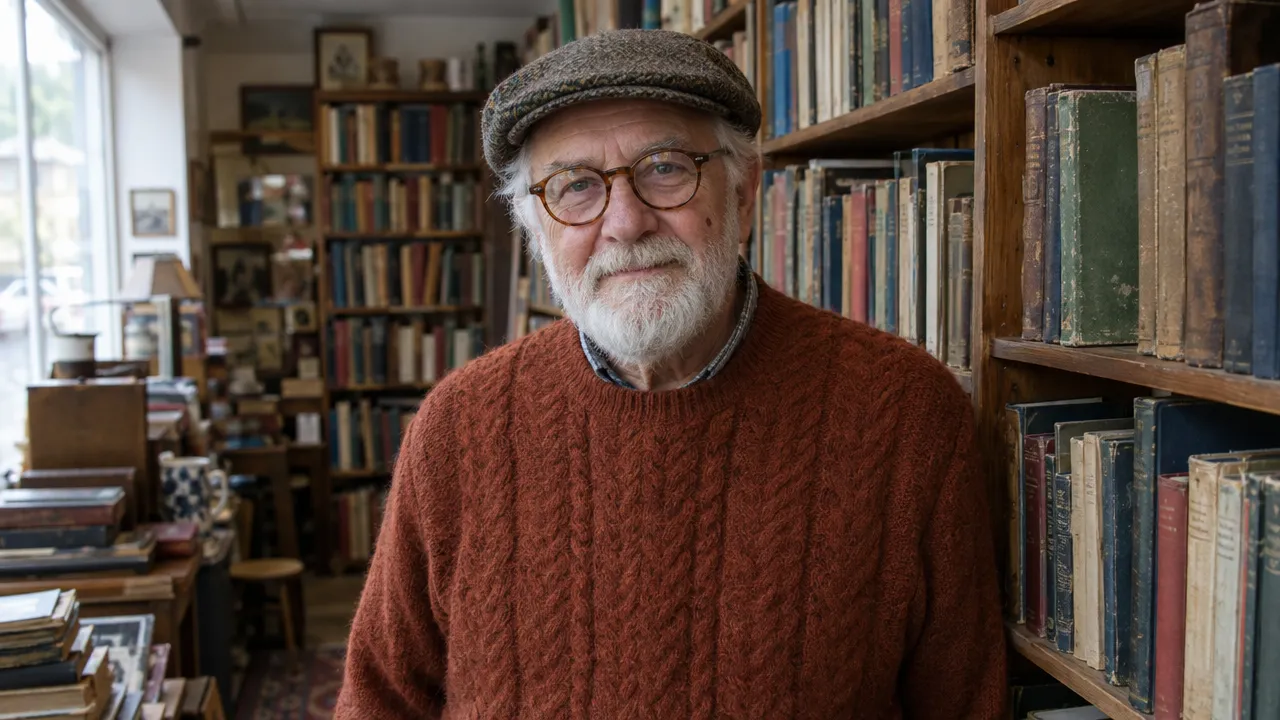
“He takes off his round tortoiseshell glasses and wipes the lenses on his rust sweater, then turns away to the shelf on the right and pulls out a faded green book. He turns back to the camera, puts the glasses back on, opens the book and looks up with a broad smile. The camera holds a steady medium shot with a slight drift. Sound: quiet shop room tone, the book sliding from the shelf, pages turning.”Kling 4.0, photo to video, 8 s, sound, 380 credits, made on Kling AI, input image made with GPT Image 2.5
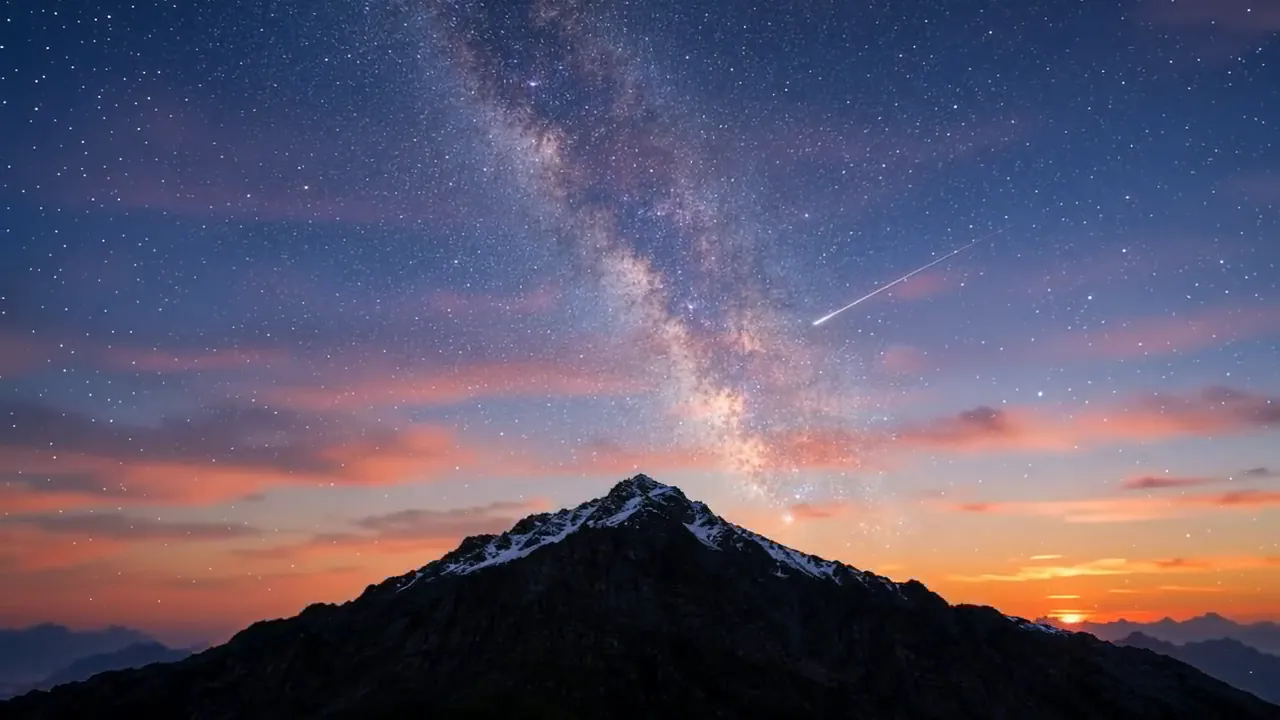
“I2V: A time-lapse of a mountain landscape transitioning from a vast, starry night to a vibrant dawn. Voiceover: A deep, serene male voice says: 'In the vast silence of the cosmos, our world is but a fleeting moment. Yet, within it, life defiantly thrives.'”Wan 3.0, photo to video, 10 s, sound, 200 credits, input image made with GPT Image 2.5
How to turn a photo into a video
1
Upload your image
A JPG, PNG or WebP of up to 10 MB. Crop it to the shape you want the video to be first; the clip follows the image’s frame.
2
Describe the motion
Say what moves, how the camera moves and what we hear. Don’t describe the picture again: the image already sets the scene.
3
Pick a model, length and sound
Seedance 2.5 is selected to start with. Compare the four models below on the same image, then set the length, resolution and sound. The price updates before you spend anything.
4
Generate and refine
Most clips are ready in a few minutes and stay in your history. If the motion is wrong, change one thing in the prompt at a time and run it again.
Clip prices are at 720p with sound (MiniMax H3: 768p), in each model's cheapest version; higher resolutions cost more. Arena rank is the position and Elo score from blind side-by-side votes (AA-Video-I2V v2.1, with audio, checked October 30, 2026) on the Artificial Analysis Image to Video Arena
Same image, four models
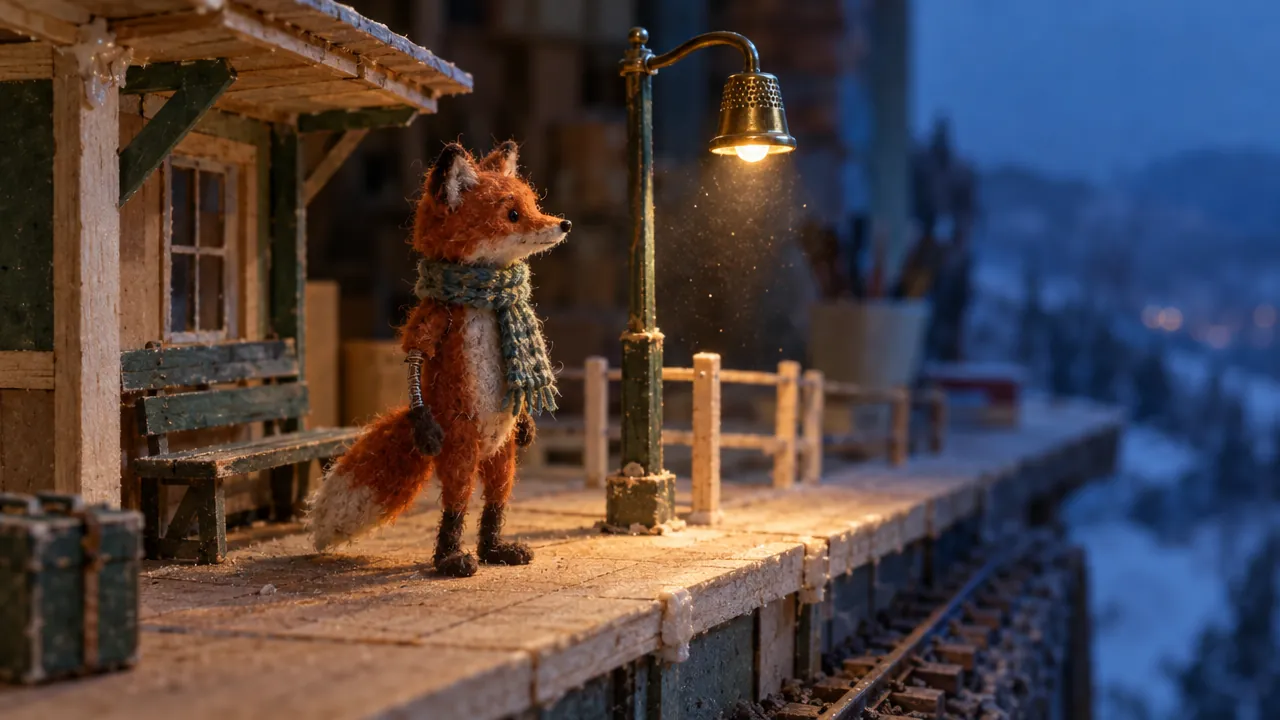
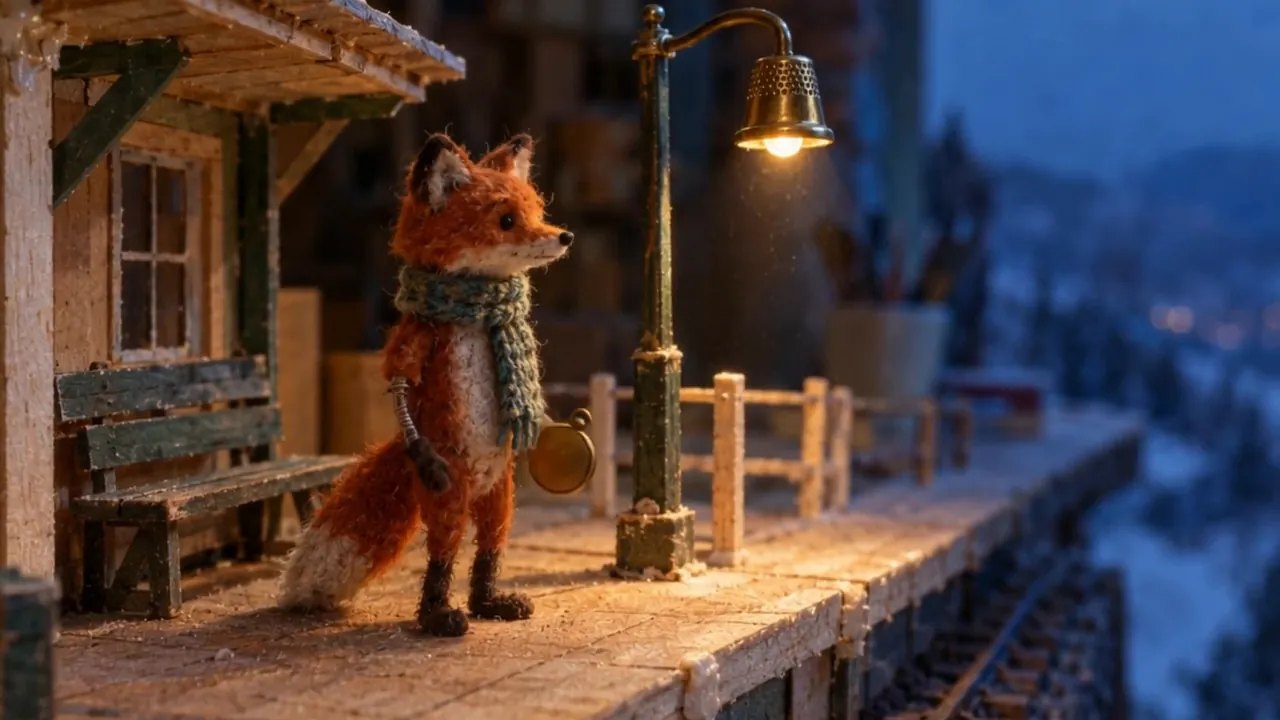
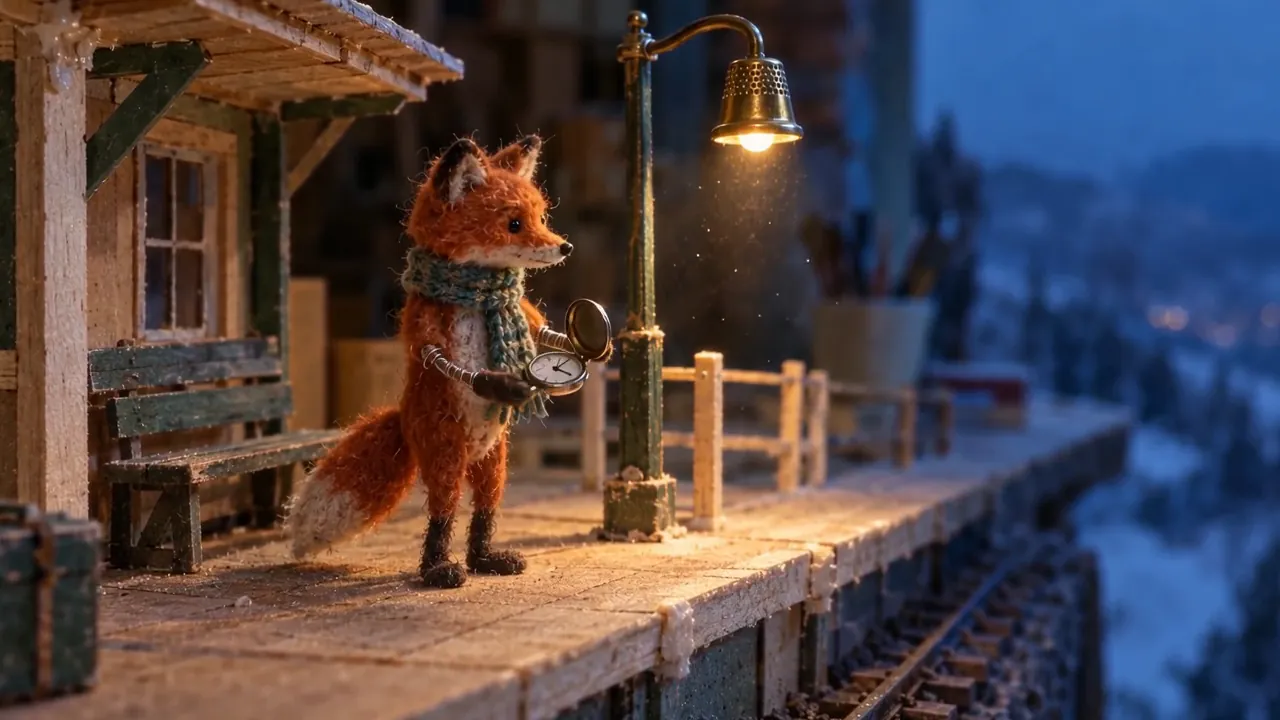
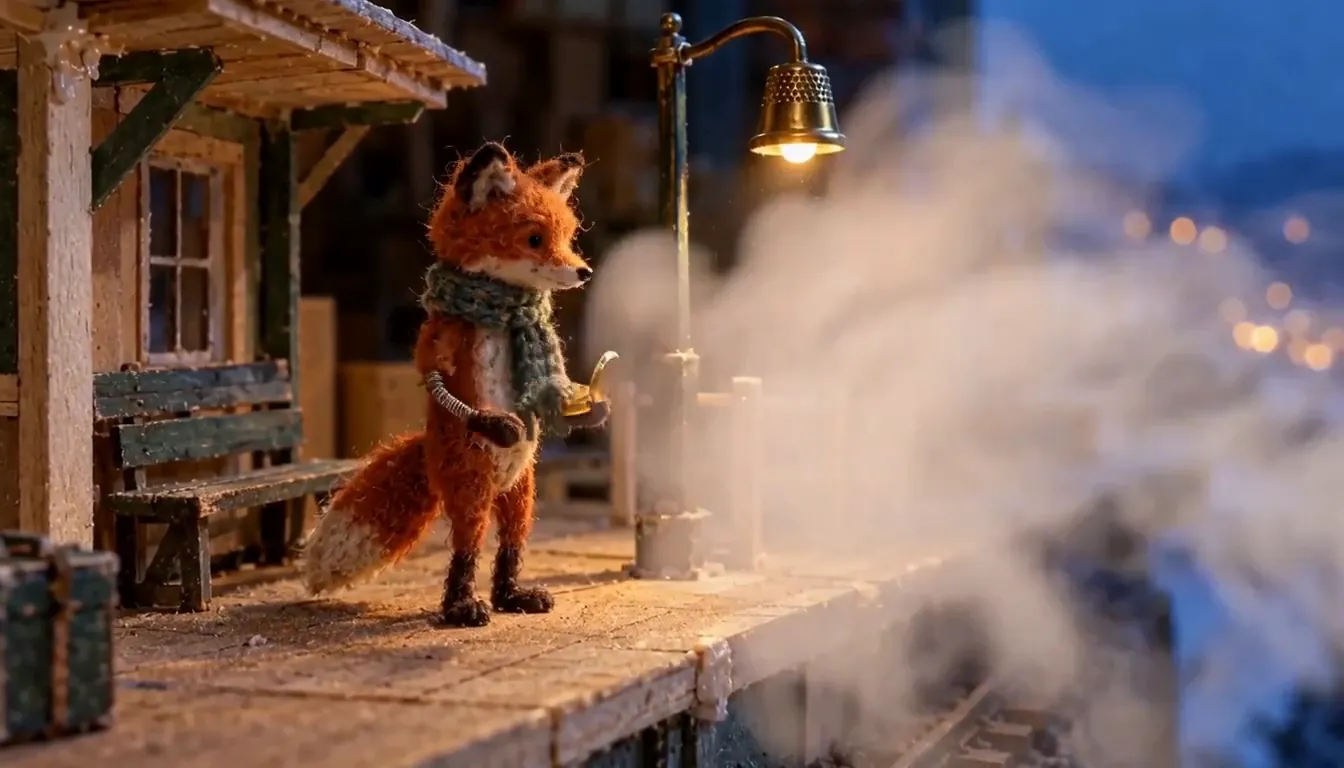
One start frame and one prompt, from fal’s Seedance 2.5 vs MiniMax H3 test, run for 10 seconds with sound on each model. Watch how each handles the steam and the camera. None of the four gave the stepped, twelve-frames-per-second puppet motion the prompt asks for.
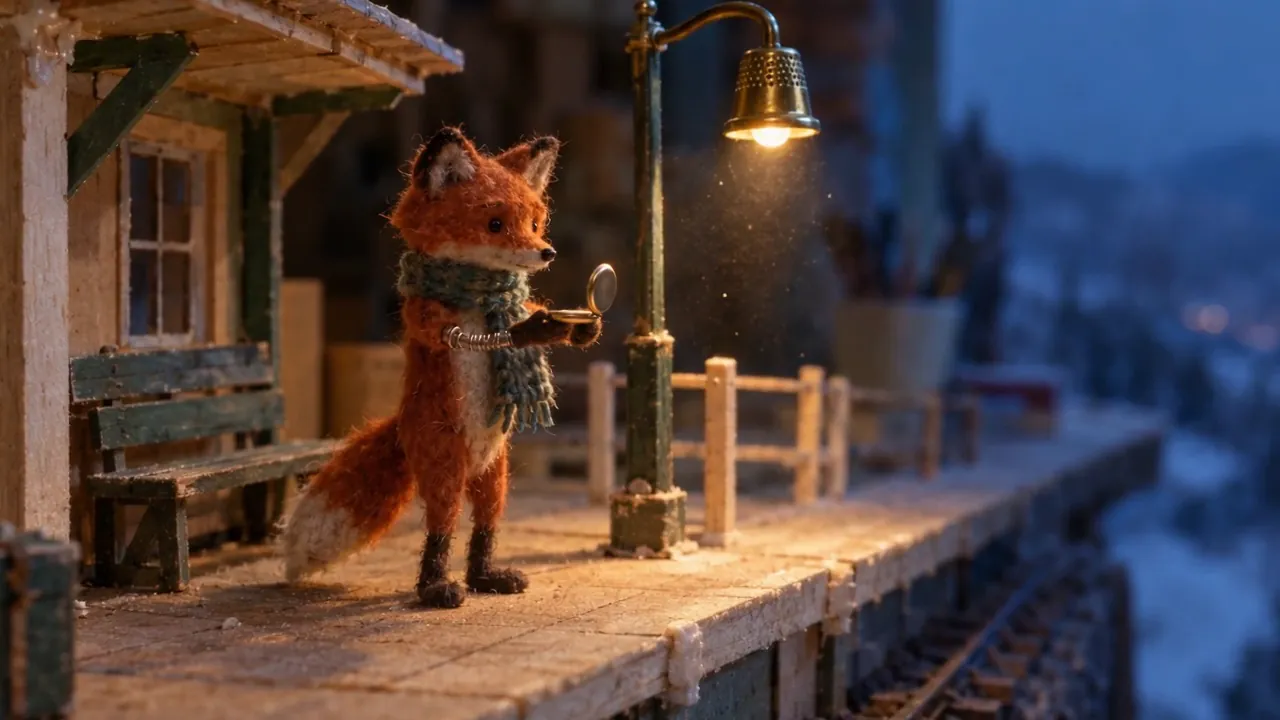
The start frame, the same for every model · input image made with GPT Image 2.5
The same prompt and settings for each model:
“The fox turns his head down the track, raises one arm to check a pocket watch, lowers it. Steam drifts across from the right and covers him for roughly a second. He emerges in the pose he went in with, standing where he was standing, scarf hanging as it hung. The lamp flickers once. Slow push toward the platform. Throughout: twelve frames per second, stepped, no motion blur on the puppet, felt fibers readable, wire visible at the wrist, glue still on the balsa. The image must not resolve toward smooth CG or live action at any point. Sound: low hall reverb, the watch lid, steam venting, a station bell some distance off. Nothing scored.”
Keeps the wide shot. The fox lifts the watch between 2 and 5 seconds, steam covers the whole frame at about 6 seconds, and he comes back out in the same pose, as the prompt asks. A slight push in at the end.
Lifts the watch and keeps holding it. The steam only covers part of him, and the camera pushes in to a medium shot: the biggest push of the four, and the loudest sound.
The fastest motion, with the watch up in the first 1 to 3 seconds. The steam almost hides him before he comes back, and the lights behind him get brighter.
Image to video examples, with prompts
Each sample comes with its exact prompt, settings and price. Use any of them in the generator above as is, or edit it first.
made on Dreamina, input image made with GPT Image 2.5
Seedance 2.5
A painting that stays a painting
Every frame keeps the gouache brushwork and paper grain while the cable car climbs and the lantern warms. The cloud covers the car for about 3 seconds instead of the 1 the prompt asks for, as it did in fal’s own Seedance 2.5 run.
Image to video
720p
10 s
sound
9:16
“The cable car sways and climbs slowly toward the top of frame. Cloud crosses the span from the right and hides the car completely for about a second, then the car comes back out on the same line, at the same speed, with the same sway. The lantern on the balcony swings and its light warms as the ambient light drops. The camera tilts up a few degrees to follow the climb. Every frame stays a gouache painting on rough paper: hold the brush texture, the dry-brush rock edges and the paper grain, and never let the image resolve toward photography. Audio: wind across the cable, the steel cable ticking through the sheave, one distant bell from the teahouse. No music.”
Tip: Say what must not change: “hold the brush texture … never let the image resolve toward photography.”
595 credits
made on Dreamina, input image made with GPT Image 2
Seedance 2.5
Your product photo, turning
With the product image as the first frame, the shape, holes and jam stay exactly as in the photo while it turns. Text alone gave a different cookie.
Image to video
720p
5 s
sound
1:1
“A strawberry sandwich cookie slowly completes one full rotation while the camera moves smoothly around it and keeps the product centered.”
Tip: ByteDance’s guide suggests an input no larger than the output (720p); sharper inputs can add texture on dense surfaces.
300 credits
made on Kling AI, input image made with GPT Image 2.5
Kling 4.0
A photo of a person, step by step
Glasses off, lenses wiped, a book from the shelf, glasses back on, a smile: every step in order, and he and his glasses stay as they are in the photo. The prompt is from Fuser’s Kling 4.0 vs Kling 3.0 test; the start image is our own.
Image to video
1080p
8 s
sound
16:9
“He takes off his round tortoiseshell glasses and wipes the lenses on his rust sweater, then turns away to the shelf on the right and pulls out a faded green book. He turns back to the camera, puts the glasses back on, opens the book and looks up with a broad smile. The camera holds a steady medium shot with a slight drift. Sound: quiet shop room tone, the book sliding from the shelf, pages turning.”
Tip: Describe what moves and in what order, not the picture.
380 credits
made on Wan, input image made with GPT Image 2.5
Wan 3.0
A portrait that speaks
She turns to the camera and says her line while people with umbrellas pass behind her. In Fuser’s test of this prompt, Seedance 2.5 refused the photo as a possible real person; Wan 3.0 animated it.
Image to video
720p
5 s
sound
16:9
“Handheld shot on a rainy night market street. The woman with the bicycle turns her head to the camera and says: ‘I know a better place for noodles.’ Rain keeps falling, people with umbrellas walk past behind her, and neon signs reflect on the wet road. Audio: steady rain, distant street chatter, and her voice.”
Tip: Only animate photos of yourself or of people who agreed to it.
100 credits
input image made with GPT Image 2.5
Wan 3.0
A landscape time-lapse with a voiceover
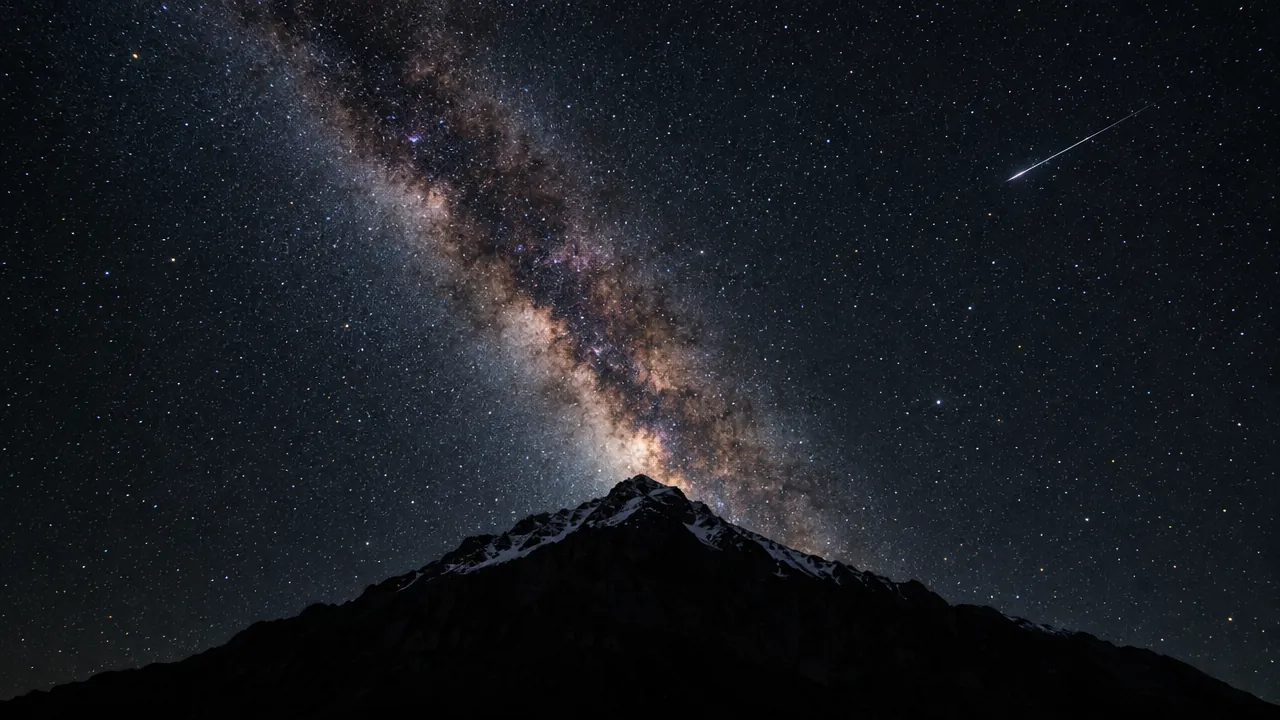
The stars hold for the first four seconds, then the horizon turns orange and the sky ends in a pink dawn as the Milky Way fades, with a spoken voiceover. The prompt is from ByteDance’s Seedance 2.0 guide, without its last line, which asked for burned-in text.
Image to video
720p
10 s
sound
16:9
“I2V: A time-lapse of a mountain landscape transitioning from a vast, starry night to a vibrant dawn. Voiceover: A deep, serene male voice says: 'In the vast silence of the cosmos, our world is but a fleeting moment. Yet, within it, life defiantly thrives.'”
Tip: Name the change over time (“from a starry night to a vibrant dawn”); the image only sets where it starts.
200 credits
input image made with GPT Image 2.5
MiniMax H3
A focus pull at 2K
One instruction, written like a photo edit, moves the focus from the bowl to the family behind it and adds steam. The prompt is MiniMax’s own image to video example.
Image to video
2K
10 s
sound
16:9
“Pull focus to the people in the background and add more steam to the ramen bowl.”
Tip: Images with a clear foreground and background give a focus pull something to move between.
260 credits
input image made with GPT Image 2.5
MiniMax H3
A still that barely moves
On H3 Max Turbo, the cheapest option here, the motion is very subtle, which is what the prompt’s last words, “Extremely slow, quiet motion”, ask for.
Image to video
768p
5 s
sound
16:9
“Two heavy draft horses stand together in a shallow flooded pasture at dusk — a chestnut with a long flaxen-copper mane, head lowered and turned inward, resting against the shoulder of a dark dapple-grey with black feathered legs. Ankle-deep still water mirrors them almost perfectly. Golden-hour side light, pale peach and dove-grey sky, bare winter trees and a red-roofed barn far in the background with small grazing horses. Extremely slow, quiet motion”
Tip: If you want more movement, make it the main action and say how big it is.
40 credits
made on Dreamina, input image made with GPT Image 2
Seedance 2.5
An illustration brought to life
The first frame is a painting. The clip keeps the brushwork while she opens her eyes and looks at the camera and the fox nuzzles in. The prompt is word for word from ByteDance’s tutorial.
Image to video
720p
5 s
sound
4:3
“A girl holds a fox. She opens her eyes and looks gently at the camera while the fox hugs her. The camera slowly pulls back, the wind blows through the girl's hair, and the sound of the wind can be heard.”
Tip: One action and one camera move per clip.
300 credits
How to write an image to video prompt
What to put in the prompt, in the order the models read it best.
Describe the motion, not the picture
The image sets the subject, place, light and style. Spend the prompt on what changes: who moves, how, and in what order.
“He takes off his round glasses, wipes the lenses on his sweater, then puts them back on and looks up.”
One camera move, with its speed
Pick a single move, such as a slow push in, an orbit to the left or a static shot. ByteDance’s guide warns that stacking several moves in one shot makes it unstable.
“Slow push toward the platform.”
Say what must stay the same
Video models tend to turn paintings into photos and props into new ones. Name what must hold: the style, the product’s shape, the label, the pose at the end.
“Every frame stays a gouache painting on rough paper: hold the brush texture and the paper grain.”
Write order and timing
If one thing must happen before another, say so. In Fuser’s Wan 3.0 test, the candle caught while the sun patch was still on the wall; its advice is to write “first … only then …”.
“First the candle catches, only then the sun patch fades from the wall.”
Keep the motion believable for the length
A 5-second clip fits one action. Fast, large moves are where every model warps hands and objects, so slow them down or split them into clips.
Direct the sound
Write the ambience, effects and any spoken line in quotes. End with “No background music” if you don’t want a score; otherwise the model picks one.
“Audio: wind across the cable, one distant bell. No music.”
Rules for the image you upload
File: JPG, PNG or WebP, up to 10 MB. Crop it to the aspect ratio you want first.
Size: around the output resolution is enough. ByteDance’s guide suggests an input no larger than the output for Seedance 2.5, since a much sharper input can add fingerprint-like texture on dense surfaces.
People: upload only photos of yourself or of people who agreed to it, never of public figures, and nothing sexual involving a real person. Seedance 2.5 refuses photos with real faces; the other three animated photoreal portraits in independent tests.
Rights: you confirm before your first upload that you own the image or have permission to use it. Every upload and every result is checked against our Acceptable Use Policy.
Which image to video model should you use?
Seedance 2.5 keeps a style best. It held the gouache texture of our painting and the pose the fox prompt asked for, with a quiet, film-like sound mix. It is the most expensive per second, and it refuses photos of real people.
Kling 4.0 keeps the person and the props from your first frame: Fuser measured its first frame as matching the input “almost to the pixel”, and it carried out our bookshop prompt step by step. It makes the biggest camera moves and the loudest sound, and runs up to 30 seconds (Fuser).
Wan 3.0 animates photos of people that Seedance refuses, runs up to 30 seconds and costs less per second. It sides with the image when the prompt asks for something the picture doesn’t support (Atlas Cloud).
MiniMax H3 is the cheapest way to try motion on an image (H3 Max Turbo) and the only one here with 2K (the official H3). It moves fastest of the four in our fox test and brightened the lights in the scene.
Image to video or text to video?
Use image to video when the clip must match something you have: your product, a character, a painting, a photo. Use text to video when you are starting from an idea. If you need a picture that doesn’t exist yet, make it with the AI image generator or the AI product photo generator, then animate it here; most start frames on this page were made that way.
How we made the samples on this page
Every sample shows its start image, prompt, model and settings, and its price on zzo.ai today. The prompts come from published tests and the makers’ guides, credited on each card, and the comparison above uses one image and one prompt on all four models. Some clips were made on the model maker’s own app with the same model, prompt and settings, and are marked as such. None of the clips are edited, and where a clip missed part of the prompt, the card says so.
When a result goes wrong
The usual problems, why they happen and what to change.
The image is refused as a real person
Why: Seedance 2.5 doesn’t accept photos with real human faces.
Fix: Use Kling 4.0, Wan 3.0 or MiniMax H3 with a photo you have consent for, or an illustrated or AI-made character. The credits for the refused run come back automatically.
The video ignores part of the prompt
Why: When the image and the prompt disagree, the image usually wins: testers saw Wan 3.0 turn indoor rain into “a lighting change and a token splash”.
Fix: Ask for motion the picture allows, or change the picture first with the AI photo editor.
The edges or the frame look wrong
Why: The clip follows the image’s shape. MiniMax H3 turned a 9:16 still into a 4:7 clip in one test.
Fix: Crop the image to the aspect ratio you want before uploading, with the subject away from the edges.
The face or product changes during the clip
Why: Large turns and fast moves make the model invent what the photo doesn’t show.
Fix: Keep the subject facing roughly the same way, slow the motion, and say what must not change.
The painting turns into a photo
Why: Video models are trained mostly on footage, so they drift toward a photo look.
Fix: Name the medium and its texture in the prompt and ask the model to keep it in every frame.
The clip was refused or failed
Why: The model’s filter or our policy check blocked the image, the prompt or the result, or the model timed out.
Fix: Nothing is charged: the credits come back automatically. Check the Acceptable Use Policy and try a different image or wording.
Questions
Updated 2026-10-30
What is the best image to video AI model right now?
On the Artificial Analysis image to video leaderboard, built from blind side-by-side votes, Seedance 2.5 is first, MiniMax H3 is close behind and Wan 3.0 is in the top ten (the ranks and the date we checked them are at the top of this page). Kling 4.0 is not ranked yet. Compare all four on one image in the section above.
What image works best?
A sharp JPG, PNG or WebP of up to 10 MB, with a clear subject and the same shape as the video you want. The first frame of the clip is your image, so its composition, light and colours carry through. Collages and screenshots with small text animate poorly.
Can I animate a photo of a person?
Only a photo of yourself or of someone who has agreed to it, never of public figures. Seedance 2.5 refuses photos that look like real people; in independent tests Kling 4.0, Wan 3.0 and MiniMax H3 animated photoreal portraits it refused. Illustrated and AI-made characters work on every model.
Can I animate old family photos?
Yes, if you have the consent of the people in them or they are your own family photos you have the right to use. Use Kling 4.0, Wan 3.0 or MiniMax H3, and keep the motion small, such as a smile or a turn of the head, so faces stay true to the photo.
Can I turn a product photo into a video ad?
Yes. Upload a clean product shot and describe one slow move, such as a turn or a push in. The product keeps its shape from the photo much better than from text alone. For a better start frame, make it first with the AI product photo generator.
How much does it cost to animate a photo?
It depends on the model, length, resolution and sound. The table on this page lists the 5- and 10-second price for each model, and the generator shows the exact price before you start. There is no subscription.
How long can the video be?
Up to 30 seconds on Kling 4.0 and Wan 3.0, and up to 15 seconds on Seedance 2.5 and MiniMax H3. For more, make the next clip from the last frame of the previous one and join them in an editor.
Does the video have sound?
Yes, every model here makes sound with the picture. Write the sounds and any spoken line into the prompt. You can switch sound off on Seedance 2.5 and Wan 3.0.
Can I choose the aspect ratio?
The clip follows the shape of your image, so crop the image first: 9:16 for TikTok, Reels and Shorts, 16:9 for YouTube, 1:1 for feeds.
Why doesn’t my video look like my photo?
Big moves force the model to invent what the photo doesn’t show. Ask for smaller, slower motion, keep the subject facing the same way, and say what must stay the same.
What happens if a generation fails or is rejected?
The credits for that clip go back to your balance automatically, whether the model failed, timed out or refused the image, or the result was blocked by our policy check.
Can I use the videos commercially?
Yes, if you have the rights to the image you uploaded and the result follows our terms. The videos you generate are yours to use.
Do I need a subscription?
No. You buy a one-time credit pack and spend it on any model, on the website or through the API. Credits never expire.