Upload one photo and get it back as a transparent PNG, or on a background color of your choice as a JPG. 2 credits ($0.02) per image, with no subscription and credits that never expire.
The subject is cut out, not redrawn, and the result keeps your photo’s pixel size: in our test, a 4032 × 3024 phone photo came back at 4032 × 3024. Any image you made on zzo.ai can go straight in, with the Remove background button under it.
Upload a photo. No prompt needed.
Image to edit
OriginalBackground removed
Drag to compare the original and the edit
Results from this tool
Every result ran once through this tool and is shown unedited. Hold or hover the small original to compare; open one to see it full size.
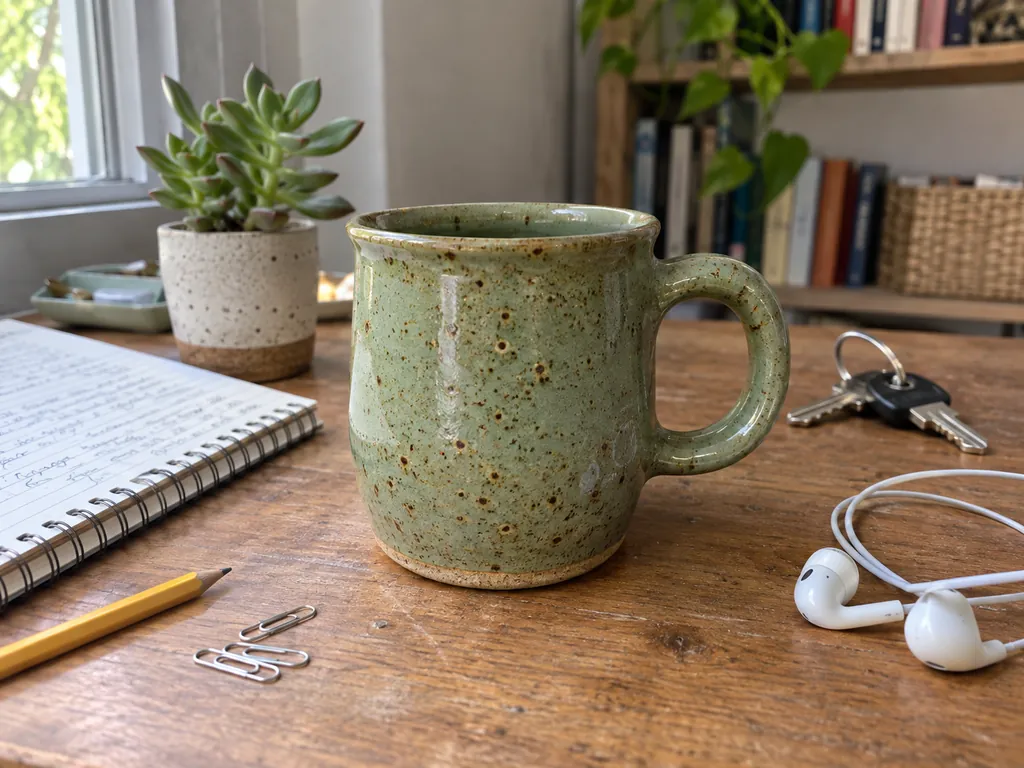
Mug on a cluttered deskBackground Remover, transparent PNG, 2 credits, input image made with AI (fictional)
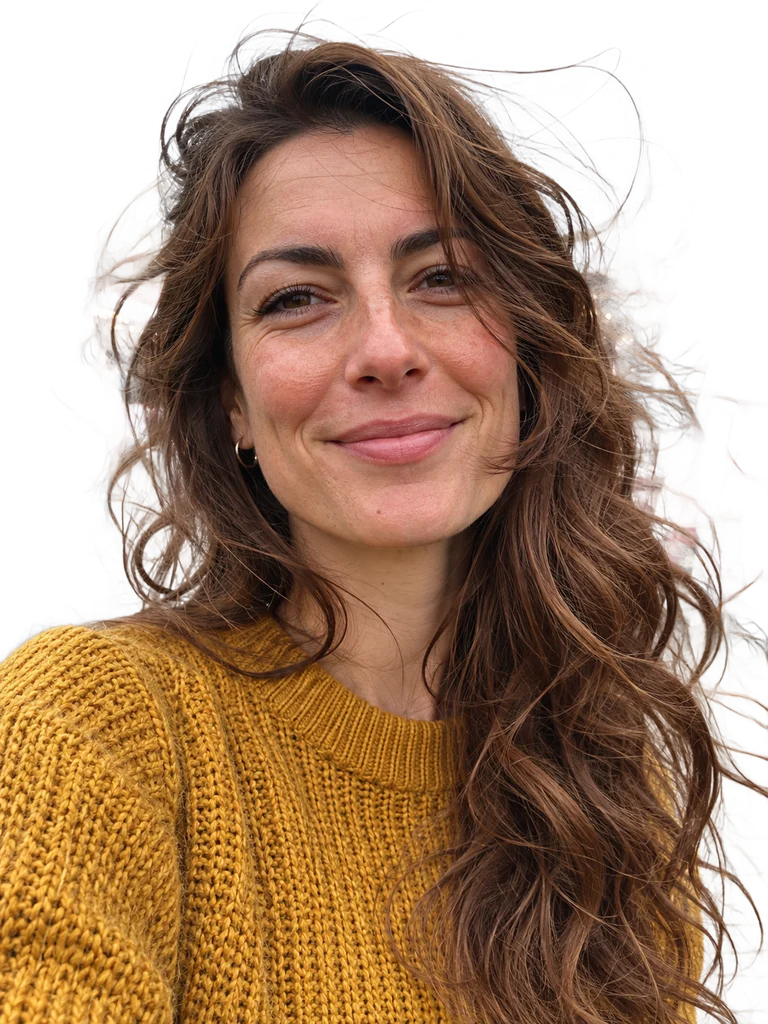
Windblown hairBackground Remover, transparent PNG, 2 credits, input image made with AI (fictional)
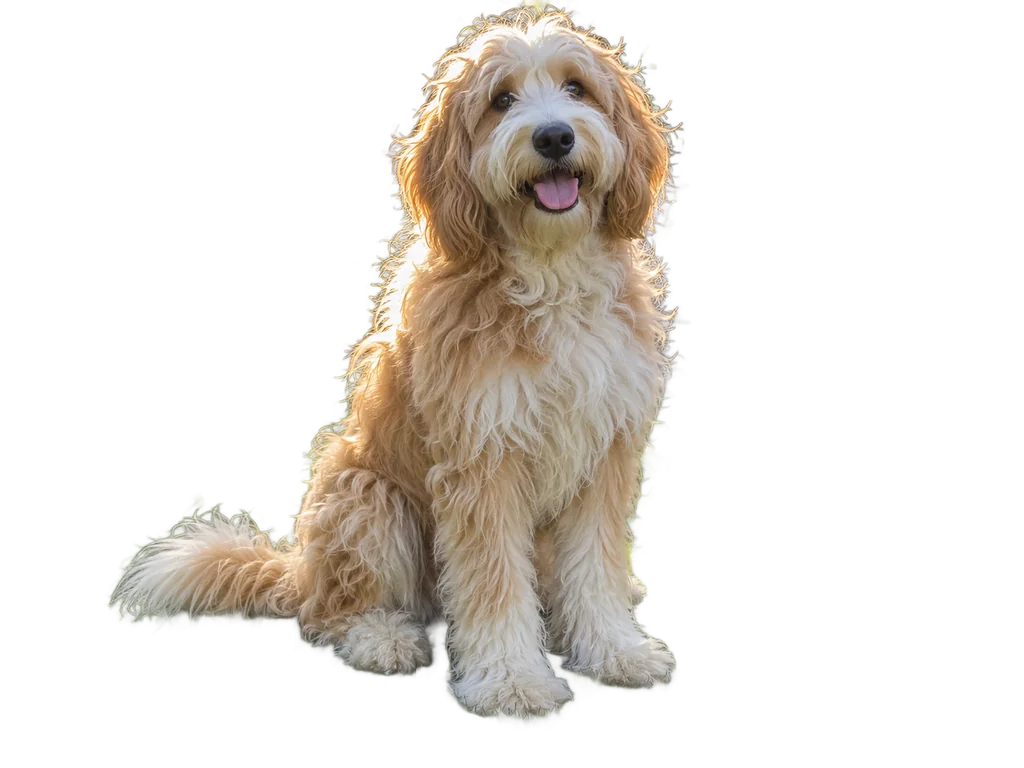
Long-haired dogBackground Remover, transparent PNG, 2 credits, input image made with AI (fictional)
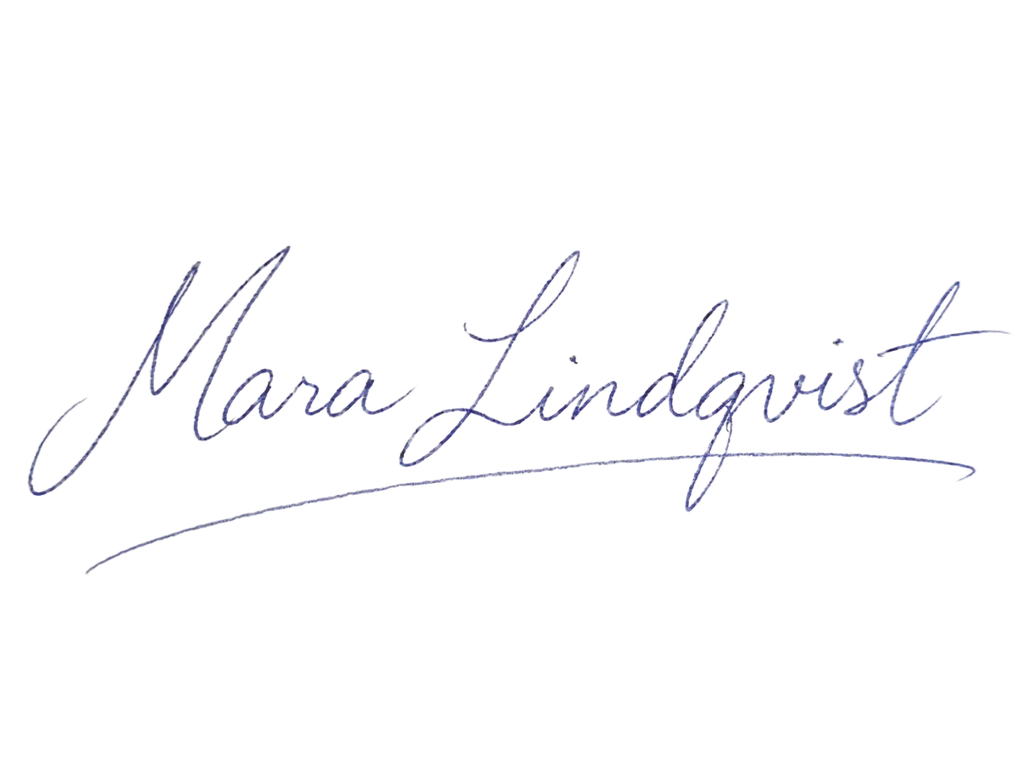
Handwritten signatureBackground Remover, transparent PNG, 2 credits, input image made with AI (fictional)
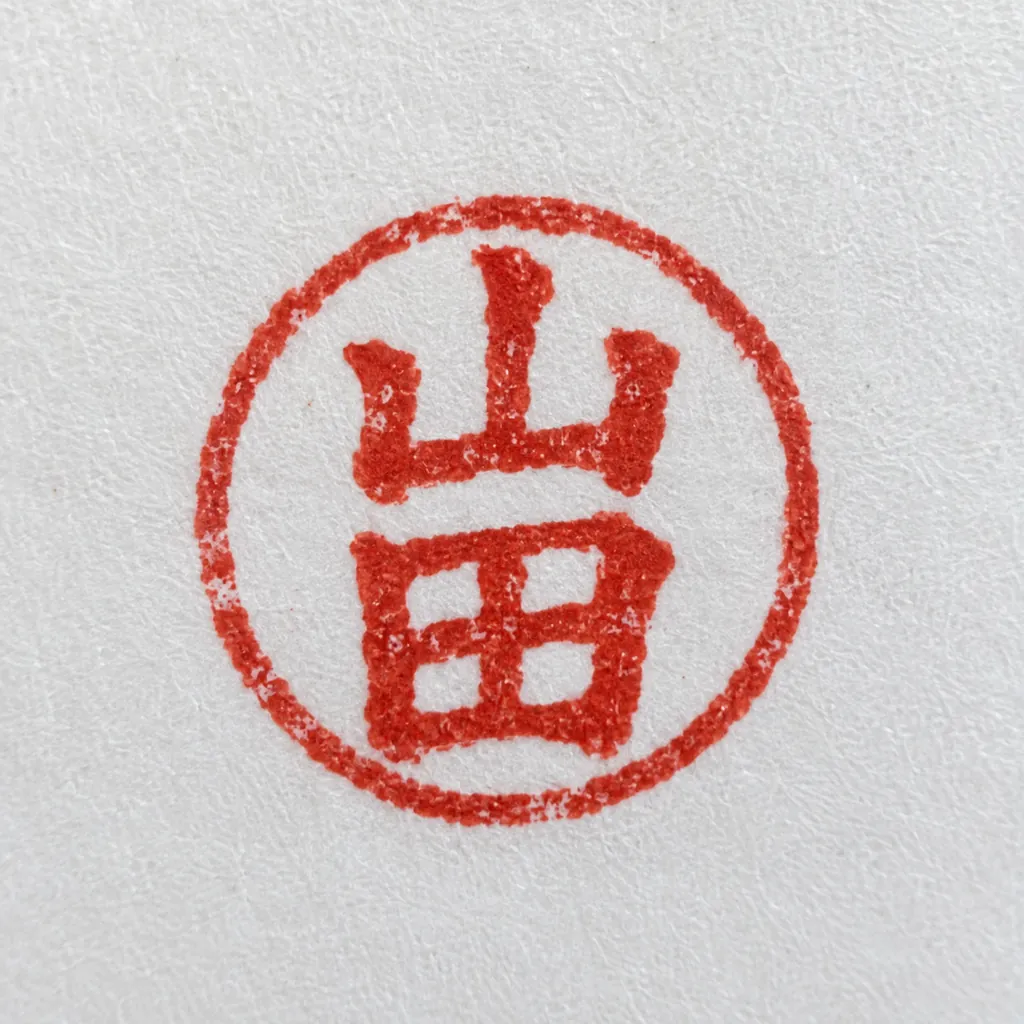
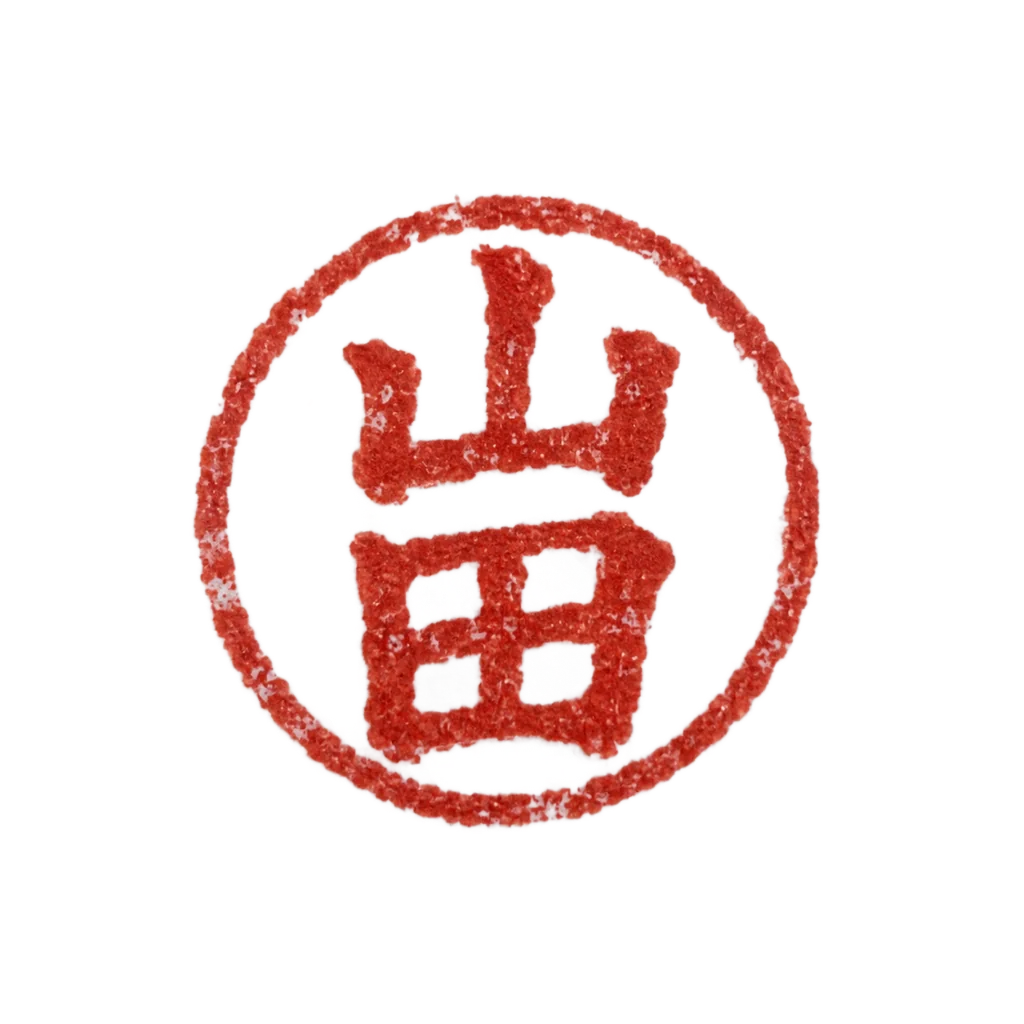
Hanko sealBackground Remover, transparent PNG, 2 credits, input image made with AI (fictional)
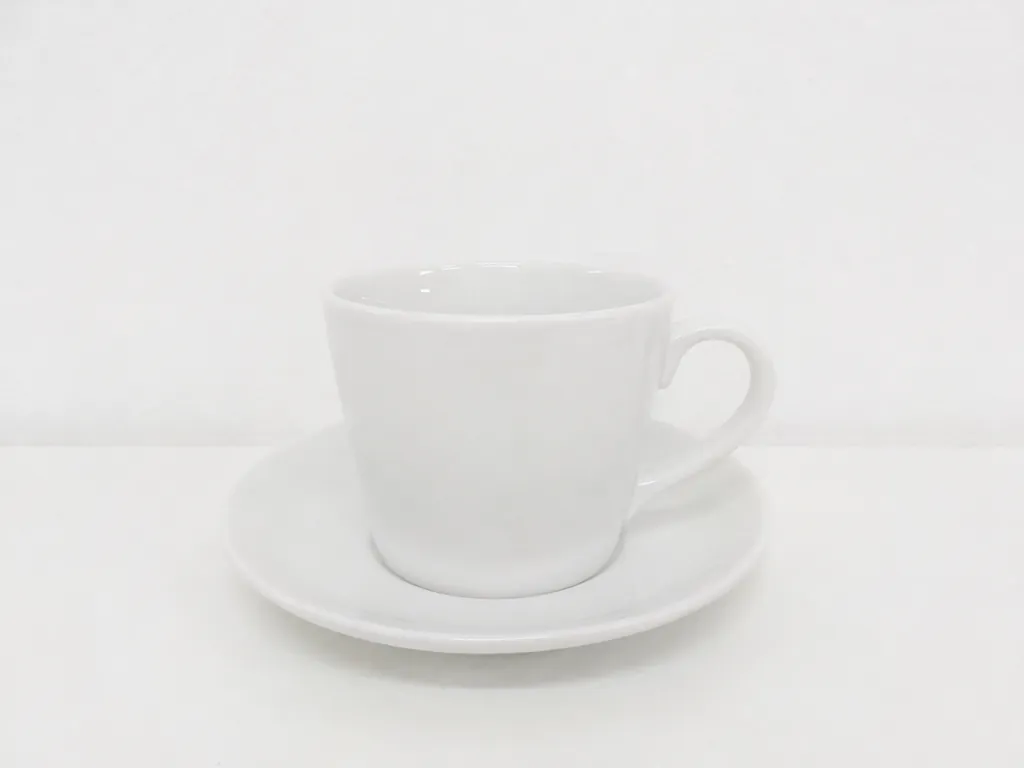
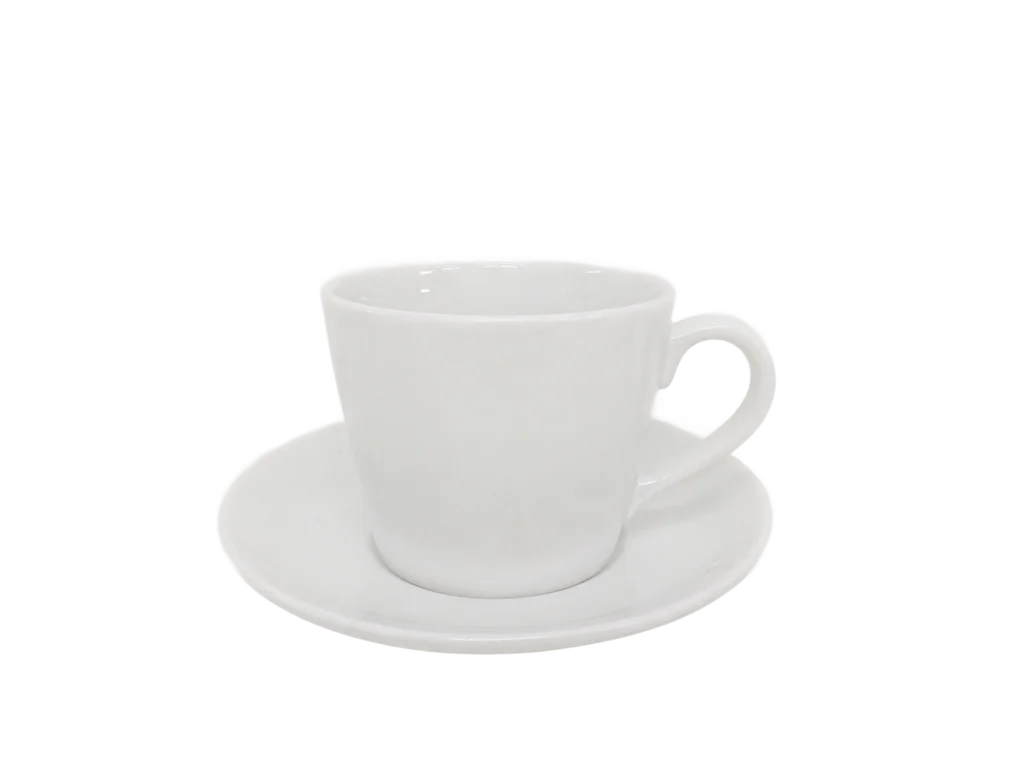
White cup on whiteBackground Remover, transparent PNG, 2 credits, input image made with AI (fictional)
Image made on zzo.aiBackground Remover, transparent PNG, 2 credits, input image made with GPT Image 2.5
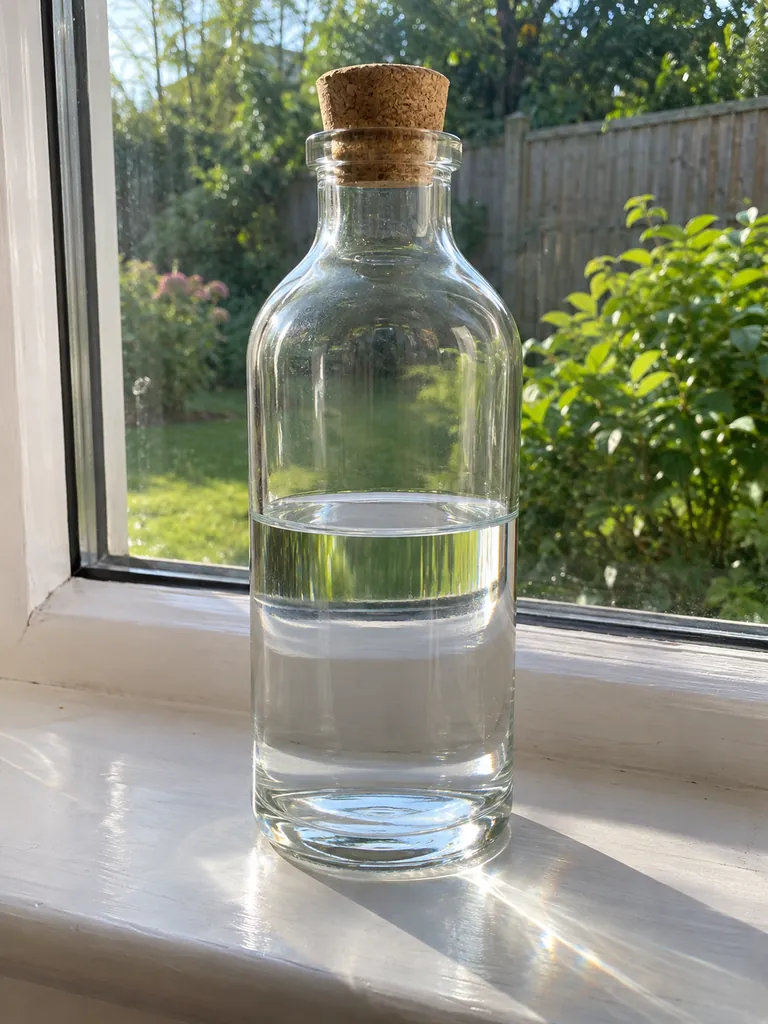
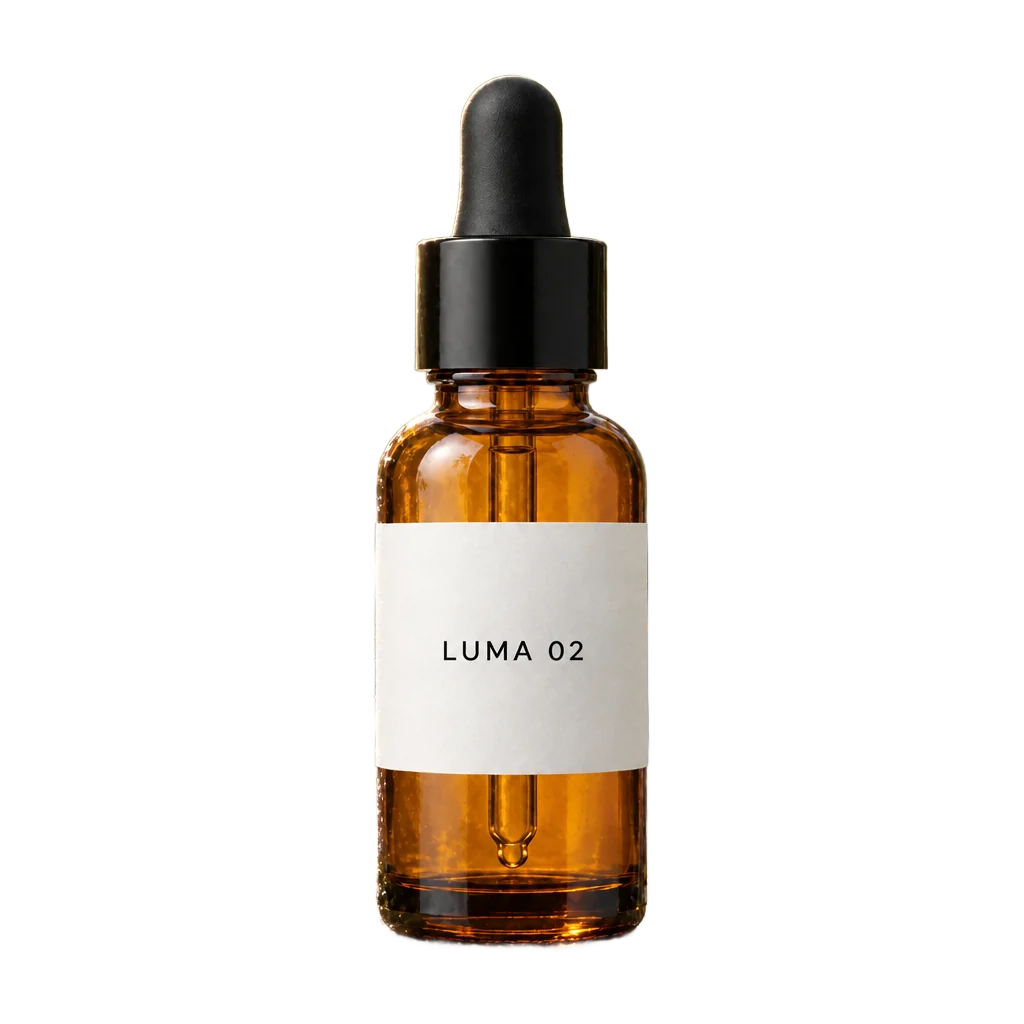
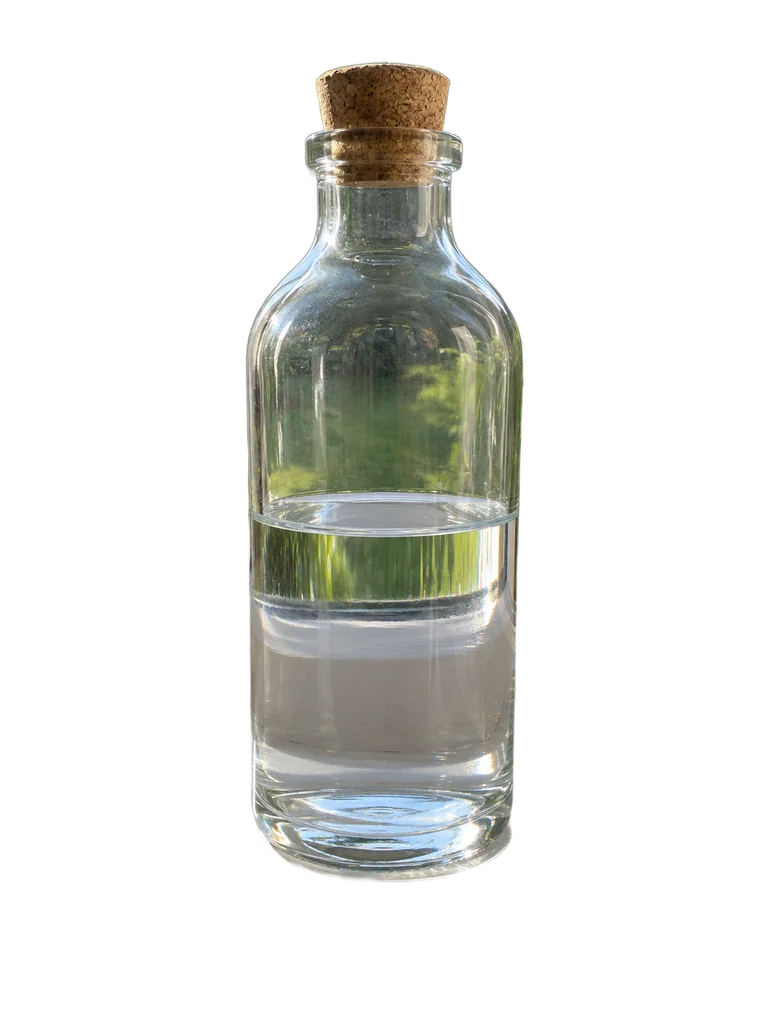
Clear glass bottleBackground Remover, transparent PNG, 2 credits, input image made with AI (fictional)
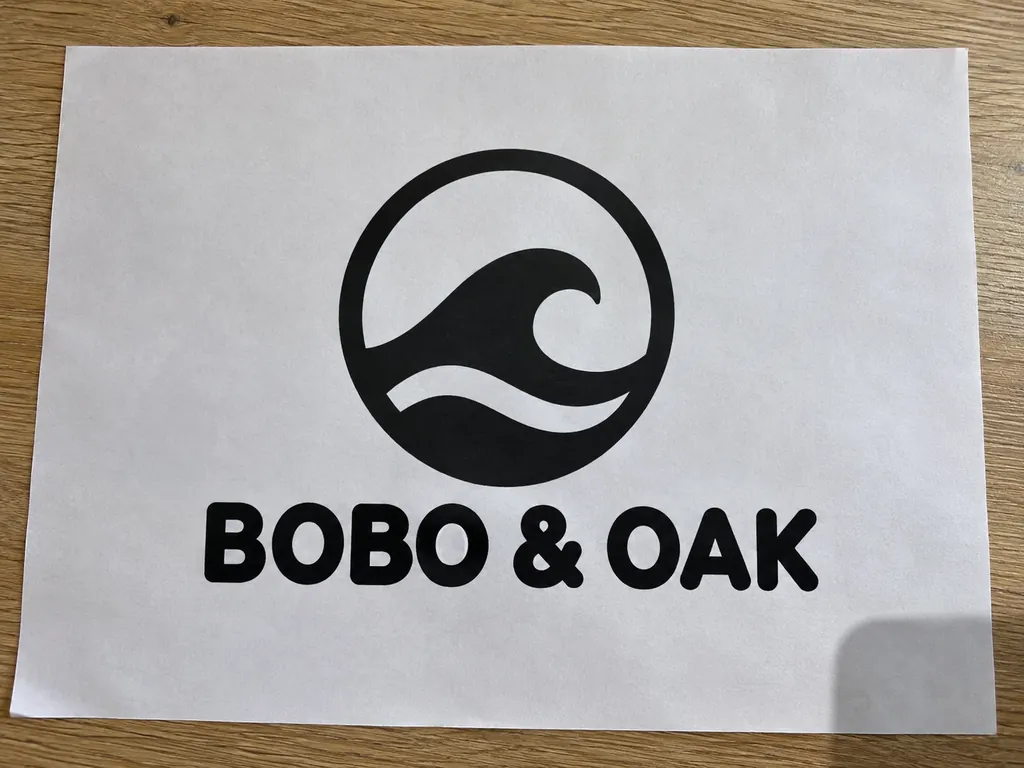
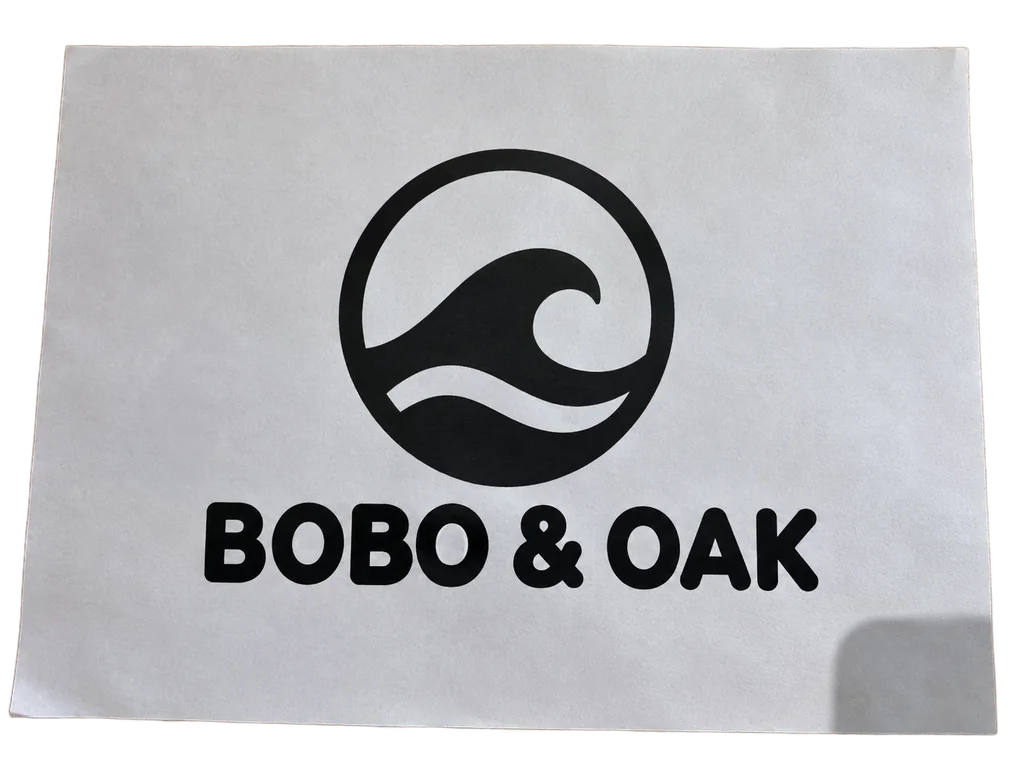
Logo printed on paperBackground Remover, transparent PNG, 2 credits, input image made with AI (fictional)
How to remove a background in 3 steps
1
Upload your photo
One JPG, PNG or WebP up to 10 MB. There is no prompt to write: the tool finds the main subject on its own.
2
Press Generate
The button shows the price before you spend anything. If the run fails, the credits come back automatically.
3
Download it transparent or on a color
Open the result and download the PNG with a transparent background, or pick white, a preset or any color and download a JPG. Changing the color costs nothing: it is added in your browser.
What you get
Result
A PNG with a transparent background (an alpha channel), or a JPG on white or any color you pick when you open the result. The color is added in your browser and costs nothing extra.
What happens to your photo
The background is removed and the subject is kept. The photo is cut out, not regenerated: no new details, faces or text are drawn in.
What you can upload
One JPG, PNG or WebP image per run, up to 10 MB. No prompt needed.
Size
The same pixel size as your upload. In our test on November 3, 2026, all 11 photos came back at their own size, including a 4032 × 3024 phone photo and a 4000 × 3000 image.
Time
About 10 to 25 seconds per image: 12 to 22 seconds in the same test, from sending the photo to the finished file.
Images you made here
Every image in your history has a Remove background button that loads it into the tool.
Price
2 credits per image ($0.02), no subscription; failed runs are refunded automatically
Cut out, not redrawn: Background Remover or GPT Image 2.5?
Both can give you a transparent PNG. They get there differently, and that decides which one to use.
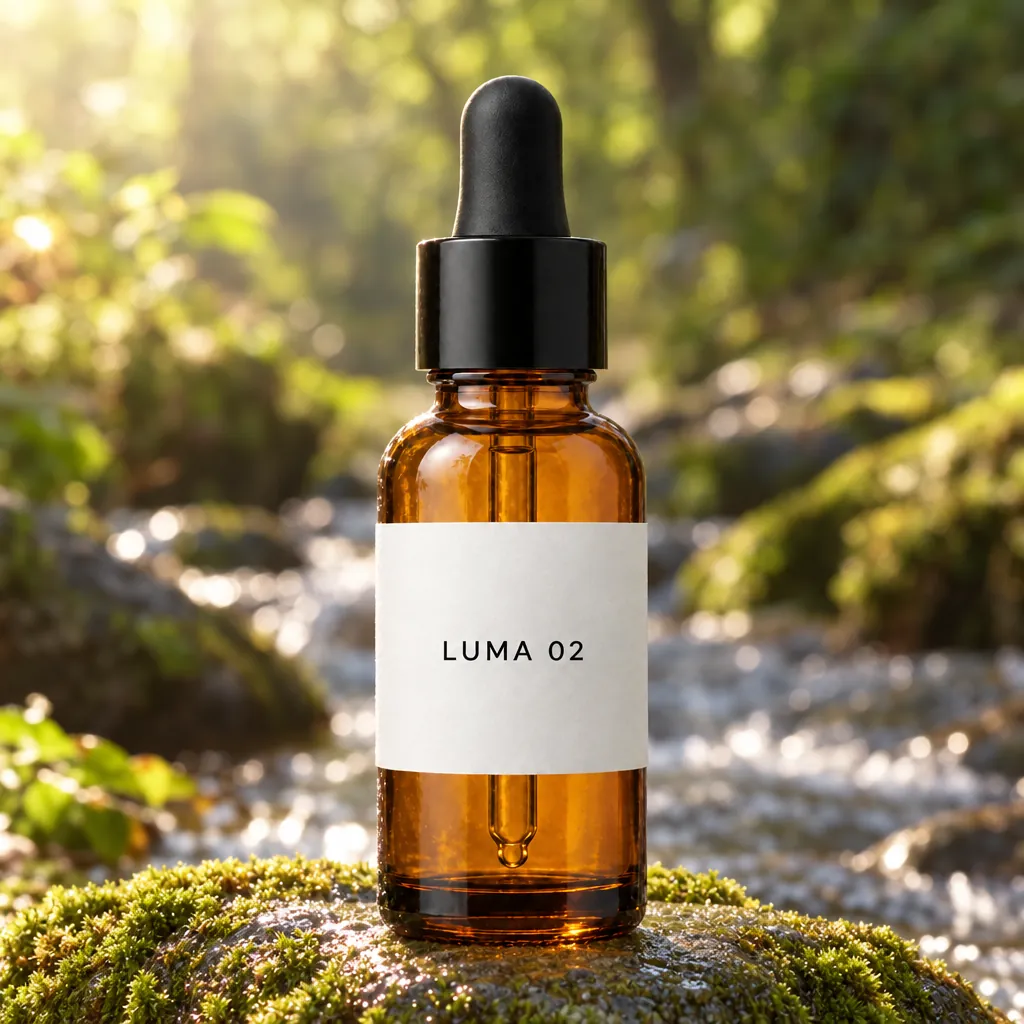
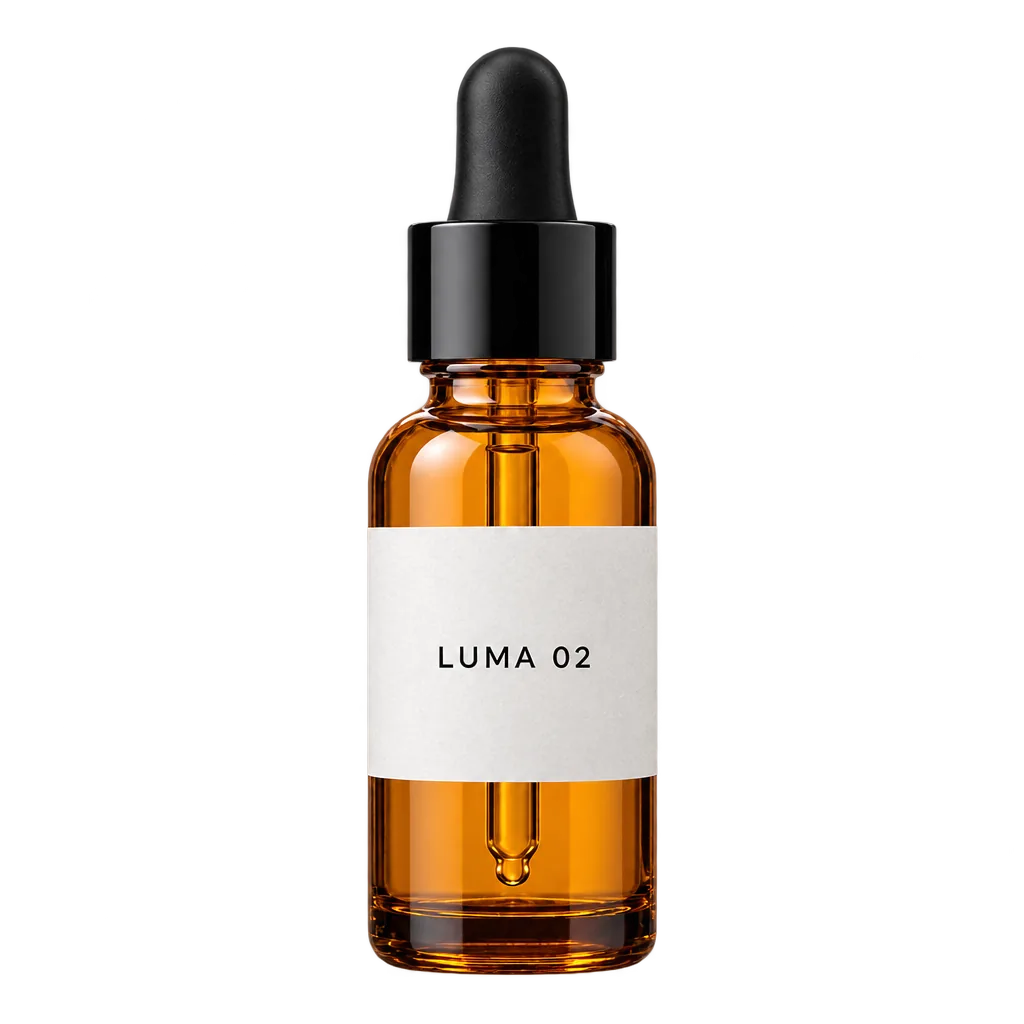
A newly generated bottle: the label and the dropper were kept, and the glass came out a little brighter. Uses a prompt and costs more.
“Extract the product from the input image and isolate it on a fully transparent background.
Output: centered product, crisp silhouette, no halos/fringing.
Preserve product geometry and label legibility exactly.
Add only light polishing. Do not add a solid backdrop, checkerboard, scenery, or shadow.
Do not restyle the product; remove the background and preserve clean alpha transparency.”
Before and after: 9 real results
Each one ran once through this tool on November 3, 2026 and is shown unedited. Drag the handle to compare; open one to see it full size. The inputs were made with AI (fictional people and brands), except the real photo, which is from Wikimedia Commons (CC0).
OriginalBackground removed
input image made with AI (fictional)
A product photo for a listing
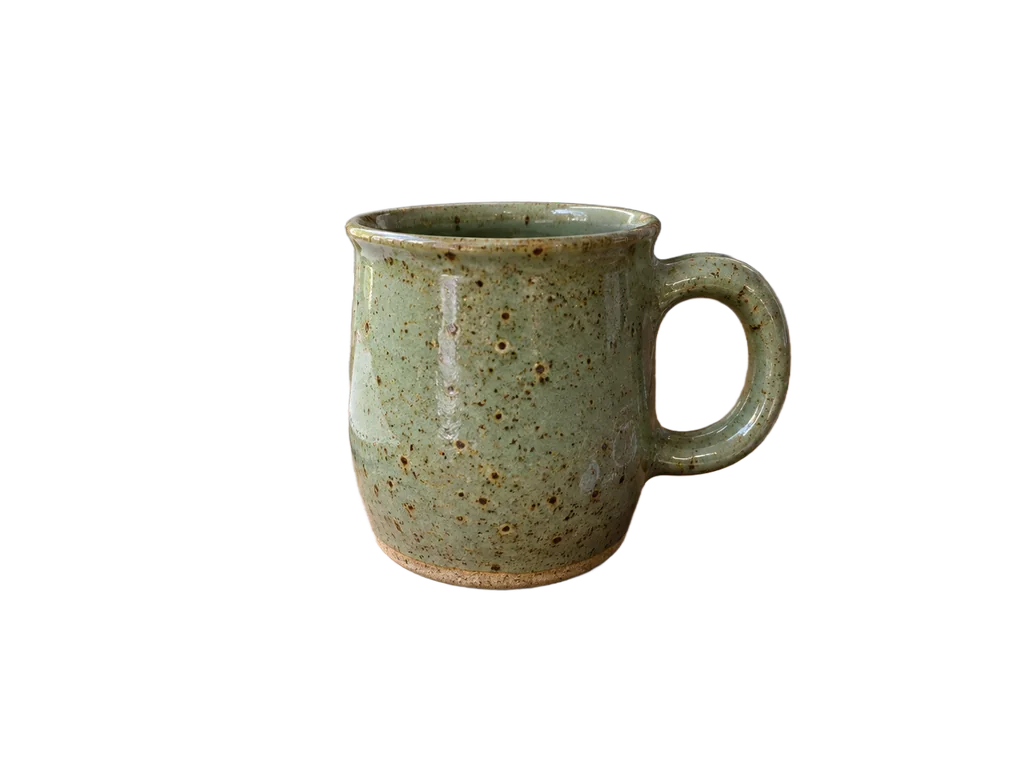
A phone photo on a cluttered desk. The mug, its handle and the gap inside the handle came out clean; the keys, earbuds and notebook are gone. 1448 × 1086 in and out.
Edit image
standard
Tip: Open the result and pick White to download it for Amazon.
2 credits
OriginalBackground removed
photo: Wikimedia Commons, CC0
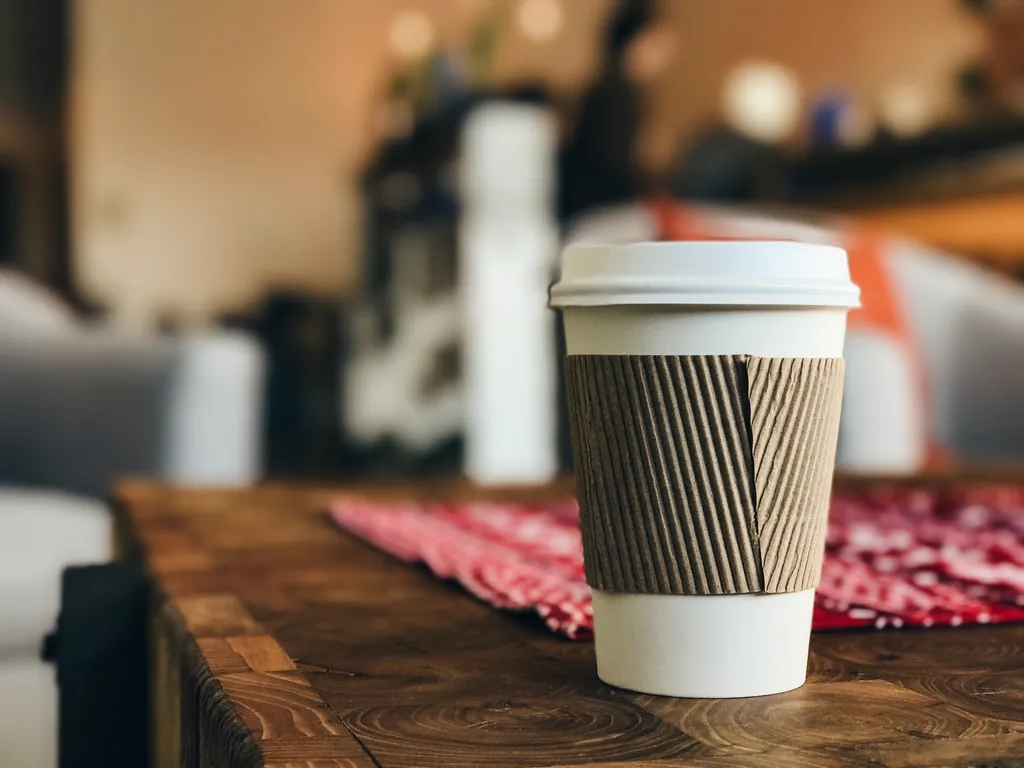
A real phone photo
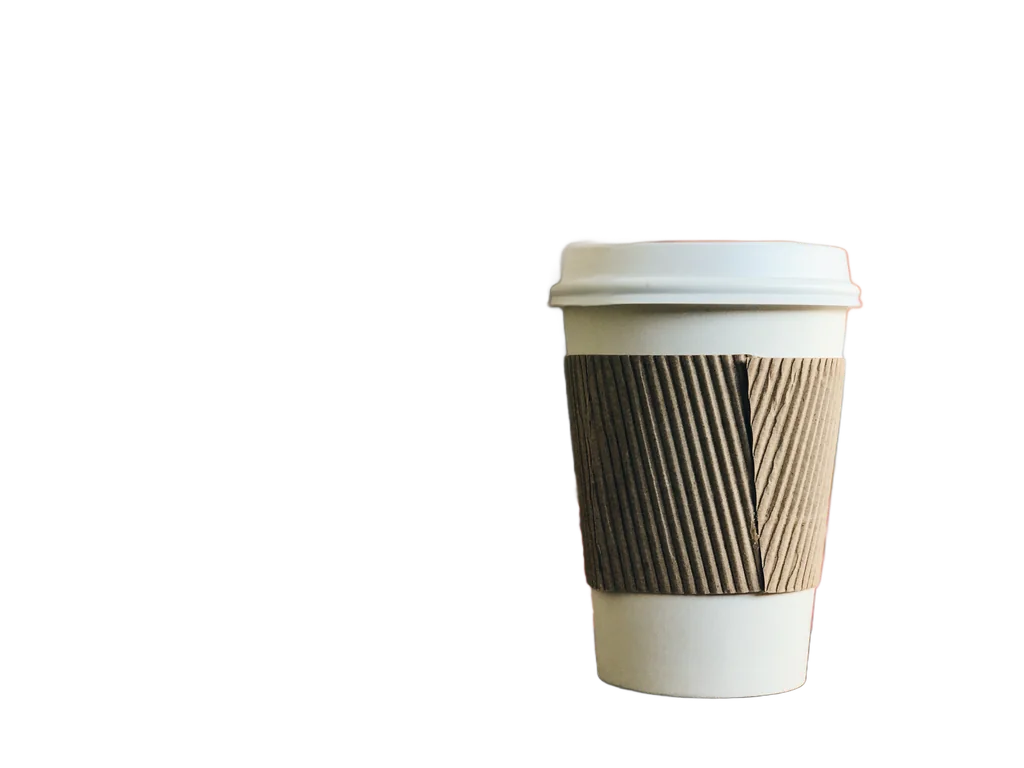
A 4032 × 3024 photo of a takeaway cup from Wikimedia Commons (CC0). It came back at the full 4032 × 3024, with the lid and the ridges of the sleeve intact.
Edit image
standard
2 credits
OriginalBackground removed
input image made with AI (fictional)
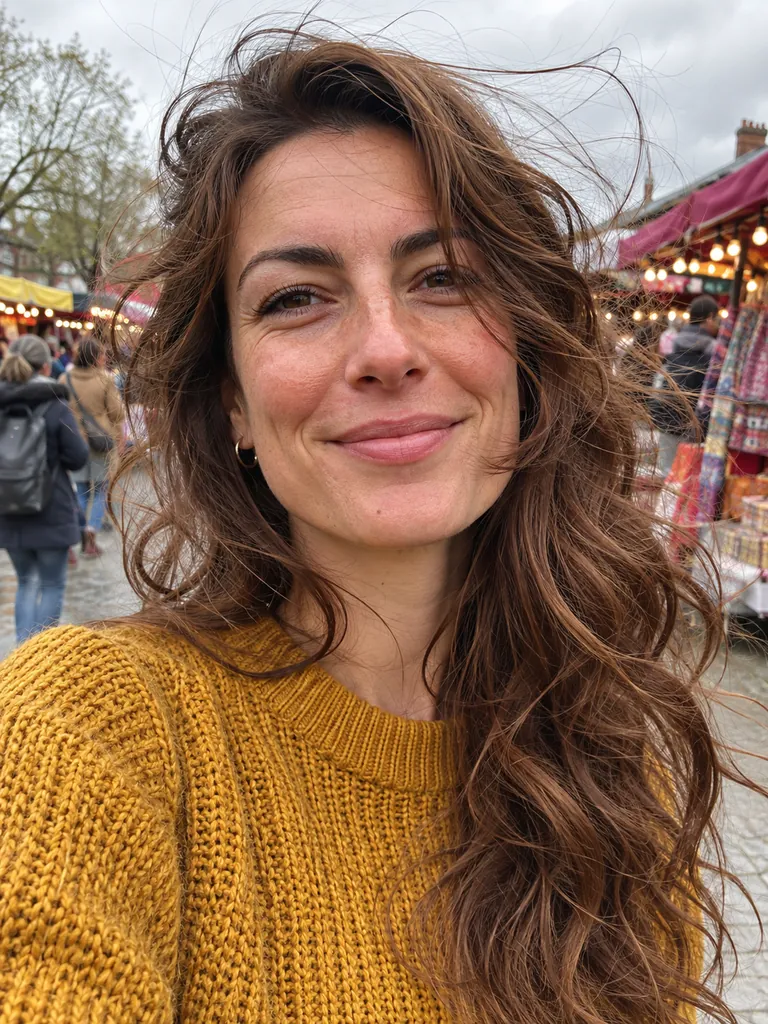
Windblown hair
Loose strands against a busy market. Most flyaway strands were kept; the finest ones fade out at the tips.
Edit image
standard
Tip: Check hair at 100% zoom before you use the image.
2 credits
OriginalBackground removed
input image made with AI (fictional)
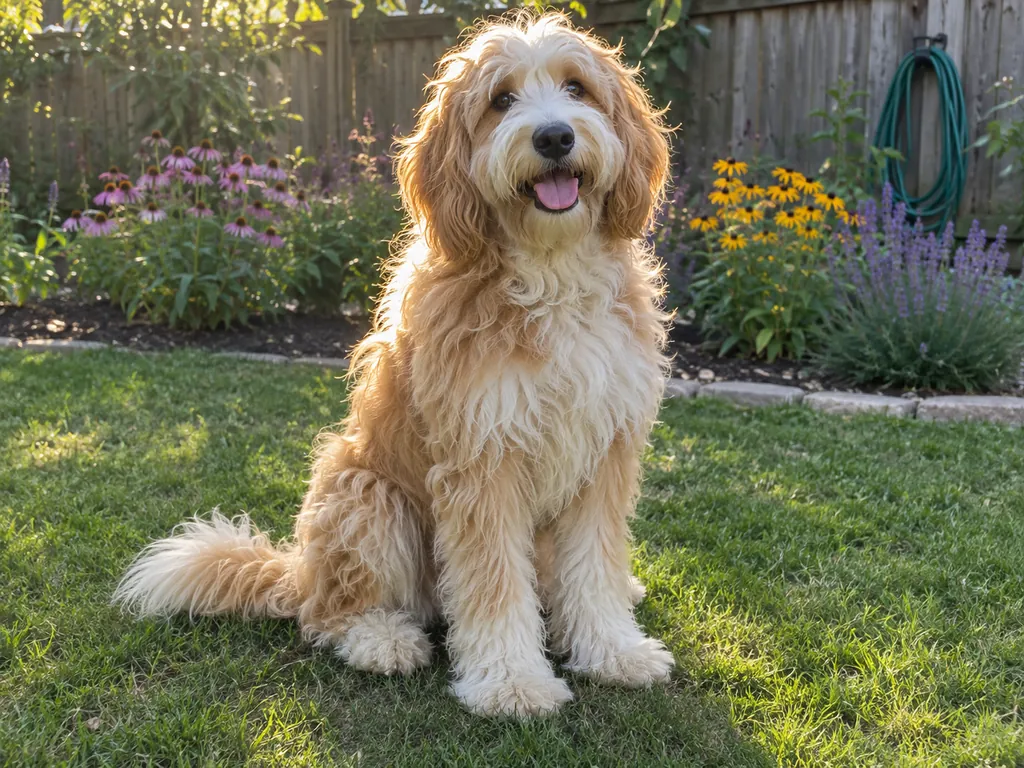
A long-haired dog
Backlit fur in front of a garden. The outline of the fur is kept; on a dark color, a little light from the lawn shows along the edges.
Edit image
standard
2 credits
OriginalBackground removed
input image made with AI (fictional)
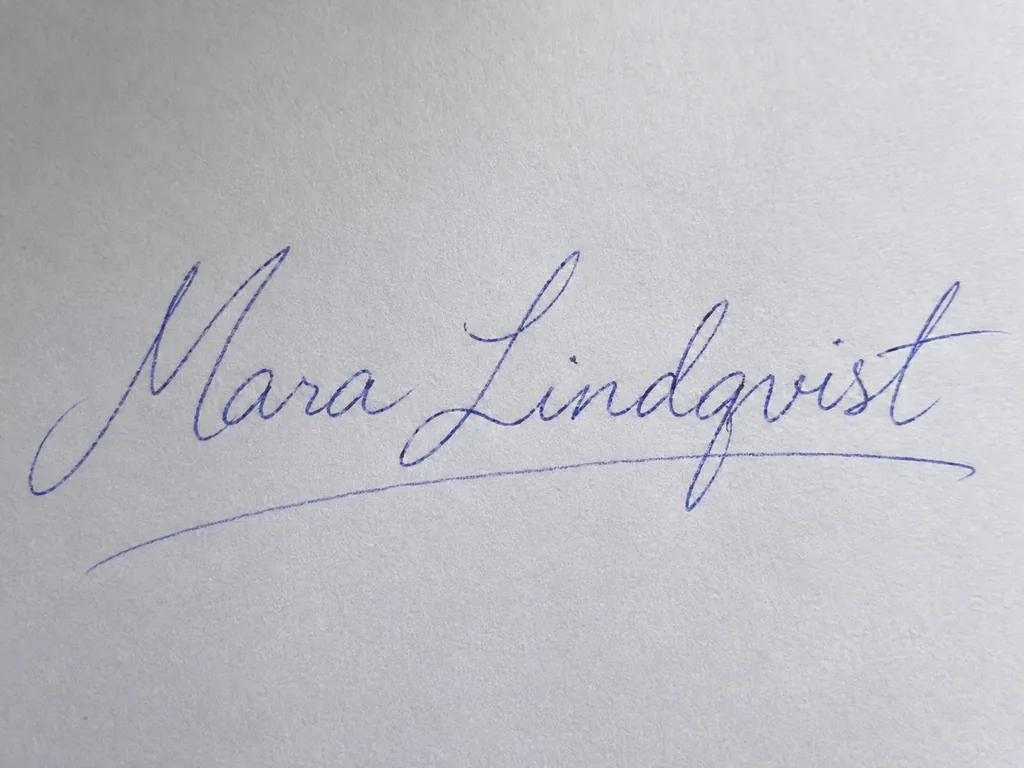
A handwritten signature
Blue ballpoint on white paper. The paper is removed and the strokes are kept, thin underline included: a transparent signature to place on a document.
Edit image
standard
Tip: Photograph it on plain white paper in even light, with the paper filling the frame.
2 credits
OriginalBackground removed
input image made with AI (fictional)
A hanko seal
A red seal stamped on paper. The paper is gone, inside the characters too, and the uneven ink of the stamp is kept.
Edit image
standard
2 credits
OriginalBackground removed
input image made with AI (fictional)
White on white
A white cup on a white table in front of a white wall, the least a photo can give the tool to go on. It still found the cup and the saucer; the rim is slightly uneven, which shows on a dark color.
Edit image
standard
2 credits
OriginalBackground removed
input image made with AI (fictional)
Where it struggles: clear glass
The bottle is cut out, but the garden seen through the glass stays inside it: to the tool, it is part of the bottle. On a new background the bottle still shows the old garden.
Edit image
standard
Tip: For glass, photograph it against a plain background.
2 credits
OriginalBackground removed
input image made with AI (fictional)
Where it struggles: a logo on a sheet of paper
It keeps what it sees as the subject, and here that is the whole sheet, with the phone’s shadow, not the logo alone. The signature and the seal above, where the paper filled the frame, came out as ink only.
Edit image
standard
Tip: Photograph it so the paper fills the frame, or start from the logo file itself.
2 credits
What Amazon, Etsy and Shopify ask for
Copied from each platform’s own seller pages, with the date we checked. Rules change and some differ by category, so check the linked page before you upload.
Etsy doesn’t take transparent PNGs, so upload the JPG on a color instead.
JPG, PNG, GIF, SVG or HEIC; transparent PNGs aren’t supported, and files over 1 MB may not finish uploading. (Etsy Help: image requirements, checked October 30, 2026)
Every listing needs at least one unedited photo of the actual item against a real background (with some exceptions by item type). (Etsy Help: image requirements, checked October 30, 2026)
These are web prices; packs bought in the iPhone app are priced by the App Store. Some tools charge nothing and are fine for an occasional cutout. zzo.ai suits you if you already make images or videos here, want to pay per image without a subscription, or want credits that don’t expire.
What people use it for
Product photos for a shop or marketplace. Cut the product out of a phone photo and download it on white for Amazon or Etsy. To place it in a new scene instead, use the AI product photo generator. If the shop wants a square photo or a smaller file, make it square with Crop Image or shrink it with Compress Image; both run in your browser and use no credits.
Profile pictures and portraits. A plain color behind a face looks tidier on a profile, a CV or a team page. Try a few colors in the viewer before you download.
Stickers, print-on-demand designs and slides. A transparent PNG sits cleanly on a T-shirt, a mug mock-up or a presentation.
Images you generated here. Make an image with GPT Image 2.5 or Nano Banana 2.1, then press Remove background under it. To change the background to a new scene rather than remove it, use the AI photo editor.
Moving from remove.bg?
remove.bg announces on its pricing page that “the standalone website will no longer be available from 1 December 2026 at 9:00am CET” and that its background removal is moving to Canva. Its terms say that all credits, “including pay-as-you-go (PAYG) credits”, may be used until December 1, 2026 only and that unused credits “will expire on that date and are non-refundable”. Its API page says the API moves to Leonardo.Ai from the same date. (Checked on November 2, 2026.)
If you are looking for somewhere else to remove backgrounds, here is how zzo.ai differs: there is no subscription, credits never expire, and the same credits work for image and video generation too. It does one image per run; there is no bulk upload.
Photos that work best
Use a photo where the subject is in focus and fully in frame, and stands out from what is behind it. Even light helps more than an expensive camera. A plain, contrasting background (a wall, a sheet of paper) gives the cleanest edges, but a cluttered table is fine if the subject is clear. If the result is going on white, a photo with soft, even light avoids a harsh shadow line that the tool would cut off.
When a result goes wrong
The usual problems, why they happen and what to change.
Part of the subject is missing, or a second object stayed
Why: The tool keeps what it sees as the main subject. With several subjects, or a subject that blends into the background, it can guess wrong; a logo printed on a sheet lying on a desk came back as the whole sheet.
Fix: Crop to the one thing you want, or shoot it again against a background with more contrast.
Flyaway hair or fur looks thin or blotchy
Why: Single strands against a busy background are the hardest edge to separate.
Fix: Zoom in to 100% before you use it. A plainer background behind the hair works best.
Glass or a clear bottle looks patchy
Why: Transparent objects show the background through them, and that part is kept as part of the object: in our test, the garden behind a clear bottle stayed inside it.
Fix: Photograph glass against a plain background, and check it on a dark and a light color in the viewer. GPT Image 2.5 with a transparent background redraws the object instead, at a higher price.
The shadow disappeared
Why: Shadows are part of the background, so they are removed with it.
Fix: If the product looks like it floats, add a soft shadow in your editor, or use the product photo generator to place it in a scene.
A white edge shows on a dark color
Why: Soft edges keep a little of the old background’s color.
Fix: Pick a color close to the old background, or start from a photo taken against a plain, neutral background.
Questions
Updated 2026-11-02
Can I remove backgrounds without paying?
No. Each image costs 2 credits. The smallest pack is $9.99 for 600 credits, with no subscription, and there are no trial credits. Some tools charge nothing; the table on this page lists what the paid ones cost per image.
Do I need a subscription? Do credits expire?
No subscription: you buy a credit pack once. Credits never expire, and the same credits work for every image and video model on zzo.ai.
How much does it cost to remove the background from one image?
2 credits, which is $0.018–$0.033 depending on the pack you buy (web prices). The price is the same for every photo, and a failed run is refunded.
What file do I get? Is it a transparent PNG?
Yes: a PNG with a transparent background. When you open the result you can also download a JPG on white, a preset or any color you pick. A JPG can’t hold transparency, so keep the PNG if you need the background see-through.
Can I make the background white for Amazon, Etsy or Shopify?
Yes. Open the result, pick White and download a JPG on pure white (RGB 255, 255, 255), which Amazon asks for in most cases. Etsy doesn’t support transparent PNGs, so use the JPG there too. Changing the color costs nothing.
Can I change the background to another color?
Yes. Pick one of the presets or any color in the color picker, see it behind your image straight away, and download a JPG. The color is added in your browser, so it costs nothing and you can try as many as you like.
Will removing the background make my image smaller or lower its quality?
No. In our test on November 3, 2026, every result came back at the same pixel size as the upload, including a 4032 × 3024 phone photo and a 4000 × 3000 image. The subject is cut out, not redrawn, so its detail stays as it was; only the soft edge where it meets the background is adjusted.
How long does it take?
Usually 10 to 25 seconds per image: 12 to 22 seconds in our test of 11 photos, from sending the photo to the finished file.
Which formats and sizes can I upload?
JPG, PNG or WebP, up to 10 MB, one image per run.
Does it redraw my photo like ChatGPT does?
No. It removes the background and keeps the subject as it is; nothing is regenerated. ChatGPT and GPT Image 2.5 generate the whole image again, which can change small details. Only the soft edge where the subject meets the background is adjusted.
Background Remover or GPT Image 2.5’s transparent background: which should I use?
Use the Background Remover to keep your exact photo. Use GPT Image 2.5 when you want a new image or an edit and transparency in one step; it costs more and redraws the image.
Does it work on hair, fur and fine edges?
Usually, on clear photos. Single flyaway strands and fur in front of a busy background can come out thin, so check the edges at 100% before you use the image.
Can I remove the background from a logo or signature?
A signature or a stamp, yes, when the paper fills the photo: in our tests the paper was removed and the ink kept, inside the characters too. A logo printed on a sheet lying on a desk came back as the whole sheet, because the tool keeps what it sees as the subject. Photograph it so the paper fills the frame, in even light, and keep the transparent PNG.
Can I remove backgrounds from many images at once?
No. It takes one image per run.
remove.bg is moving to Canva. What happens to my credits, and can I use this instead?
remove.bg says its website closes on December 1, 2026 and that all its credits expire that day without a refund (see the section above for its own words and links). zzo.ai is a separate service: you buy a pack once, credits never expire, and each image costs 2 credits. It does one image per run and has no bulk upload.
Are my photos private? Do you keep them?
Your photo is sent to the provider that runs the tool, named in our Privacy Policy. The original and the result stay in your history so you can download them again. You can remove them from your history at any time, and they are deleted within 30 days of you deleting your account (see the Privacy Policy).
Can I use the cut-out image commercially?
Yes, if you have the rights to the photo you upload. Our terms let you use your results for any lawful purpose, including commercial use.
Free image tools
Generated images are big PNGs: a 2K image can be 7 MB. Make yours fit any upload limit or size, free in your browser. Nothing is uploaded.

 OriginalBackground removed