Simply upload your photo and describe the edit. Our advanced AI image editor understands your words and modifies images instantly—featuring the powerful Nano Banana Pro for text edits.
Discover why creators and professionals rely on our online AI image editor for their projects.
No complex software needed. As a smart AI image editor, it understands commands like 'remove the person in the background' or 'change the sky to sunset'.
Upload up to 5 images. Our AI image editor allows for batch editing and style consistency, perfect for combining elements from multiple sources.
Access specialized tools within the AI image editor: GPT Image 1 for creative changes, Nano Banana Pro for precise text/logos, and Seedream V4 for art.
Each model empowers the AI image editor with unique strengths. Choose the one that fits your goal.
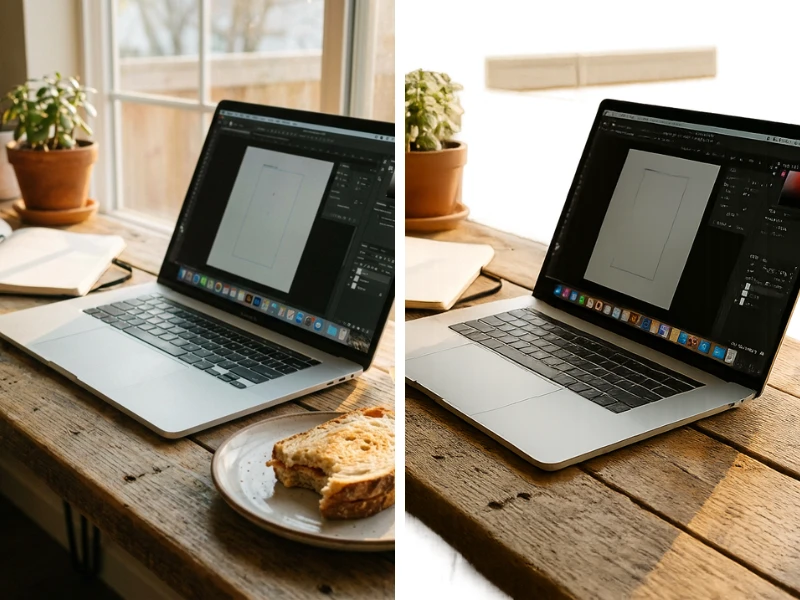
Remove the sandwich and the napkin from the desk
A core part of our AI image editor, OpenAI's model excels at complex instructions. Ideal for object removal, style swaps, and creative edits. Supports transparent backgrounds.
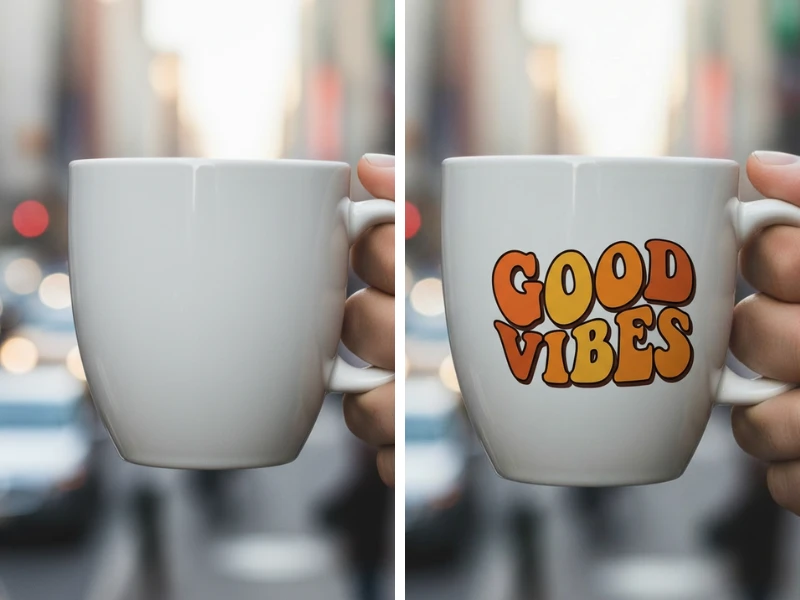
Add the text "GOOD VIBES" in bold retro typography on the cup.
The star of our AI image editor for typography. Built on Gemini 3 Pro, Nano Banana Pro is unmatched for adding legible text, logos, or watermarks to your photos.
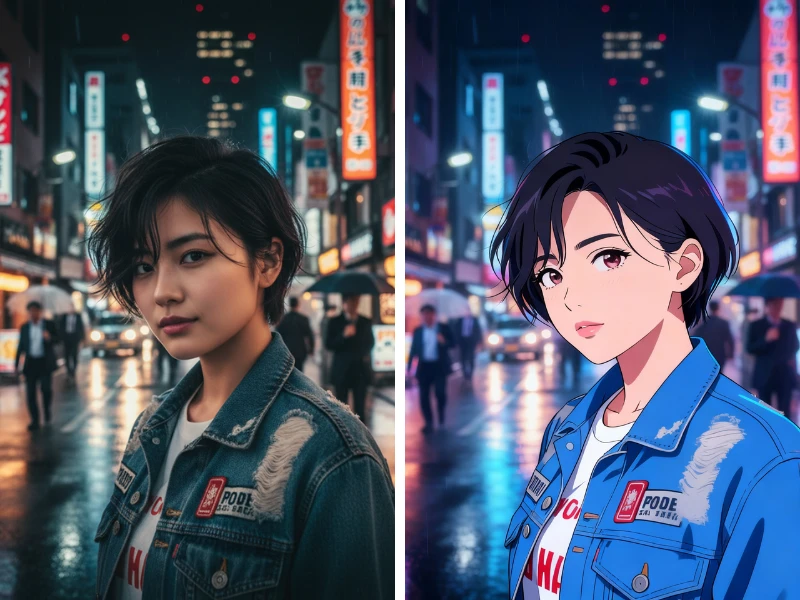
Transform into a Cyberpunk Anime style.
ByteDance's Seedream V4 turns our AI image editor into an art studio. Apply distinct artistic styles, change moods, or create visual effects while keeping the original composition.
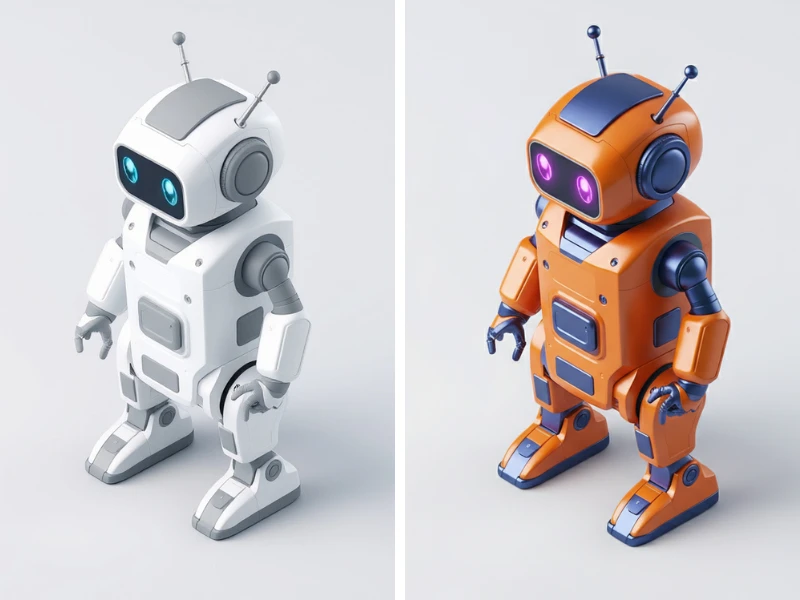
Change color to Orange
A lightweight option in the AI image editor. Fast and free, it's great for quick experiments or simple modifications before moving to the Pro models.
Follow these simple steps to transform your photos using our tool.
Drag and drop up to 5 images into the AI image editor. We support JPG, PNG, and WebP formats.
Select the engine that powers the AI image editor for your specific task.
Tell the AI image editor exactly what to do. Be specific about colors, positioning, and effects.
Example prompts: 'Remove the car', 'Change dress to blue', or 'Make it look like a sketch'.
Click generate. Our AI image editor will process your request instantly. Download the high-res result.
Common questions about zzo.ai's AI image editor.
Yes, models like GPT Image 1 can handle it. However, for the most precise results, we recommend our dedicated **Background Removal Tool** at zzo.ai/remove-background.
The Generator creates images from scratch. This **AI image editor** modifies existing photos you upload—perfect for retouching, changing elements, or fixing details.
You can upload up to 5 images. This allows the AI image editor to maintain style consistency across a batch or understand complex references.
**Nano Banana Pro** is the best choice within our AI image editor for text. It accurately renders specific words and logos, which other models often struggle with.
Costs vary by model. Advanced models like Nano Banana Pro or Seedream V4 may cost more credits per edit. Free users get daily credits to try the tool.
No. The AI image editor generates a completely new image based on your prompt, leaving your original upload untouched.
Please select a model to get started
Please select a model to get started