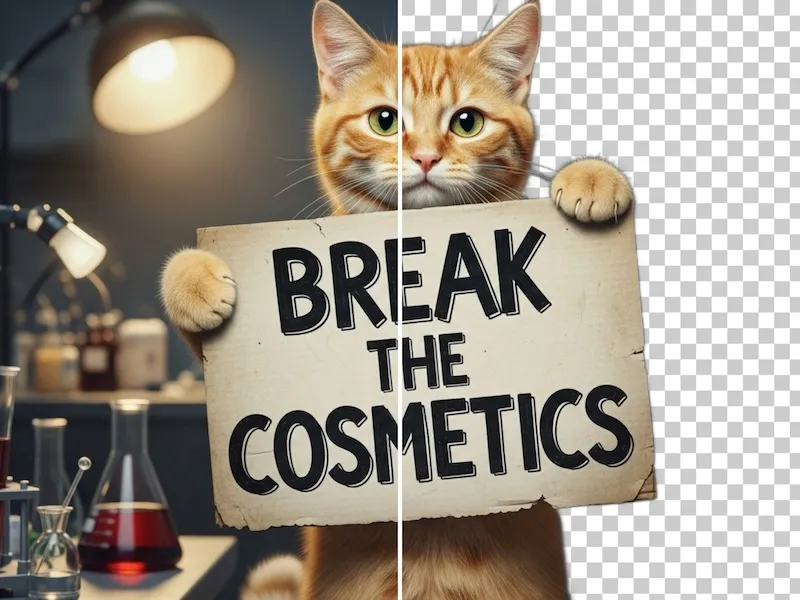
Transparent PNG up to 10MB
or drag and drop
Transparent PNG up to 10MB
Preview
Instantly change image background in your browser. No upload required, 100% privacy protected.
A smarter, faster, and more private alternative to complex photo editing software
Images are processed locally in your browser. No server uploads means absolute data privacy.
No waiting for server processing or queues. Get your new background in milliseconds.
Choose from solid colors, vibrant gradients, or upload your own custom image as the background.
Maintain the original resolution of your image without quality loss.
Follow these simple steps to add a new background to your transparent PNG image in seconds.
Click to upload or drag & drop your transparent PNG file. Your image stays private — all processing happens locally in your browser.
Choose a solid color (e.g., White for Amazon product photos), a vibrant gradient, or upload your own custom image as the background.
Preview the result instantly. Fine-tune the background settings until you're satisfied with the look.
Save your new image as a high-quality JPG or PNG. Perfect for e-commerce, social media, or professional presentations.
From e-commerce to social media, our background changer adapts to your needs
Quickly add a clean white background to product photos for Amazon, eBay, or Shopify listings.
Turn a transparent portrait into a professional headshot with a colored or gradient background.
Create engaging visuals for Instagram or TikTok by adding gradients or custom scene backgrounds.
Check how your logo or design looks on different colored backgrounds before finalizing.
Why make things harder than they need to be?
Find answers to the most common questions about our background changer tool
Yes, 100% free! Our background changer tool is completely free to use with no hidden costs, watermarks, or usage limits. You can change backgrounds on as many images as you want without paying anything.
No, everything happens in your browser. Your images are processed entirely on your device using client-side technology. We never upload, store, or have access to your images, ensuring complete privacy and security.
Yes, our tool is specifically designed for e-commerce use cases like Amazon, eBay, and Shopify product photos that require a clean white background. Simply select white from the solid color options and your product will have a professional white background instantly.
We support PNG and WebP formats with transparency. For best results, upload a PNG file with a transparent background. You can export your final image as high-quality JPG or PNG.
Absolutely! Besides solid colors and gradients, you can upload any image to use as your background. This is perfect for creating product mockups, social media content, or creative compositions.
No, we maintain the original resolution and quality of your image. The background changer preserves your image exactly as uploaded, only adding or changing the background layer without any compression or quality loss.
Yes, our background changer requires transparent PNG or WebP images with alpha channel. If you don't have a transparent image, you can use our free background remover at https://zzo.ai/remove-background to extract your subject and create a transparent version first.
Explore our other free AI-powered image tools