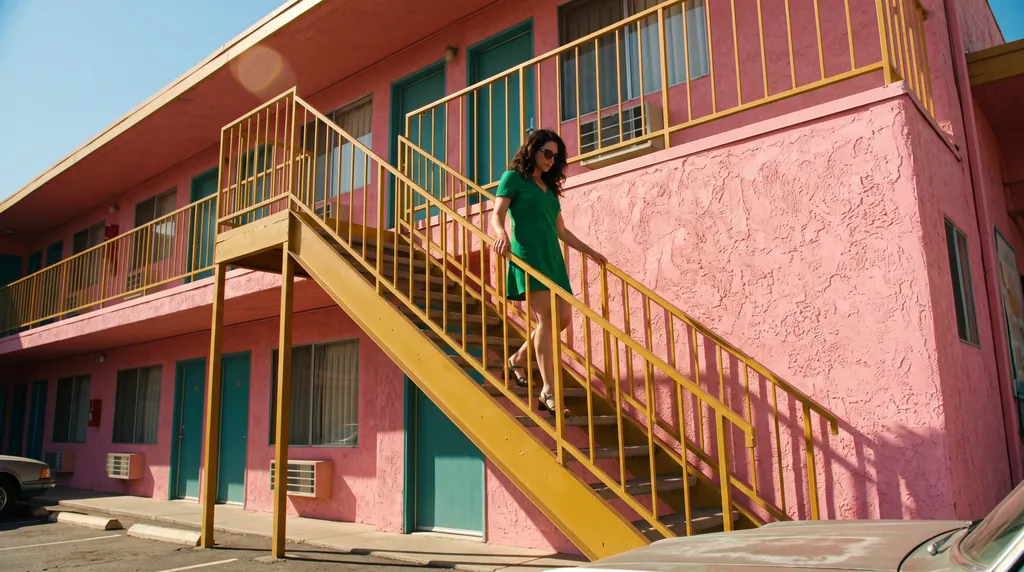
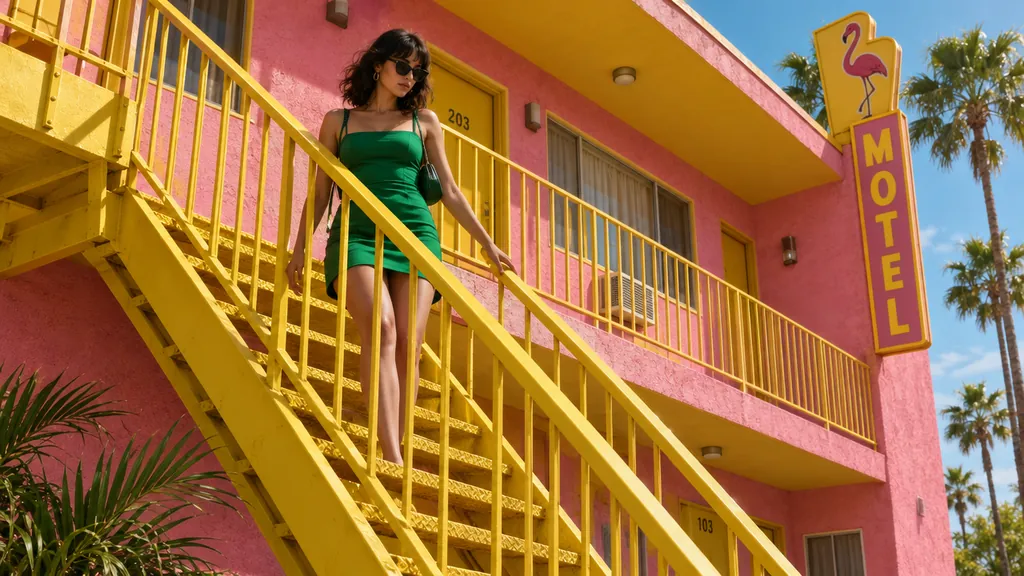
“A 16:9 horizontal cinematic still, shot from street level looking up at the sharp diagonal steel exterior staircase of a two-story retro motel painted vibrant mustard-yellow against a flamingo-pink stucco facade. An adult woman in an emerald-green mini dress descends the staircase, her hand trailing along the yellow railing. The bright yellow, pink, and green color clash creates a delightful, sun-drenched cinematic mood.”Nano Banana 2.1, 15クレジット
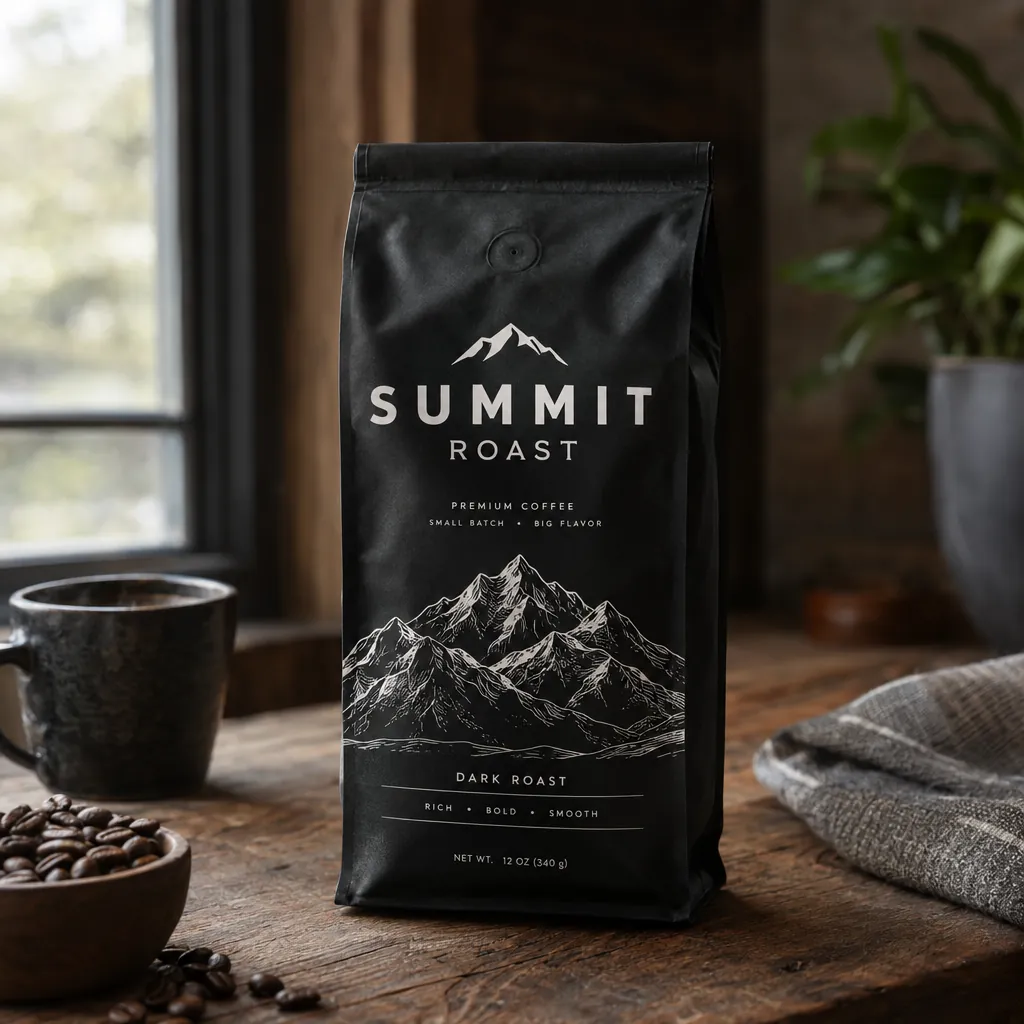
“A premium product photo of a matte black coffee bag labeled SUMMIT ROAST with mountain line-art on rustic wood, soft window light, sharp readable packaging typography, photoreal commercial mockup”GPT Image 2.5, 15クレジット
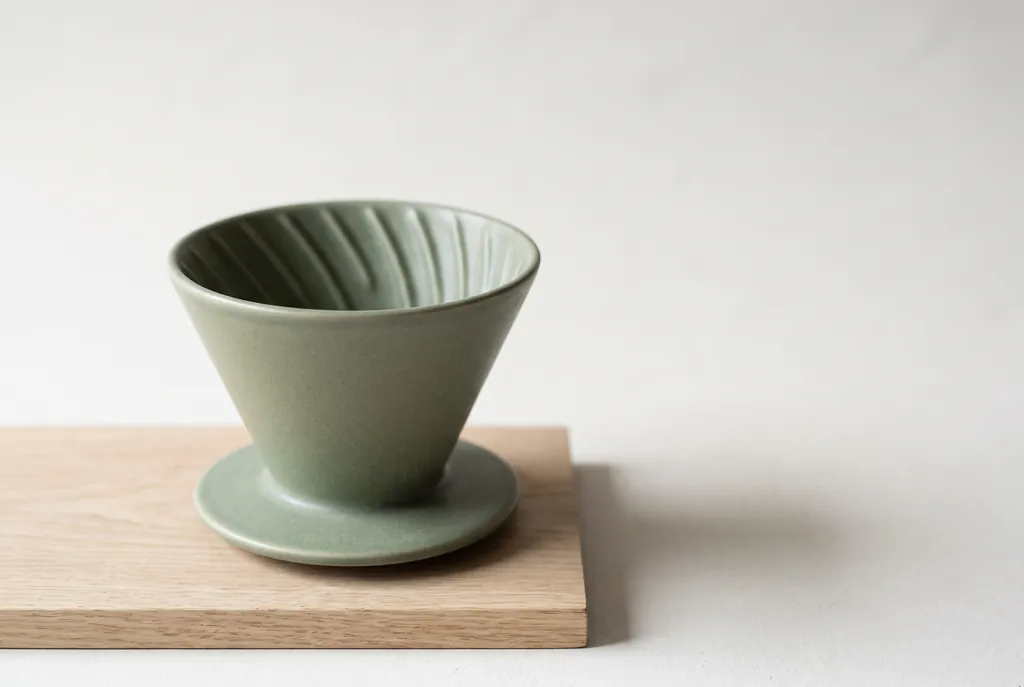
“Studio product photograph of a matte sage-green ceramic pour-over coffee dripper sitting on a pale oak board. Soft window light from the left, a gentle shadow to the right, clean off-white background, with empty space on the right third of the frame for ad copy. Real photograph, no props.”Nano Banana 2.1, 15クレジット
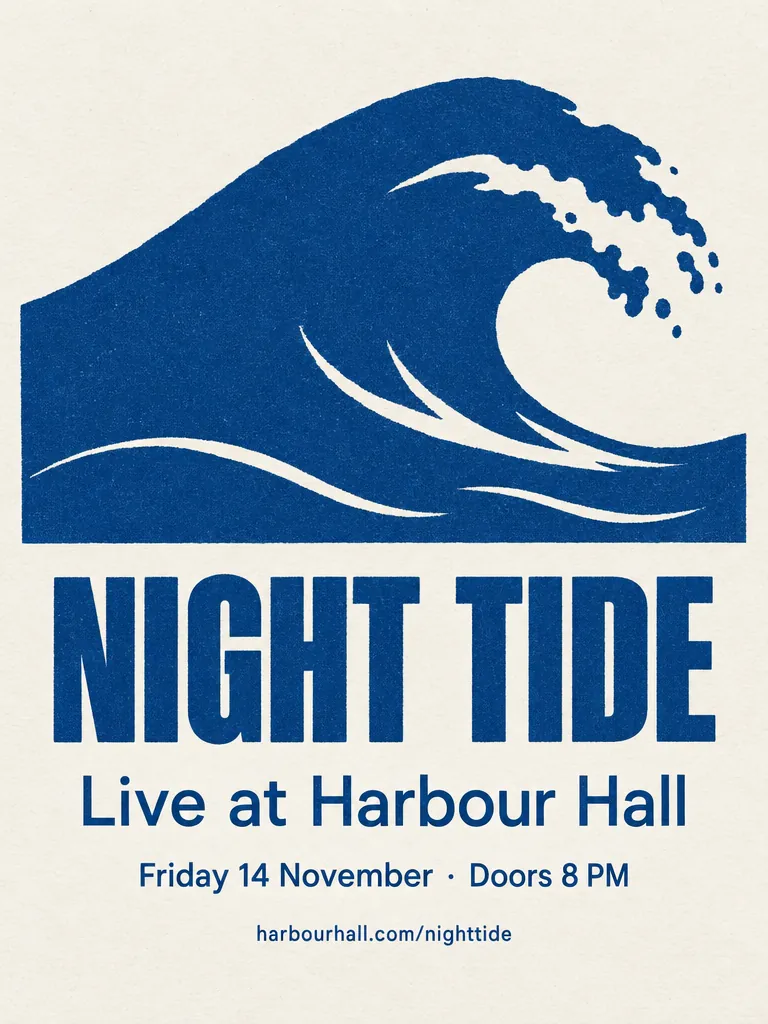
“A minimalist screen-printed concert poster on off-white paper. A large deep-blue wave shape fills the top half. Below it, the headline "NIGHT TIDE" in a bold condensed sans-serif, then "Live at Harbour Hall" in a lighter weight, then "Friday 14 November · Doors 8 PM", and at the bottom "harbourhall.com/nighttide" in small type. No other text.”GPT Image 2.5, 15クレジット
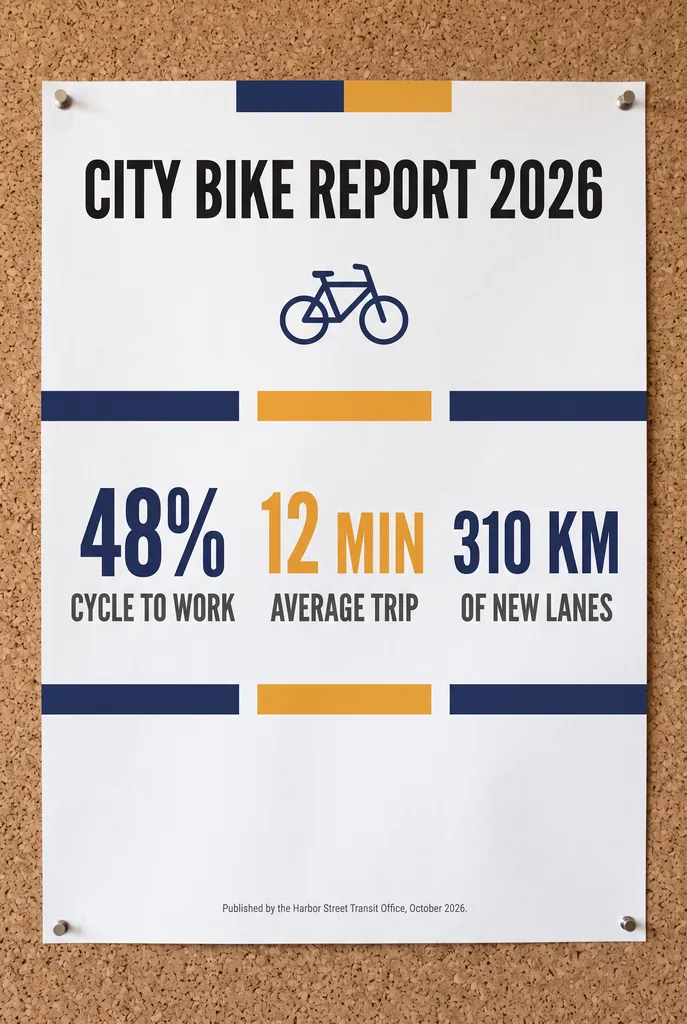
“A clean A2 infographic poster pinned to a cork board in a bright office, photographed straight on. Headline at the top in bold black sans-serif: CITY BIKE REPORT 2026. Below it, three large statistics in a row, each with a short label underneath: 48% CYCLE TO WORK, 12 MIN AVERAGE TRIP, 310 KM OF NEW LANES. At the bottom a small gray footer line: Published by the Harbor Street Transit Office, October 2026. Flat navy and amber color blocks, one simple bicycle icon, generous white space, no other words anywhere on the poster. Photorealistic matte print texture, soft daylight.”Nano Banana 2.1, 15クレジット
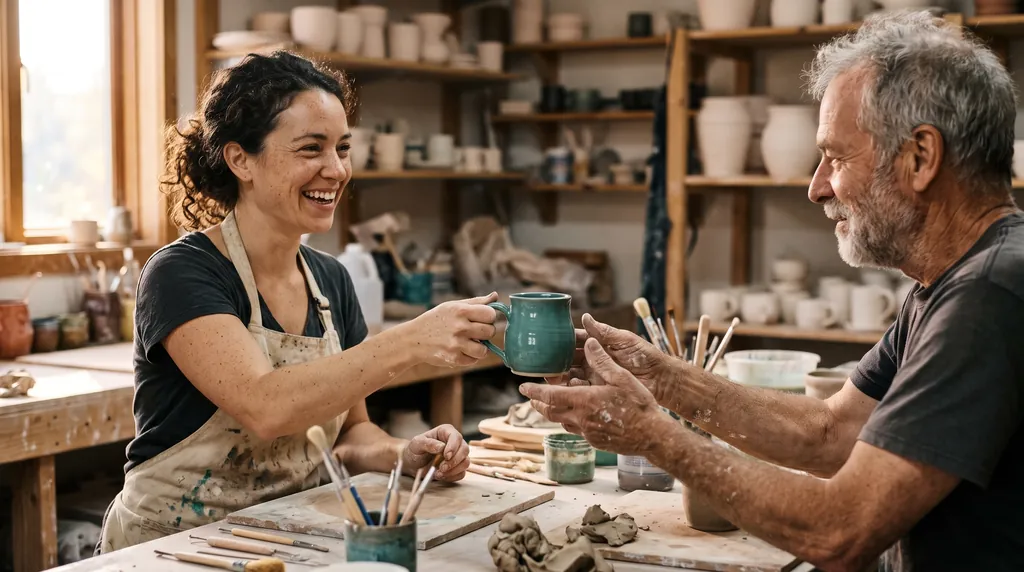
“Candid documentary photograph inside a small ceramics studio. A woman in her early thirties with freckles and curly dark hair laughs while handing a freshly glazed teal mug across a worktable to an older man with a short gray beard and clay-dusted hands. Both faces fully visible and in sharp focus, natural skin texture with visible pores and fine lines, no retouching. Late afternoon window light from the left, dust in the air, shelves of unglazed pots softly blurred behind them. Shot on a 50mm lens at f/2, warm film grain.”Nano Banana 2.1, 15クレジット
“A panoramic banner of a Mediterranean coastal town at sunset, colorful houses along the harbor, film photography. No text.”Nano Banana 2.1, 15クレジット
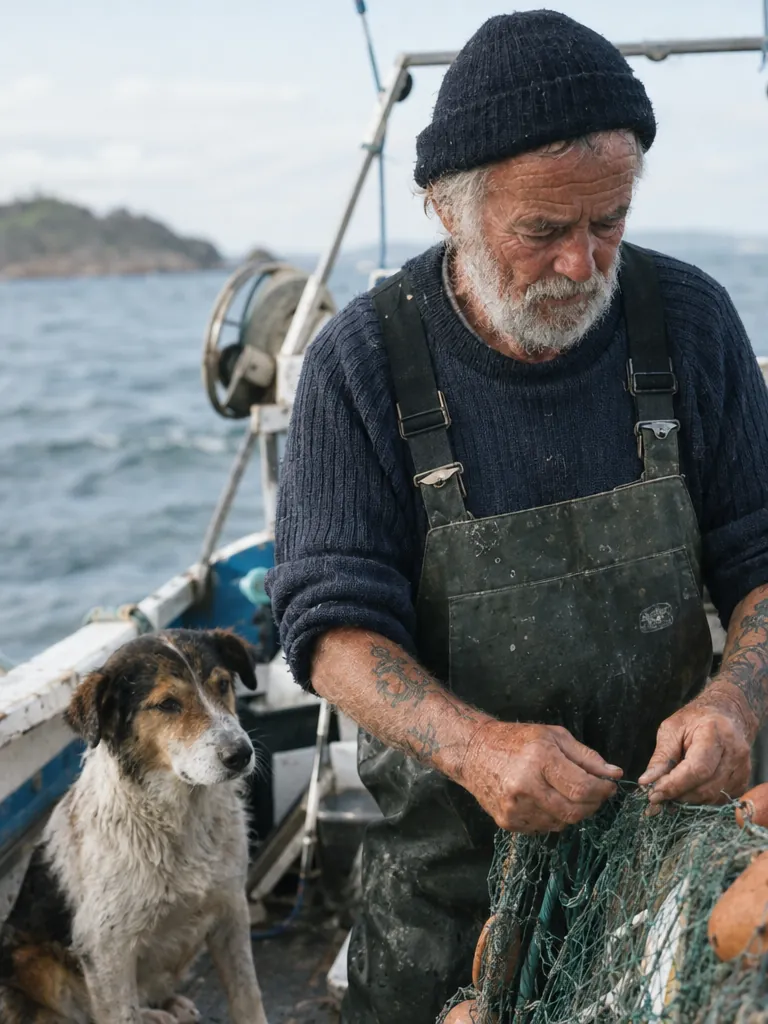
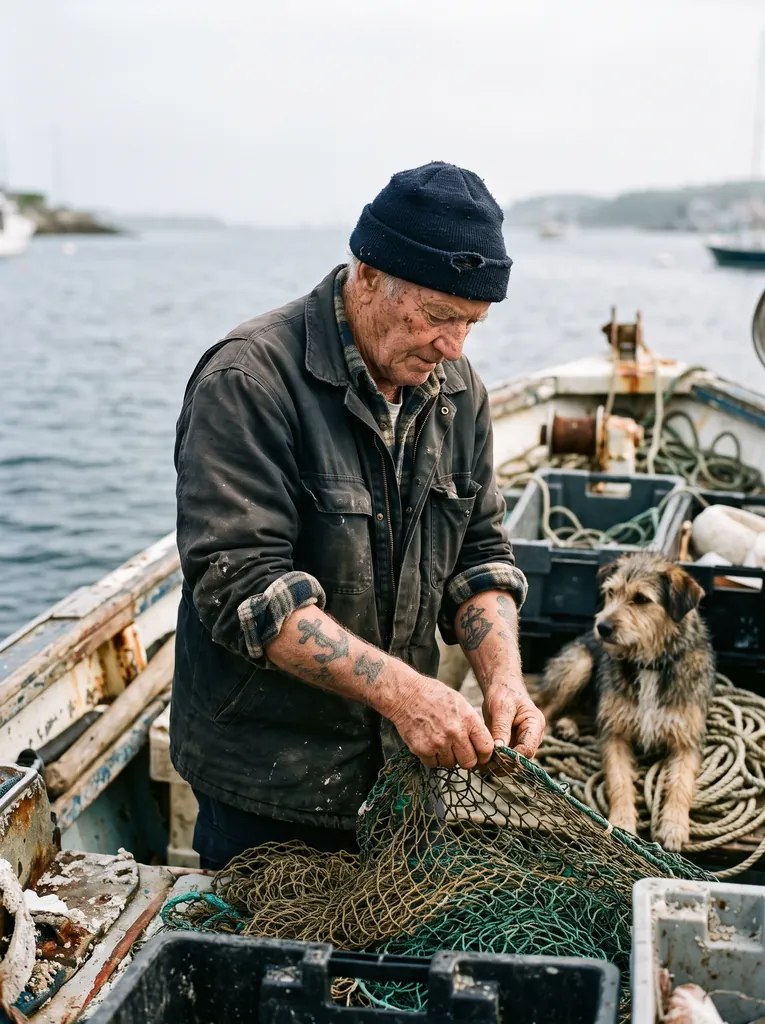
“Create a photorealistic candid photograph of an elderly sailor standing on a small fishing boat.
He has weathered skin with visible wrinkles, pores, and sun texture, and a few faded traditional sailor tattoos on his arms.
He is calmly adjusting a net while his dog sits nearby on the deck. Shot like a 35mm film photograph, medium close-up at eye level, using a 50mm lens.
Soft coastal daylight, shallow depth of field, subtle film grain, natural color balance.
The image should feel honest and unposed, with real skin texture, worn materials, and everyday detail. No glamorization, no heavy retouching.”GPT Image 2.5, 15クレジット
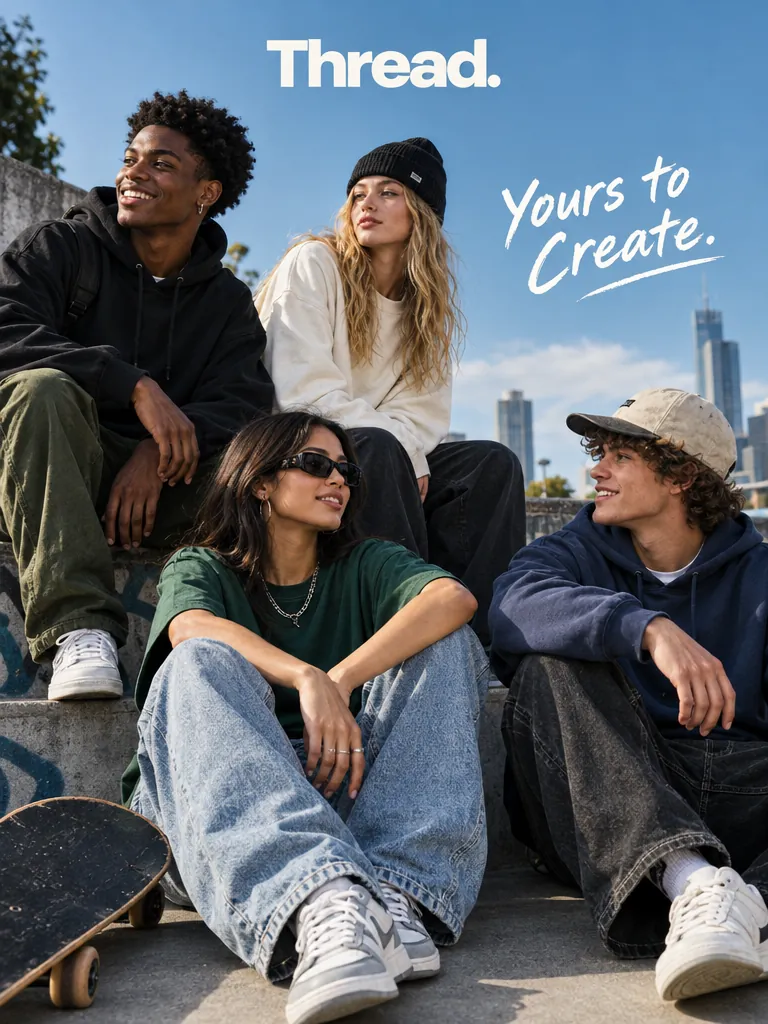
“Give me a cool in culture ad / fashion shot for a brand called Thread.
It's a hip young street brand. The ad shows a group of friends hanging out together with the tagline "Yours to Create."
Make it feel like a polished campaign image for a youth streetwear audience: stylish, contemporary, energetic, and tasteful.
Use clean composition, strong color direction, natural poses, and premium fashion photography cues.
Render the tagline exactly once, clearly and legibly, integrated into the ad layout.
No extra text, no watermarks, no unrelated logos.”GPT Image 2.5, 15クレジット
“Create a simple biology diagram titled "Cellular Respiration at a Glance" for high school students.
Show how glucose turns into energy inside a cell. Include glycolysis, the Krebs cycle, and the electron transport chain.
Use arrows to connect the steps, and label the main molecules: glucose, pyruvate, ATP, NADH, FADH2, CO2, O2, and H2O.
Make it look like a clean classroom handout or slide, with a white background, simple icons, clear labels, and easy-to-read text.
Avoid tiny text, extra decoration, or anything that makes the diagram hard to understand.”GPT Image 2.5, 15クレジット
“Create a realistic mobile app UI mockup for a local farmers market.
Show today’s market with a simple header, a short list of vendors with small photos and categories, a small “Today’s specials” section, and basic information for location and hours.
Design it to be practical, and easy to use. White background, subtle natural accent colors, clear typography, and minimal decoration.
It should look like a real, well-designed, beautiful app for a small local market.
Place the UI mockup in an iPhone frame.”GPT Image 2.5, 15クレジット
“Create a short vertical comic-style reel with 4 panels.
Panel 1: The owner leaves through the front door. The pet is framed in the window behind them, small against the glass, eyes wide, paws pressed high, the house suddenly quiet.
Panel 2: The door clicks shut. Silence breaks. The pet slowly turns toward the empty house, posture shifting, eyes sharp with possibility.
Panel 3: The house transformed. The pet sprawls across the couch like it owns the place, crumbs nearby, sunlight cutting across the room like a spotlight.
Panel 4: The door opens. The pet is seated perfectly by the entrance, alert and composed, as if nothing happened.”GPT Image 2.5, 15クレジット
1枚あたりの料金で、いちばん低い画質設定からいちばん高い設定までの幅です。1回で複数枚生成すると、枚数分かかります。 Arena順位は、ブラインドの1対1比較の投票による順位とEloスコアです(AA-Image-T2I v2.1、2026年10月30日確認)。出典: Artificial Analysis Text to Image Arena
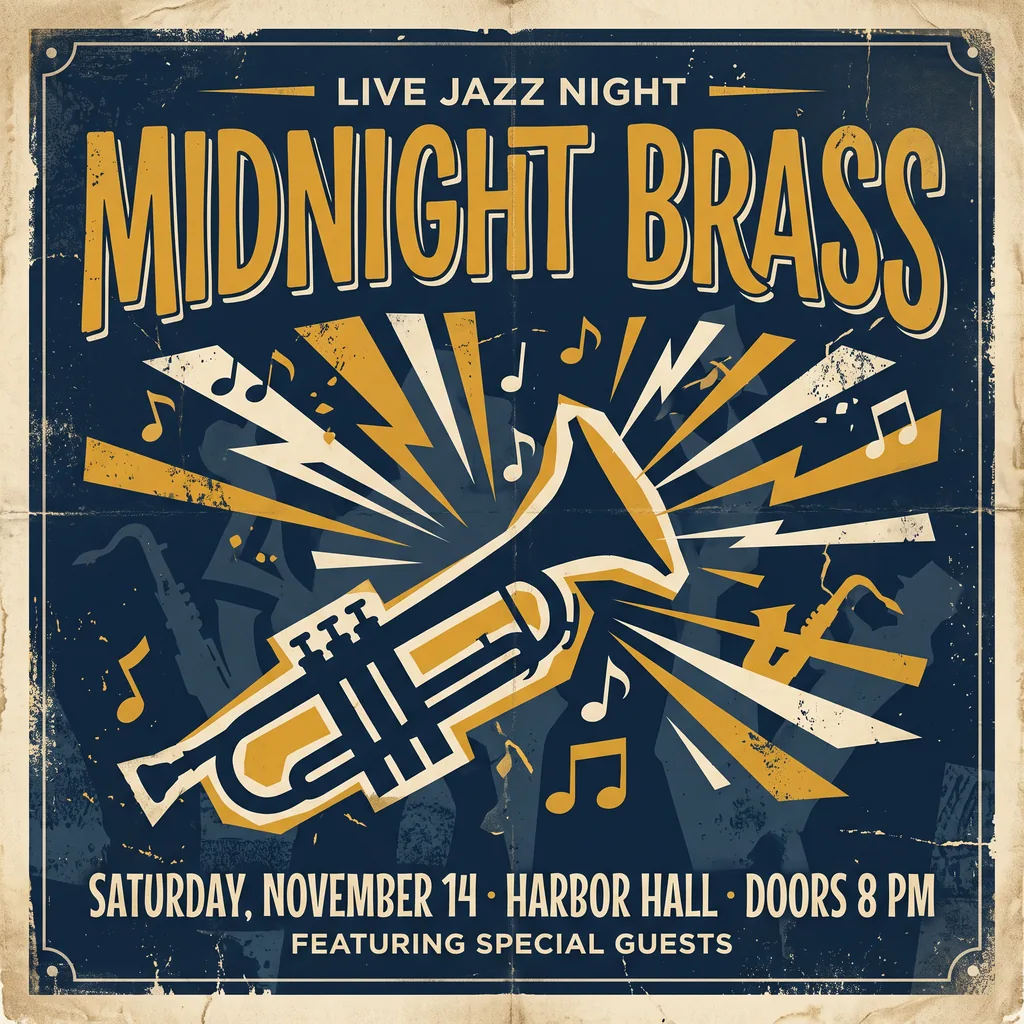
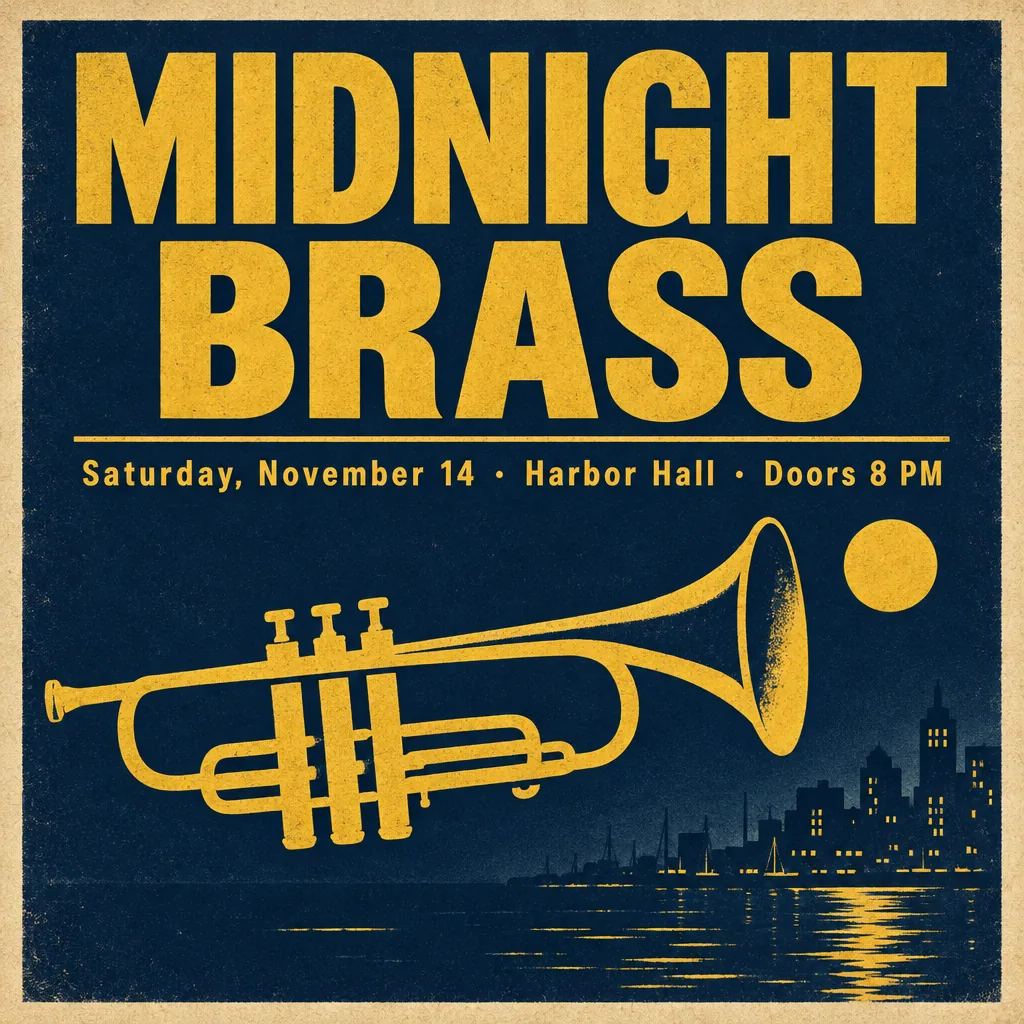
どちらもMIDNIGHT BRASSと日付の行を正しく書きました。GPT Image 2.5は指定した文字だけを使い、Nano Banana 2.1は、BulkImagenがこのプロンプトでテストしたときと同じく、2行を勝手に加えました。最後に「No other text」と書くと防げます。
“A vintage-style concert poster for a fictional jazz night. Headline in large bold letters: "MIDNIGHT BRASS". Below it, smaller: "Saturday, November 14 · Harbor Hall · Doors 8 PM". A stylized trumpet silhouette, deep navy and mustard yellow palette, subtle paper grain.”
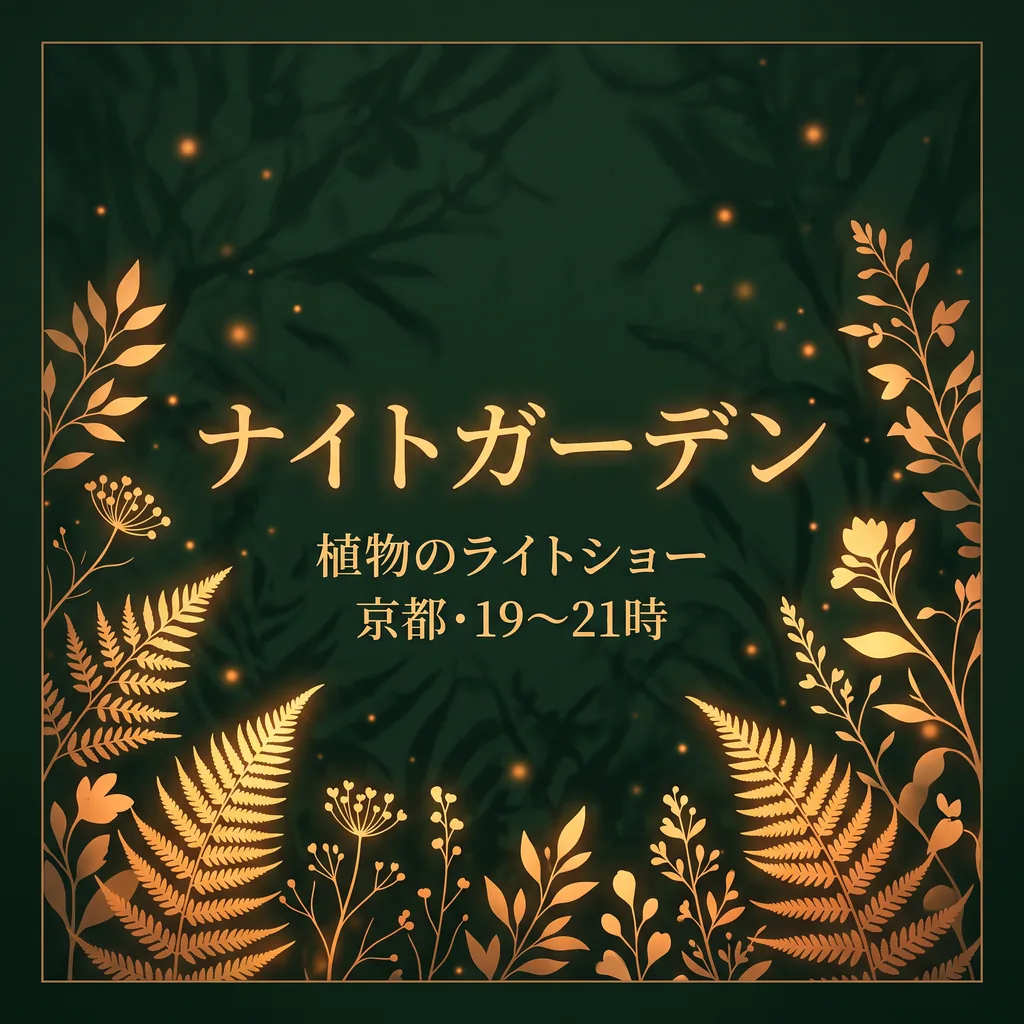
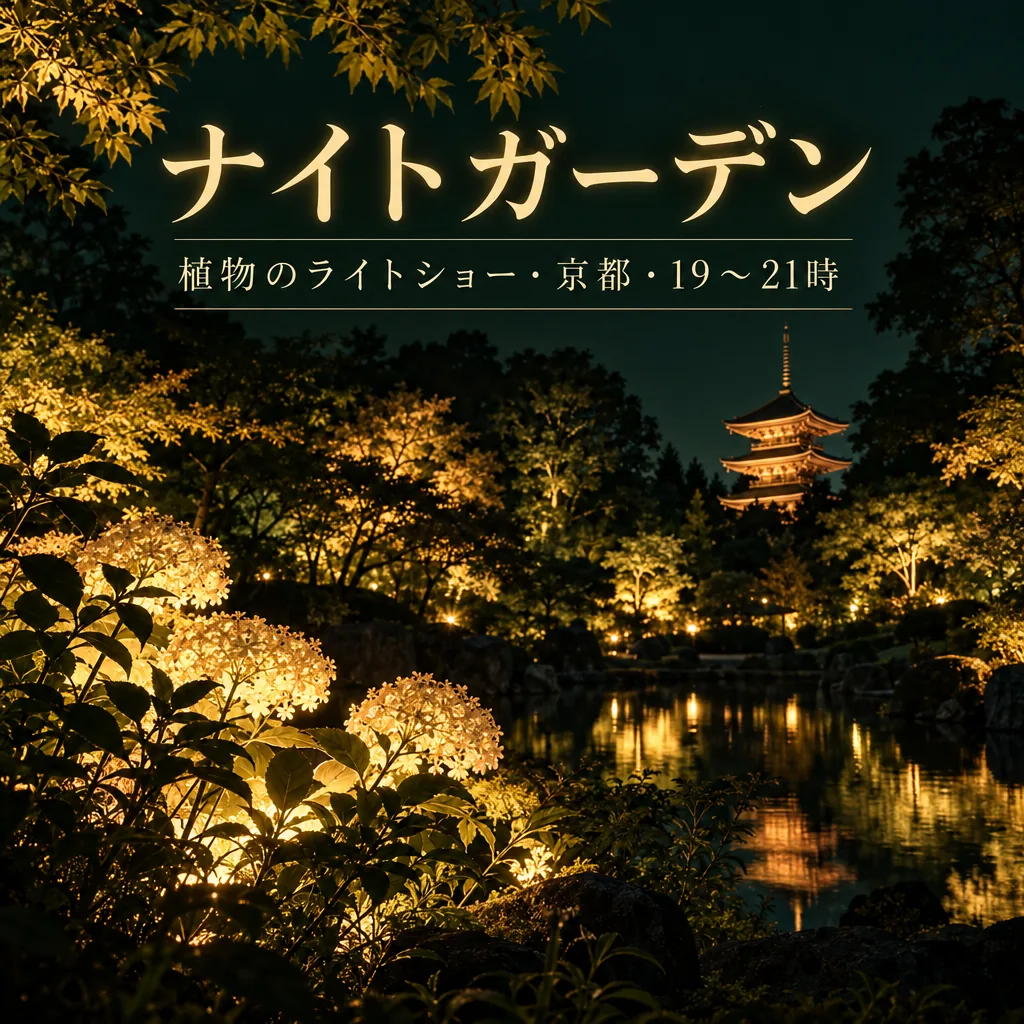
“Design a square event poster with exactly this Japanese headline: "ナイトガーデン". Add exactly this subtitle: "植物のライトショー・京都・19〜21時". Use luminous botanical silhouettes, deep forest green and warm amber, refined editorial typography, clear contrast, balanced margins, all text fully inside the canvas. Use natural Japanese typography and line breaks without changing any characters. No other words, no translations, no logos, no watermark.”
“Create a photorealistic candid photograph of an elderly sailor standing on a small fishing boat.
He has weathered skin with visible wrinkles, pores, and sun texture, and a few faded traditional sailor tattoos on his arms.
He is calmly adjusting a net while his dog sits nearby on the deck. Shot like a 35mm film photograph, medium close-up at eye level, using a 50mm lens.
Soft coastal daylight, shallow depth of field, subtle film grain, natural color balance.
The image should feel honest and unposed, with real skin texture, worn materials, and everyday detail. No glamorization, no heavy retouching.”
“A 16:9 horizontal cinematic still, shot from street level looking up at the sharp diagonal steel exterior staircase of a two-story retro motel painted vibrant mustard-yellow against a flamingo-pink stucco facade. An adult woman in an emerald-green mini dress descends the staircase, her hand trailing along the yellow railing. The bright yellow, pink, and green color clash creates a delightful, sun-drenched cinematic mood.”
“A kawaii-style sticker of a happy red panda wearing a tiny bamboo hat. It's munching on a green bamboo leaf. The design features bold, clean outlines, simple cel-shading, and a vibrant color palette. The background must be white.”
“Studio product photograph of a matte sage-green ceramic pour-over coffee dripper sitting on a pale oak board. Soft window light from the left, a gentle shadow to the right, clean off-white background, with empty space on the right third of the frame for ad copy. Real photograph, no props.”
“A clean A2 infographic poster pinned to a cork board in a bright office, photographed straight on. Headline at the top in bold black sans-serif: CITY BIKE REPORT 2026. Below it, three large statistics in a row, each with a short label underneath: 48% CYCLE TO WORK, 12 MIN AVERAGE TRIP, 310 KM OF NEW LANES. At the bottom a small gray footer line: Published by the Harbor Street Transit Office, October 2026. Flat navy and amber color blocks, one simple bicycle icon, generous white space, no other words anywhere on the poster. Photorealistic matte print texture, soft daylight.”
ヒント:小さな文字には2Kを使い、最後に「no other words anywhere」と書きます。
“A minimalist screen-printed concert poster on off-white paper. A large deep-blue wave shape fills the top half. Below it, the headline "NIGHT TIDE" in a bold condensed sans-serif, then "Live at Harbour Hall" in a lighter weight, then "Friday 14 November · Doors 8 PM", and at the bottom "harbourhall.com/nighttide" in small type. No other text.”
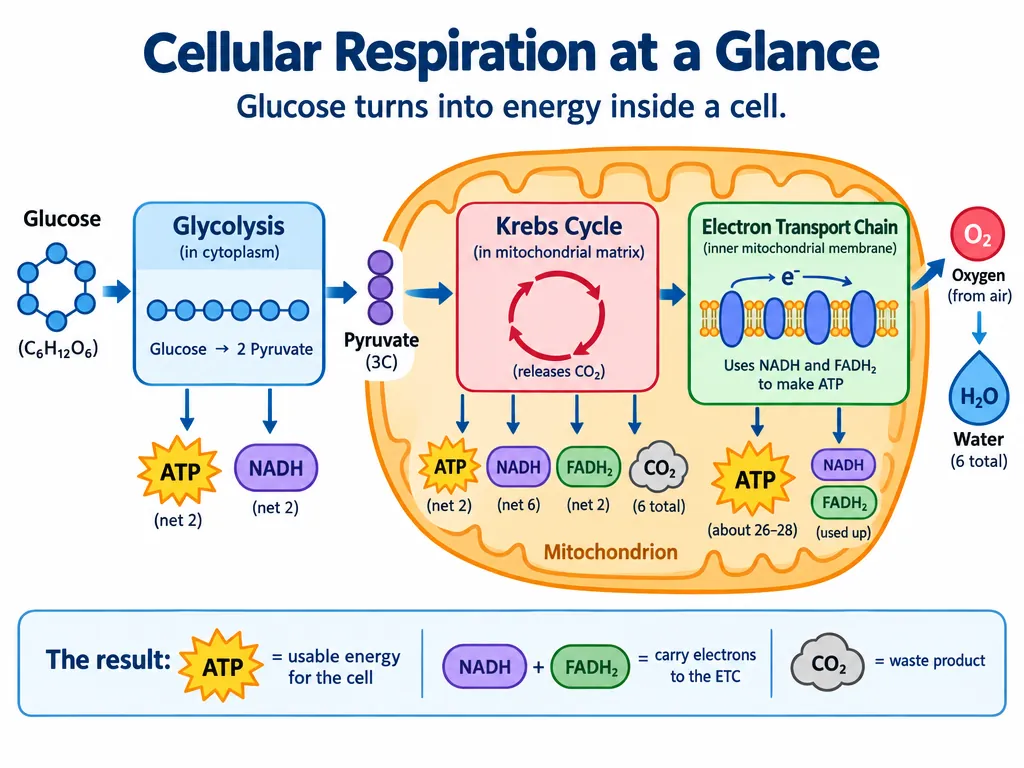
“Create a simple biology diagram titled "Cellular Respiration at a Glance" for high school students.
Show how glucose turns into energy inside a cell. Include glycolysis, the Krebs cycle, and the electron transport chain.
Use arrows to connect the steps, and label the main molecules: glucose, pyruvate, ATP, NADH, FADH2, CO2, O2, and H2O.
Make it look like a clean classroom handout or slide, with a white background, simple icons, clear labels, and easy-to-read text.
Avoid tiny text, extra decoration, or anything that makes the diagram hard to understand.”
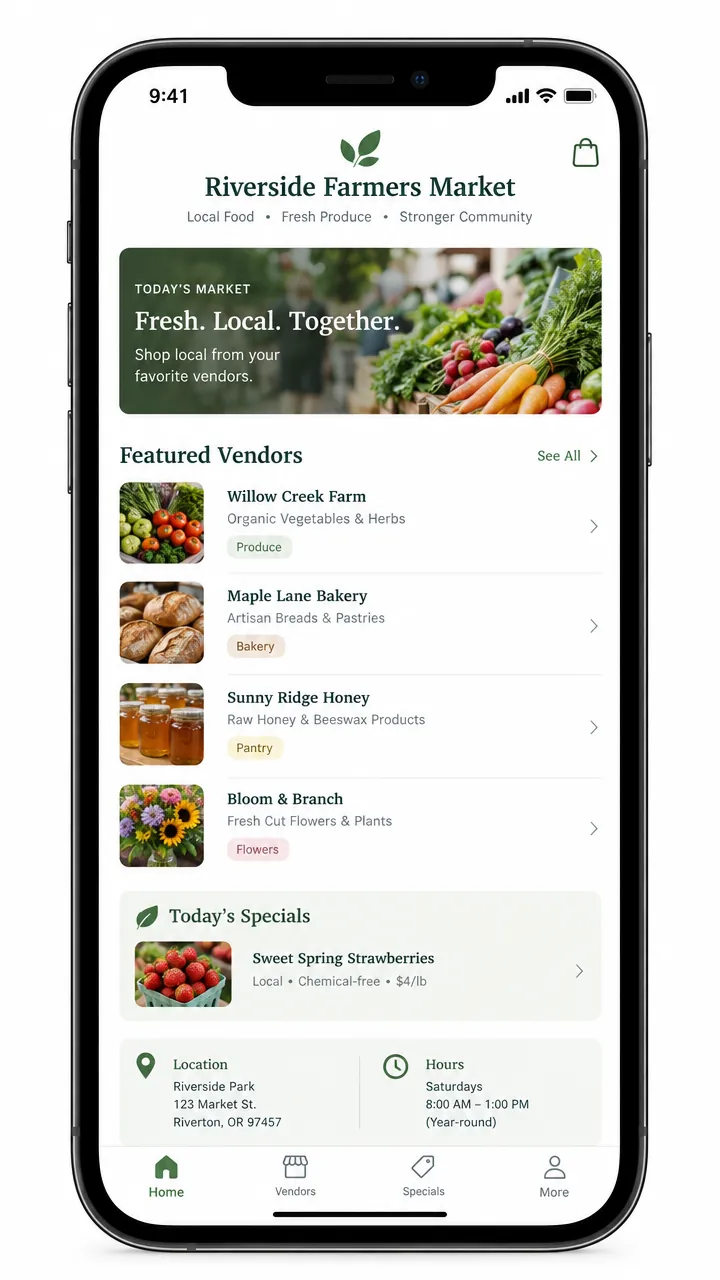
“Create a realistic mobile app UI mockup for a local farmers market.
Show today’s market with a simple header, a short list of vendors with small photos and categories, a small “Today’s specials” section, and basic information for location and hours.
Design it to be practical, and easy to use. White background, subtle natural accent colors, clear typography, and minimal decoration.
It should look like a real, well-designed, beautiful app for a small local market.
Place the UI mockup in an iPhone frame.”
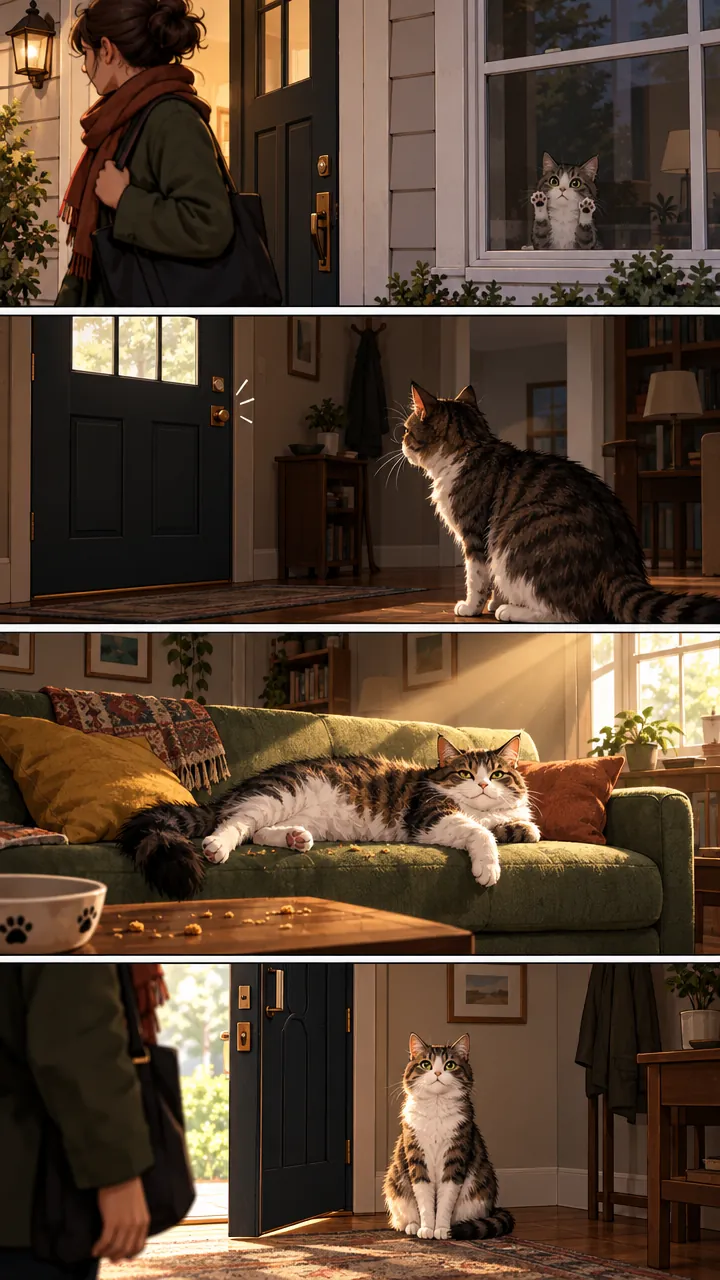
“Create a short vertical comic-style reel with 4 panels.
Panel 1: The owner leaves through the front door. The pet is framed in the window behind them, small against the glass, eyes wide, paws pressed high, the house suddenly quiet.
Panel 2: The door clicks shut. Silence breaks. The pet slowly turns toward the empty house, posture shifting, eyes sharp with possibility.
Panel 3: The house transformed. The pet sprawls across the couch like it owns the place, crumbs nearby, sunlight cutting across the room like a spotlight.
Panel 4: The door opens. The pet is seated perfectly by the entrance, alert and composed, as if nothing happened.”
どちらのモデルも、英語やほかの言語の短い文字を上手に書きます。それでも小さな文字では間違えることがあり、Nano Banana 2.1は自分で言葉を加えがちなので、文字は引用符で囲み、「No other text」と書き、校正してください。日本語の文字は当サイトでは1組のポスターでしか試していないため、使う前に必ず読み直してください。実在のブランドのロゴや有名なキャラクターは頼まないでください。モデルが拒否することが多く、どのみち商用には使えません。代わりに自分のブランドを説明するか、AI画像編集で自分のロゴを商品に入れてください。
短い文字なら入れられます。当サイトの5枚のテストポスターでは、どちらのモデルもすべての行を正しく書きました。そのうち1枚は日本語で、英語のプロンプトの中で日本語の見出しを引用符で指定し、ネイティブが確認しています。ただし1回ずつの結果なので、毎回正しく入るとは限りません。文字は引用符で囲んで短くし、最後に「No other text」と書き、使う前に小さな文字まで校正してください。