
GPT Image 2
OpenAI's latest image workflow on zzo.ai for prompt-to-image generation, image editing, multilingual layouts, and production-ready creative iteration.
Please select a model to get started
Please select a model to get started
Everything New in GPT Image 2
Six upgrades that make the model feel less like a toy generator and more like a real production tool.
Pixel-Perfect Text Rendering
Generate posters, covers, UI mockups, and dense editorial layouts with far cleaner in-image text than older image models.
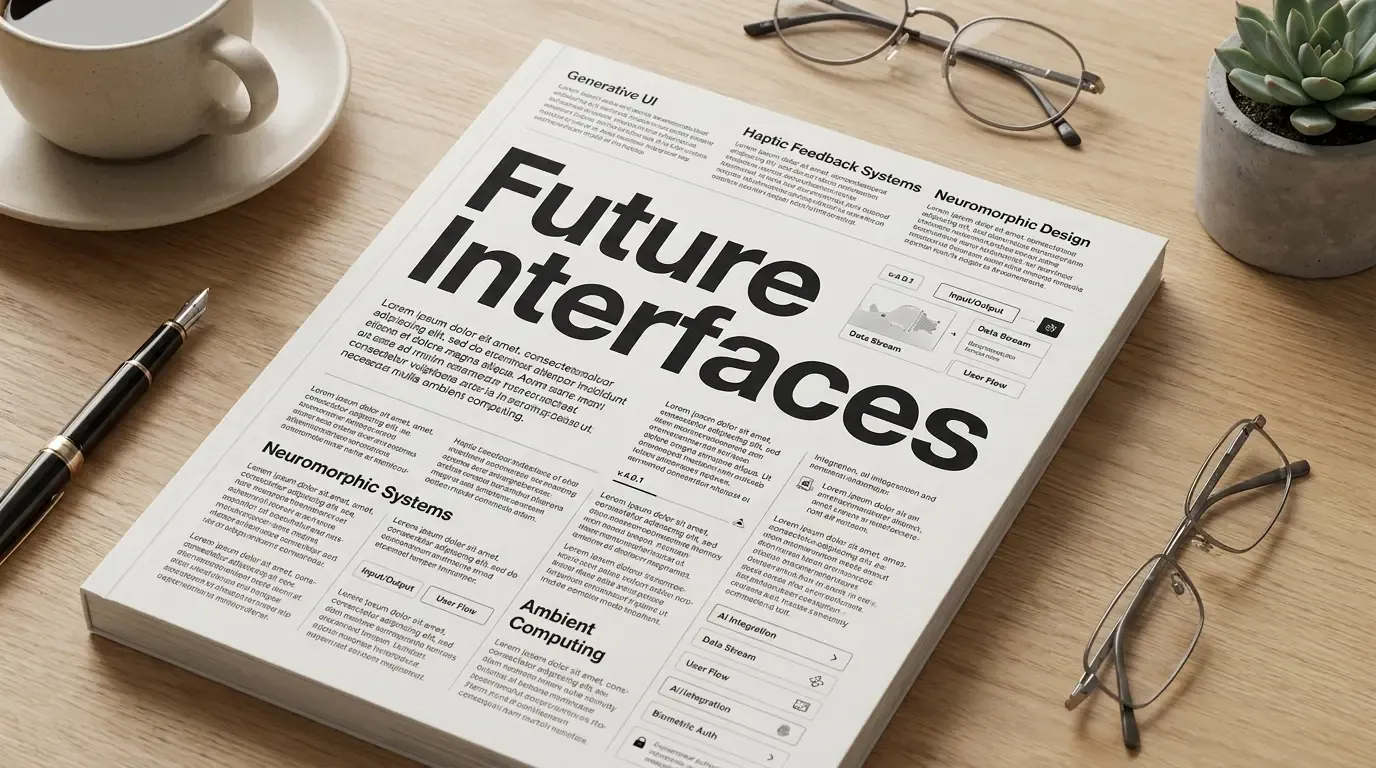
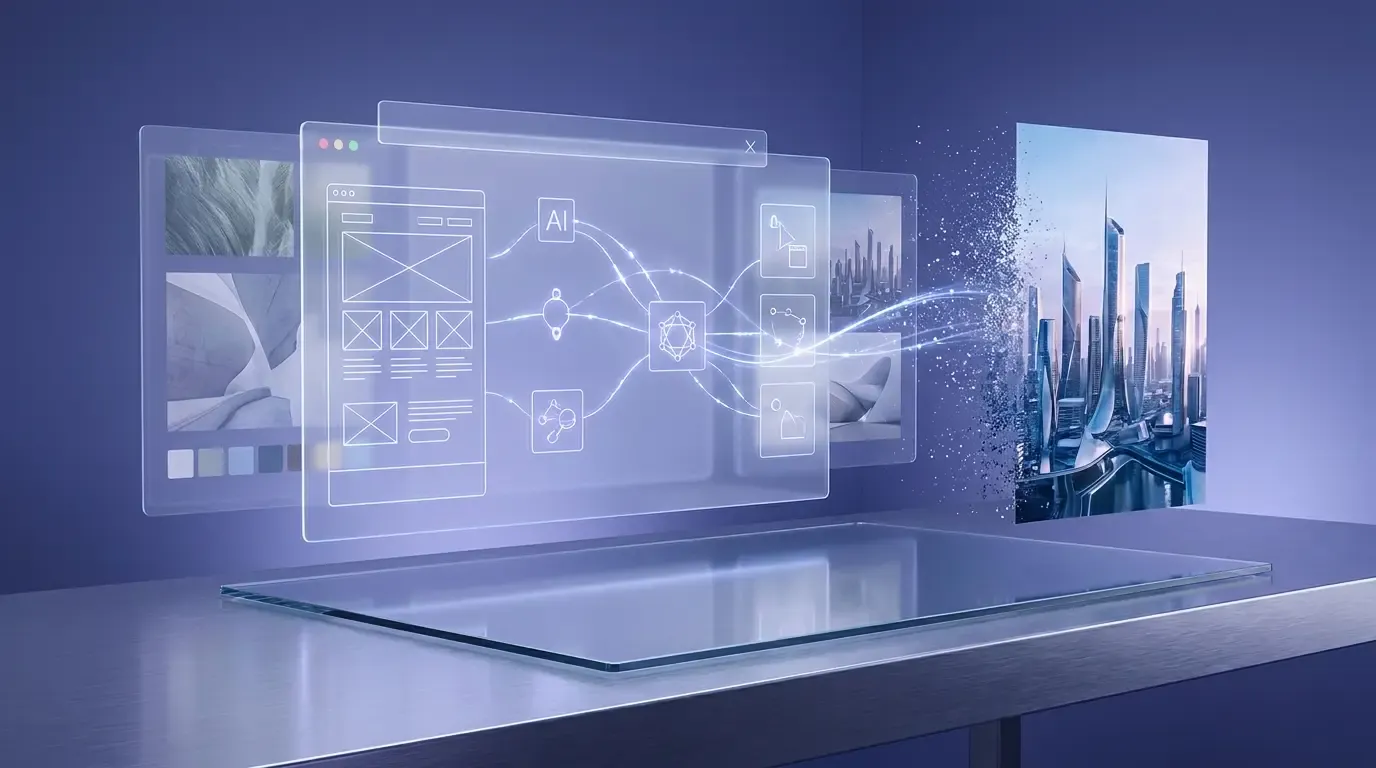
Native Reasoning Before Rendering
Complex prompts hold together better because the model plans layouts, relationships, and visual priorities before it draws.
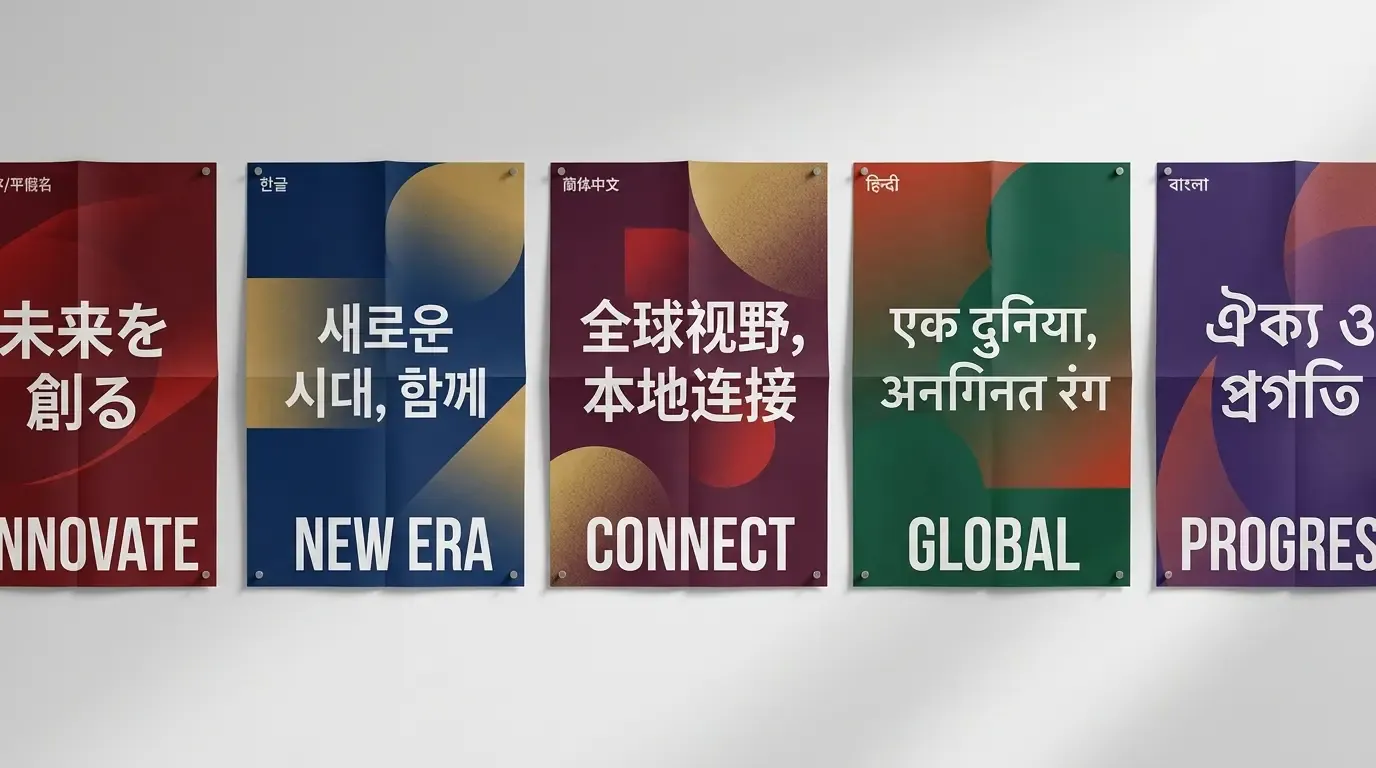
Multilingual at Campaign Quality
Render Japanese, Korean, Chinese, Hindi, and Bengali inside images with cleaner typography for localization and regional marketing.
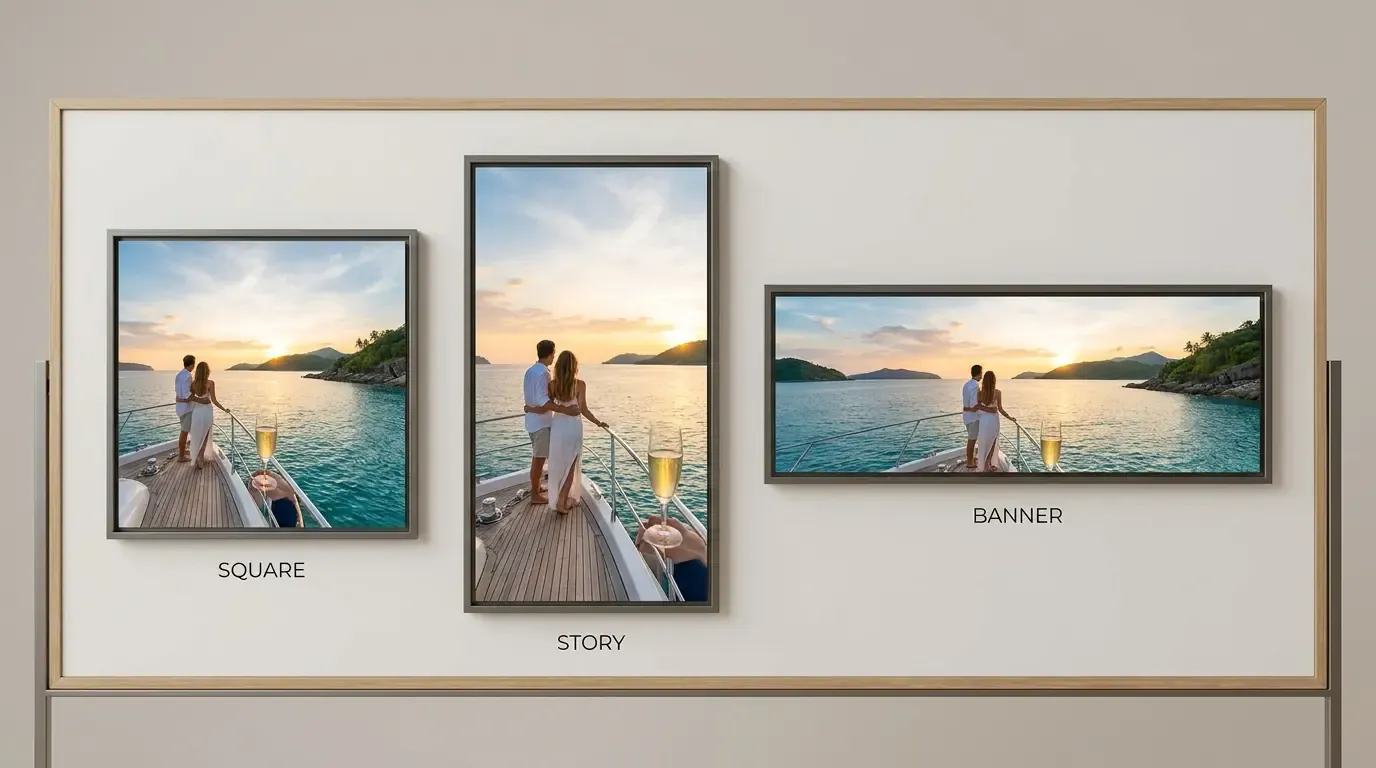
Flexible Framing for Real Placements
Build wide banners, social crops, vertical story layouts, and other production formats without rewriting the entire prompt from scratch.
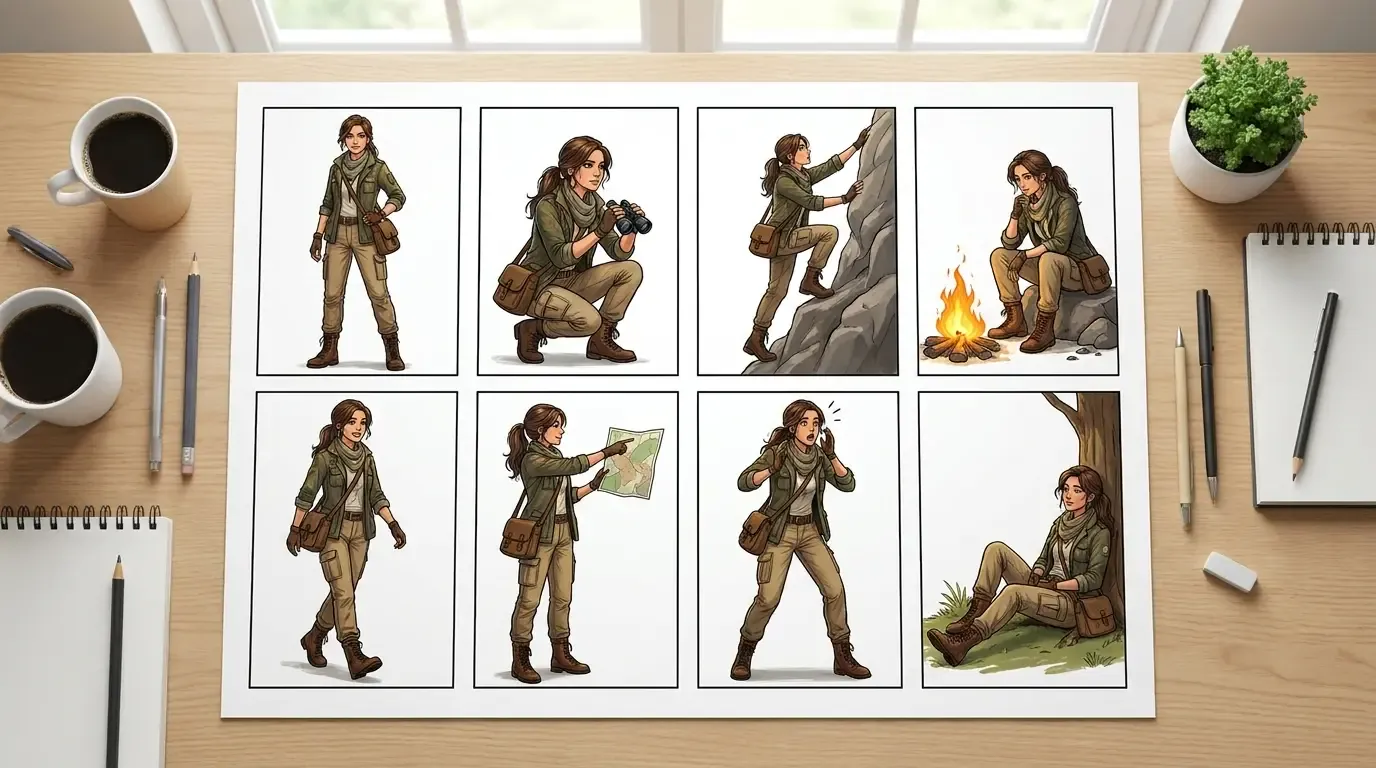
Consistent Variations from One Prompt
Keep character identity, styling, props, and color language more aligned across multiple generated variations and storyboard-like outputs.
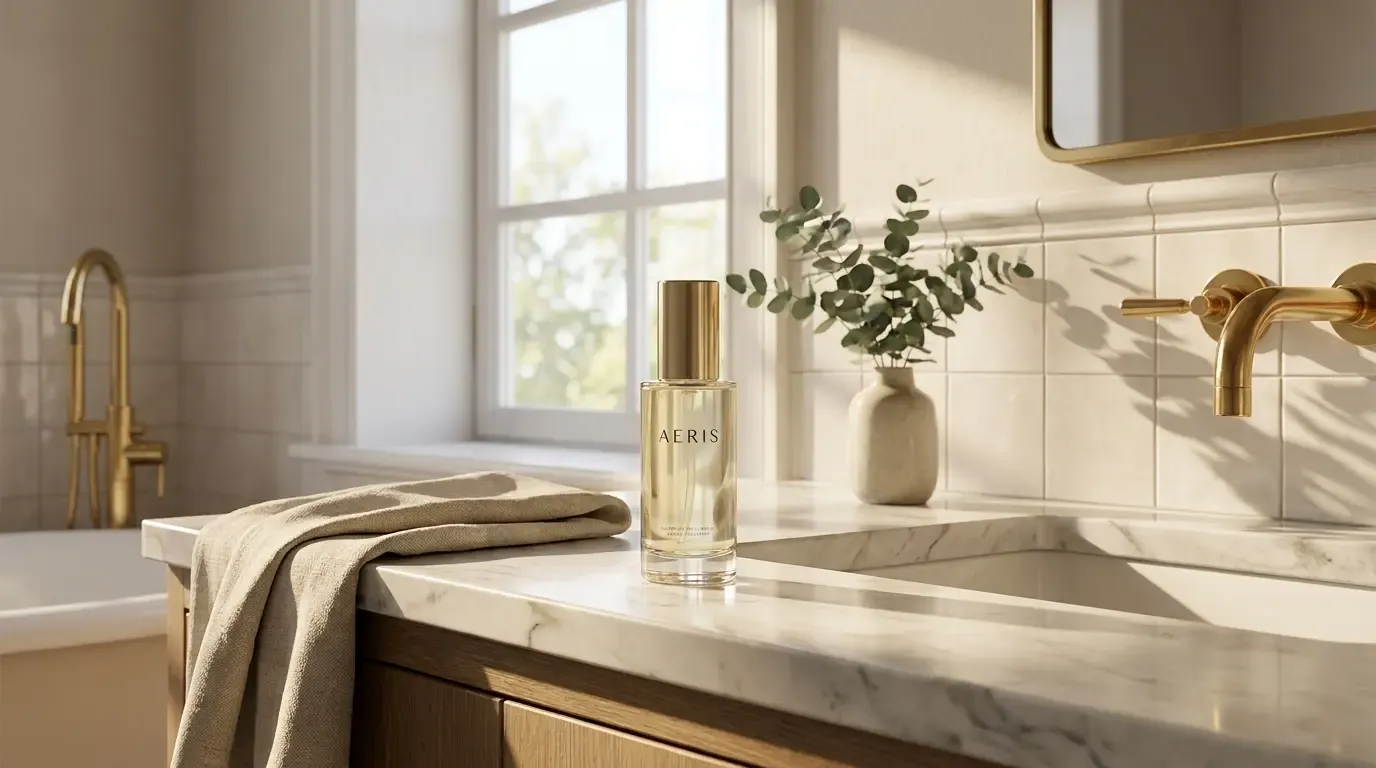
Multi-Reference Editing
Blend products, people, and scenes from multiple references into one believable image with stronger perspective and lighting continuity.
GPT Image 2 for Real Production Workflows
Three high-value scenarios where GPT Image 2 can replace slow handoff loops and reduce visual production friction.
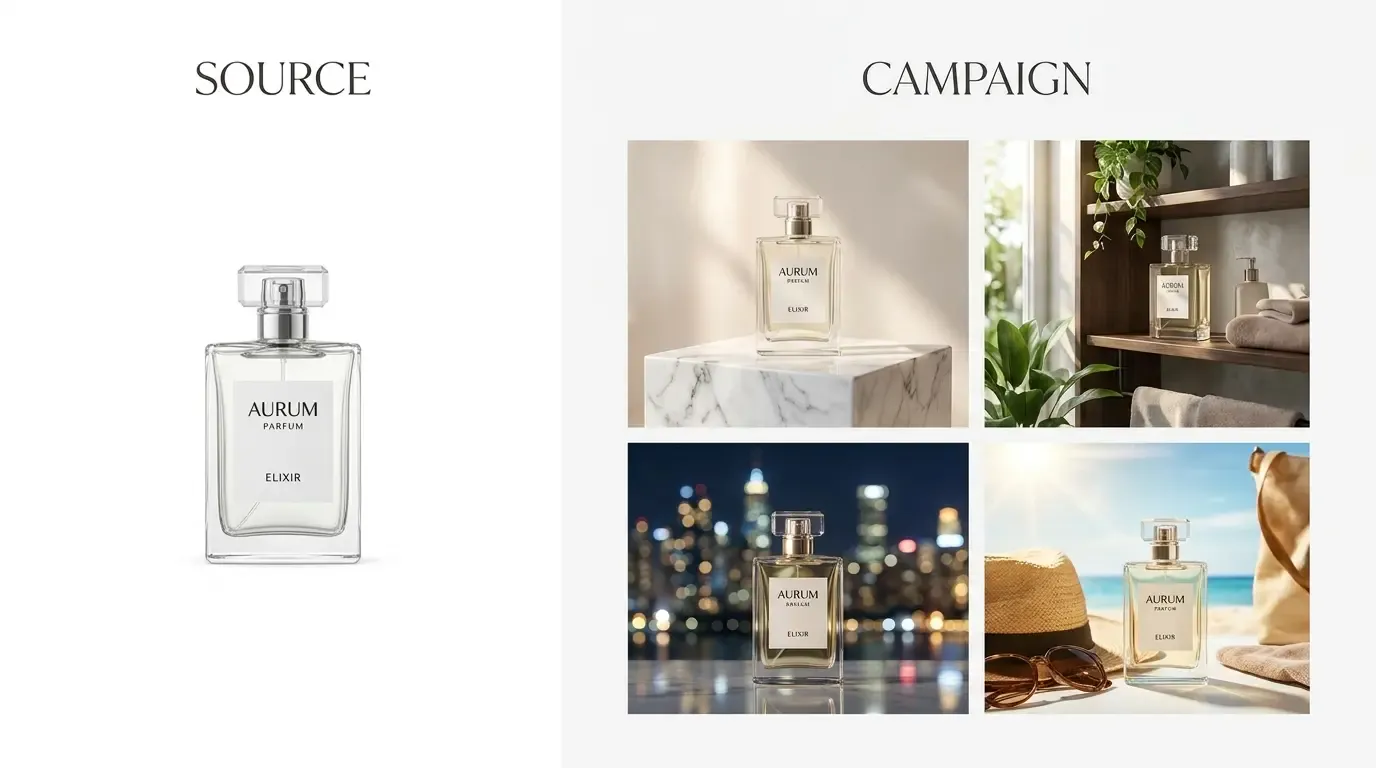
E-commerce Product Photography
Turn one clean packshot into multiple campaign scenes, merchandising variants, and polished marketplace visuals while keeping packaging details readable and on-brand.
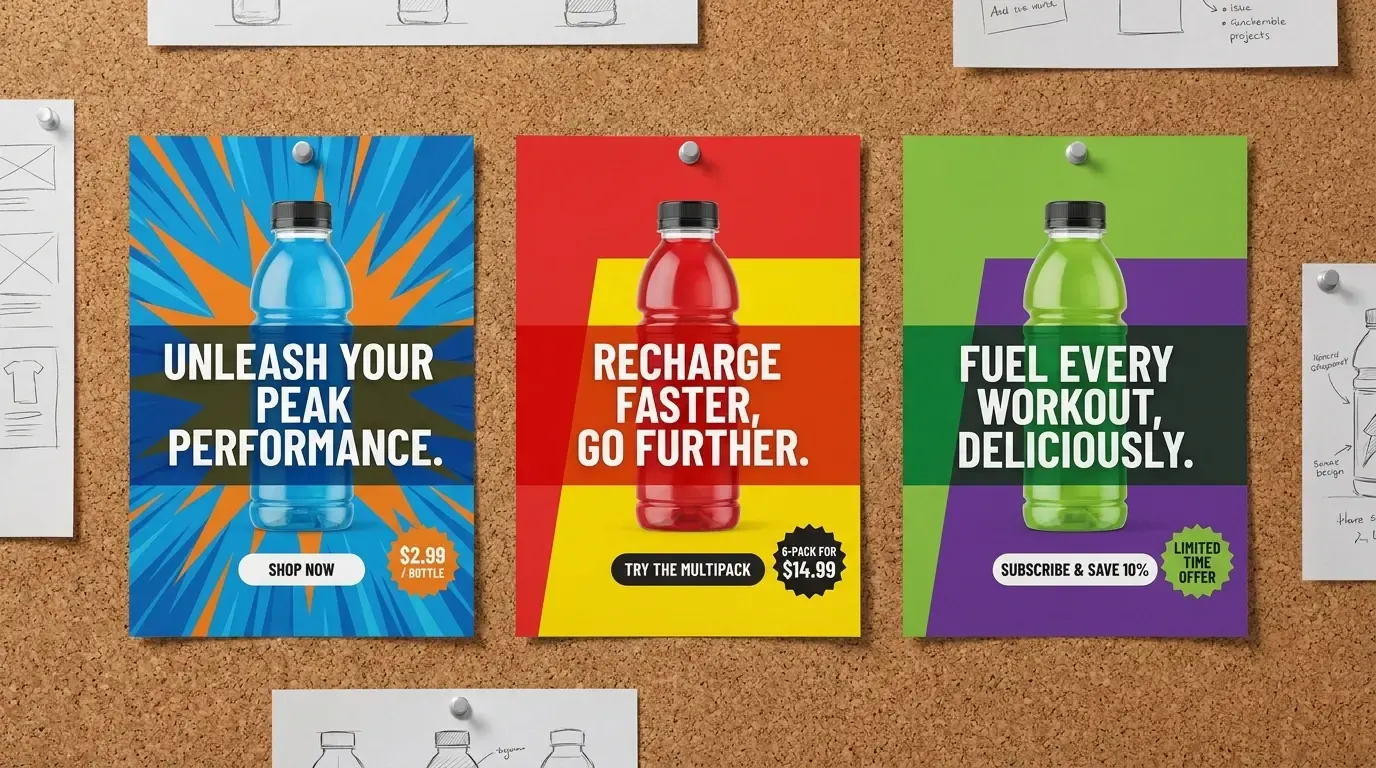
Posters and Ad Creatives with Real Text
Generate headlines, CTAs, offer blocks, and pricing callouts directly inside the image so teams can test more concepts before touching a design tool.
Virtual Try-On and Model Swaps
Combine garment references with new models, poses, and backgrounds to prototype apparel campaigns faster without scheduling a full studio shoot first.
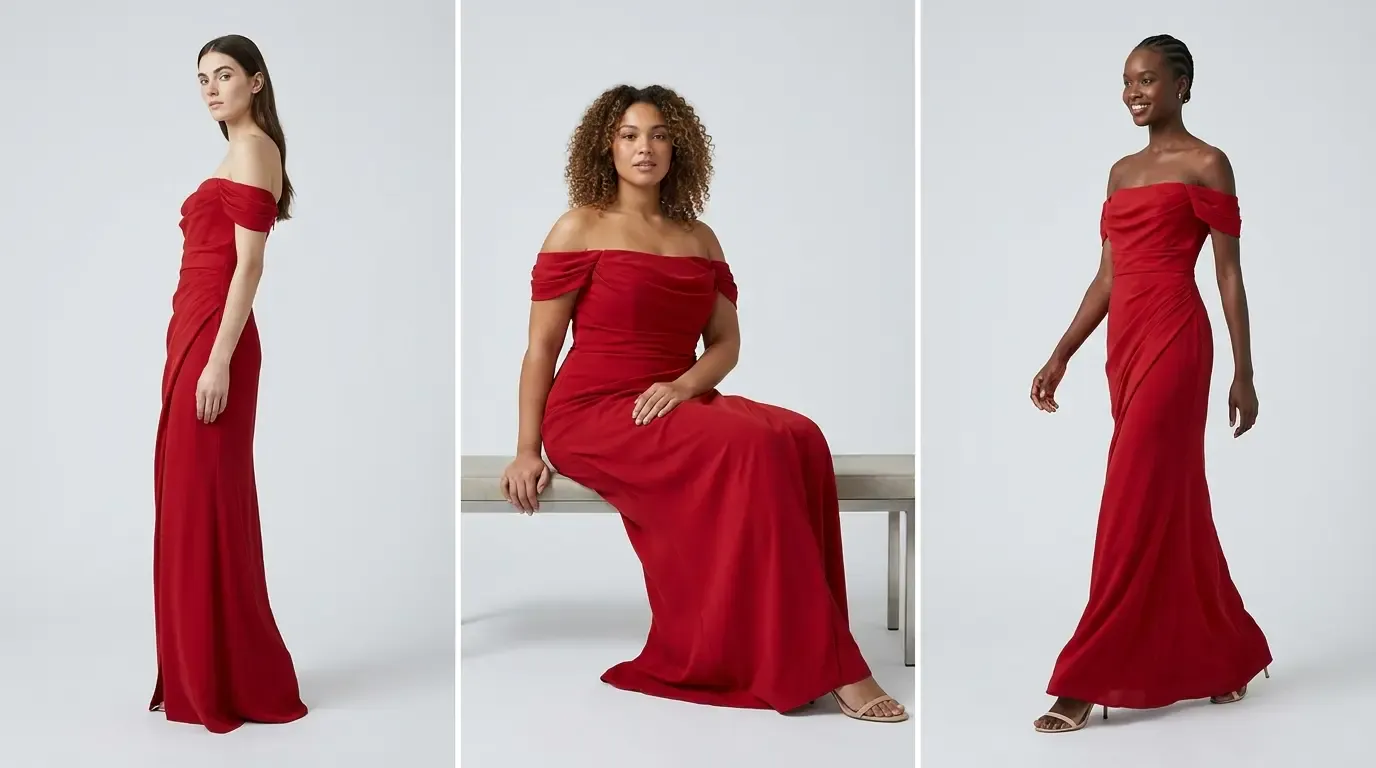
Made with GPT Image 2
Sixteen fresh examples inspired by the strongest community prompts, remade as a mixed-size gallery for real browsing behavior.
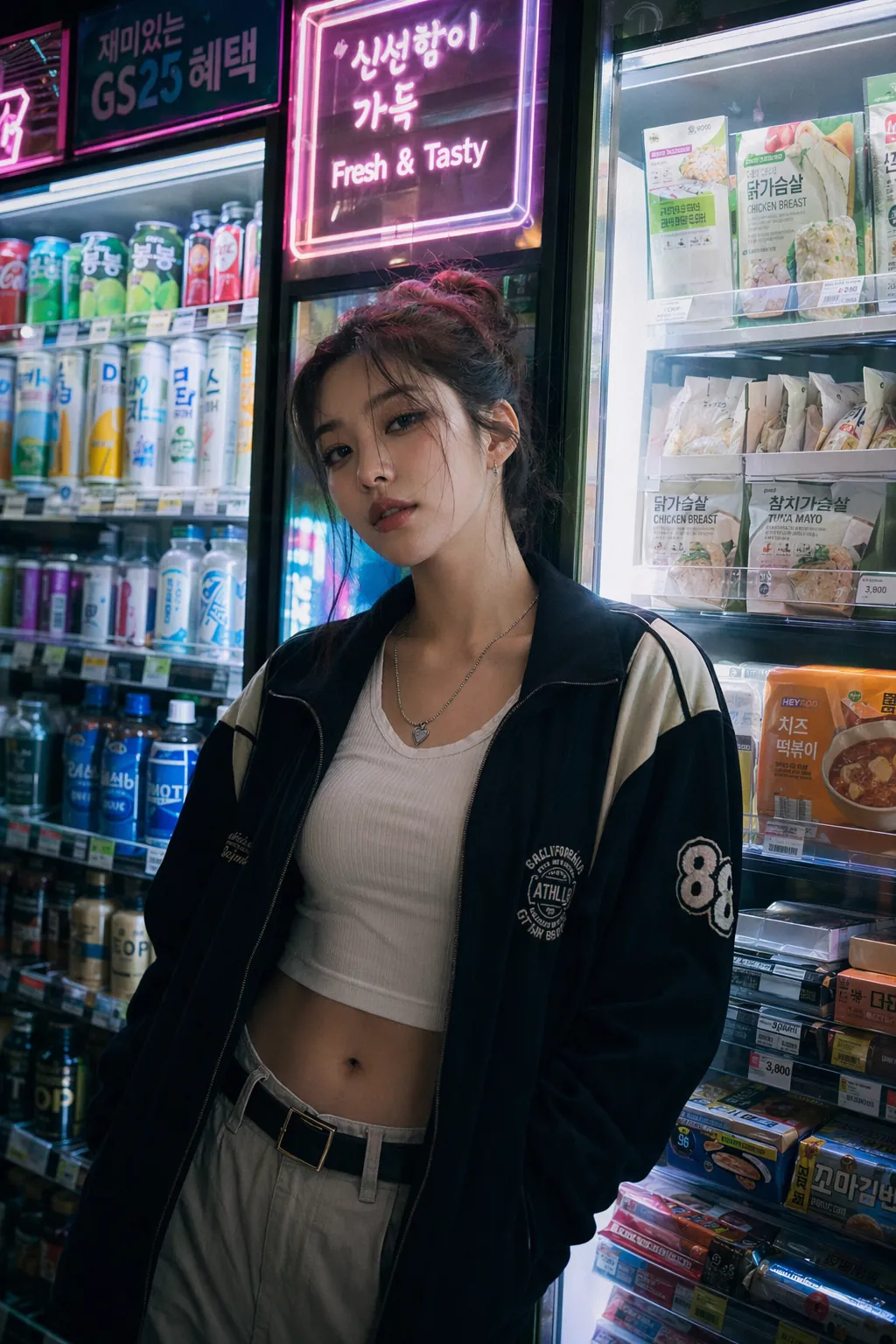
Late-night editorial portrait with cinematic neon color separation.
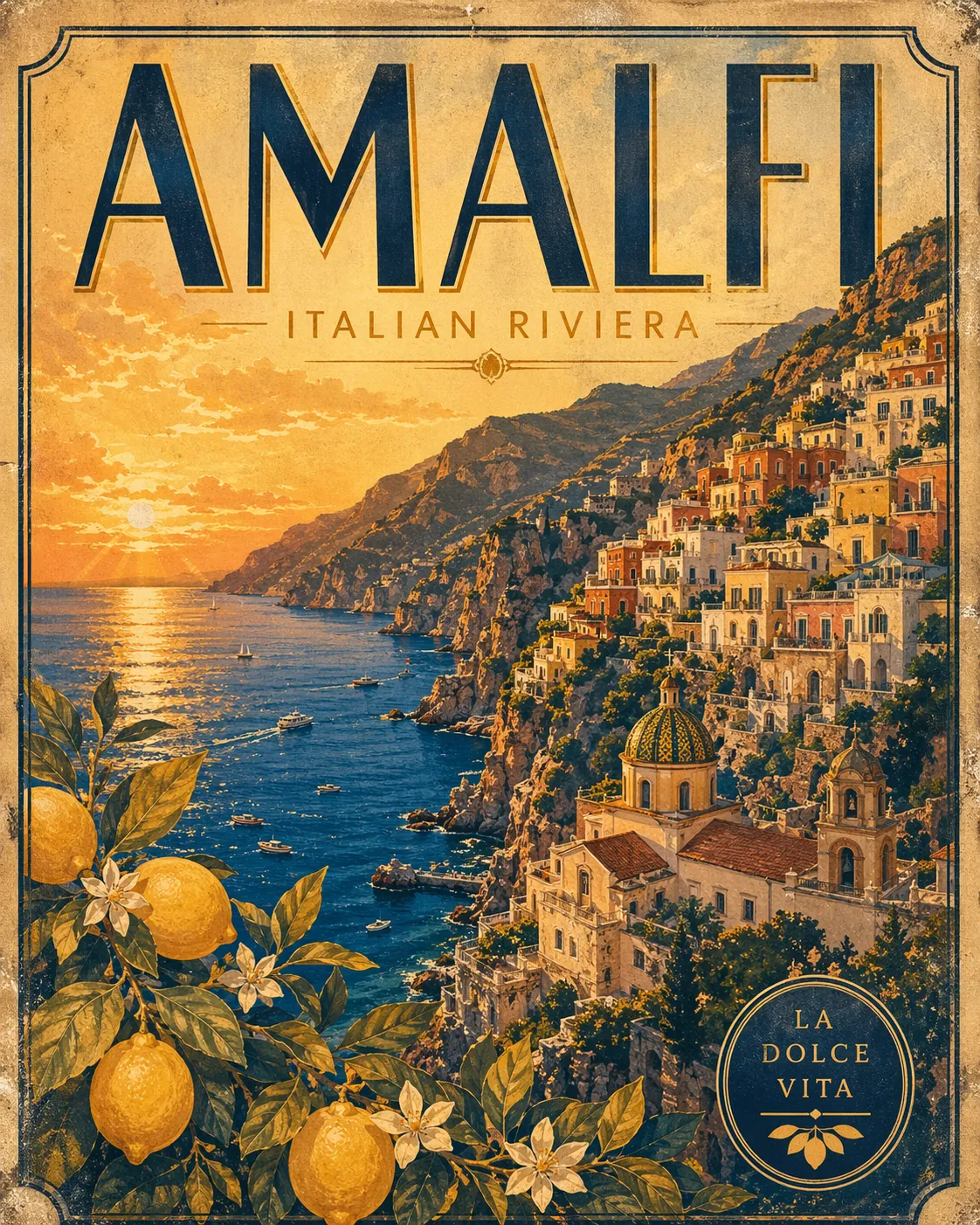
Retro destination poster built for the kind of prompt people actually save.
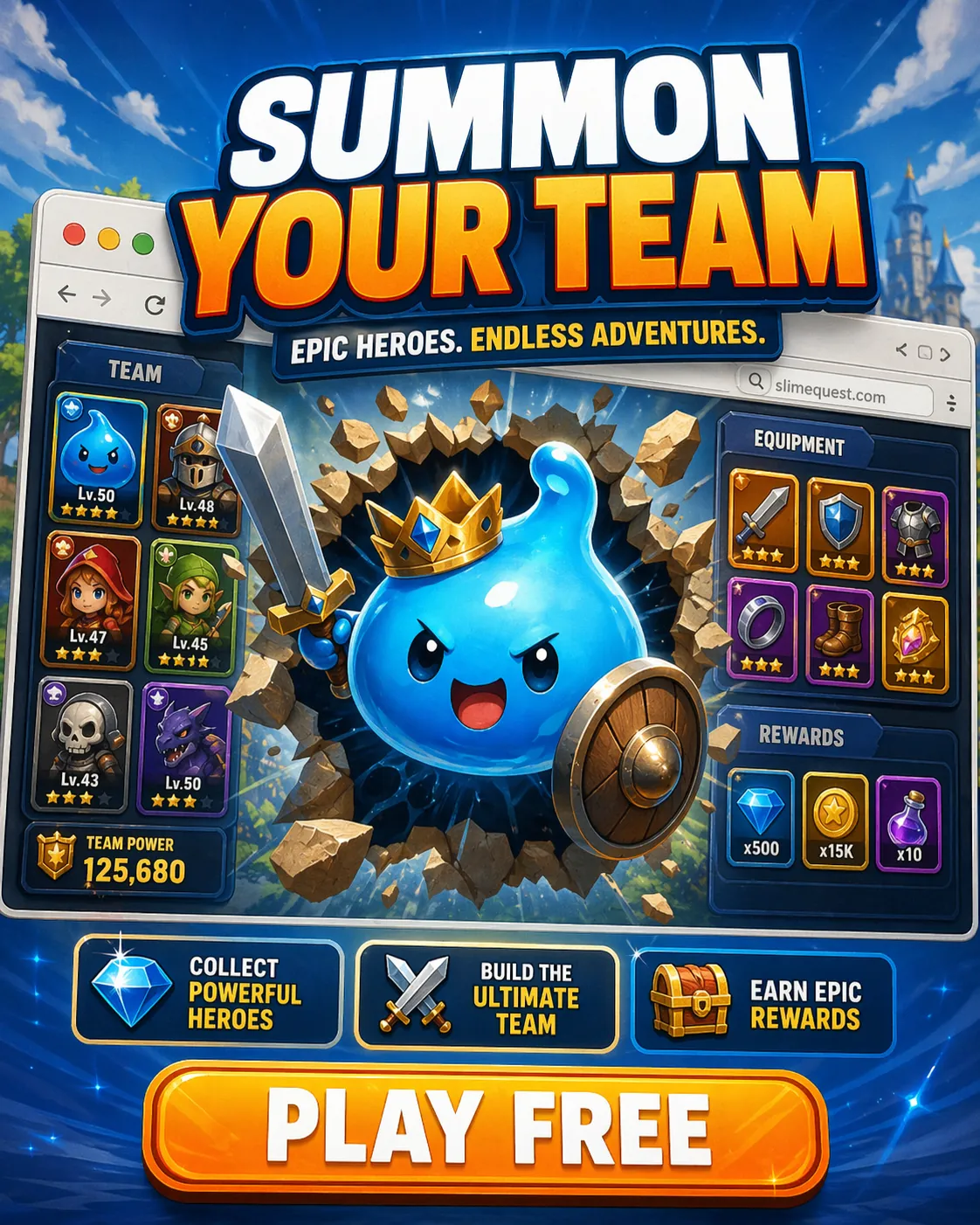
Performance-marketing game creative with clean English display text.
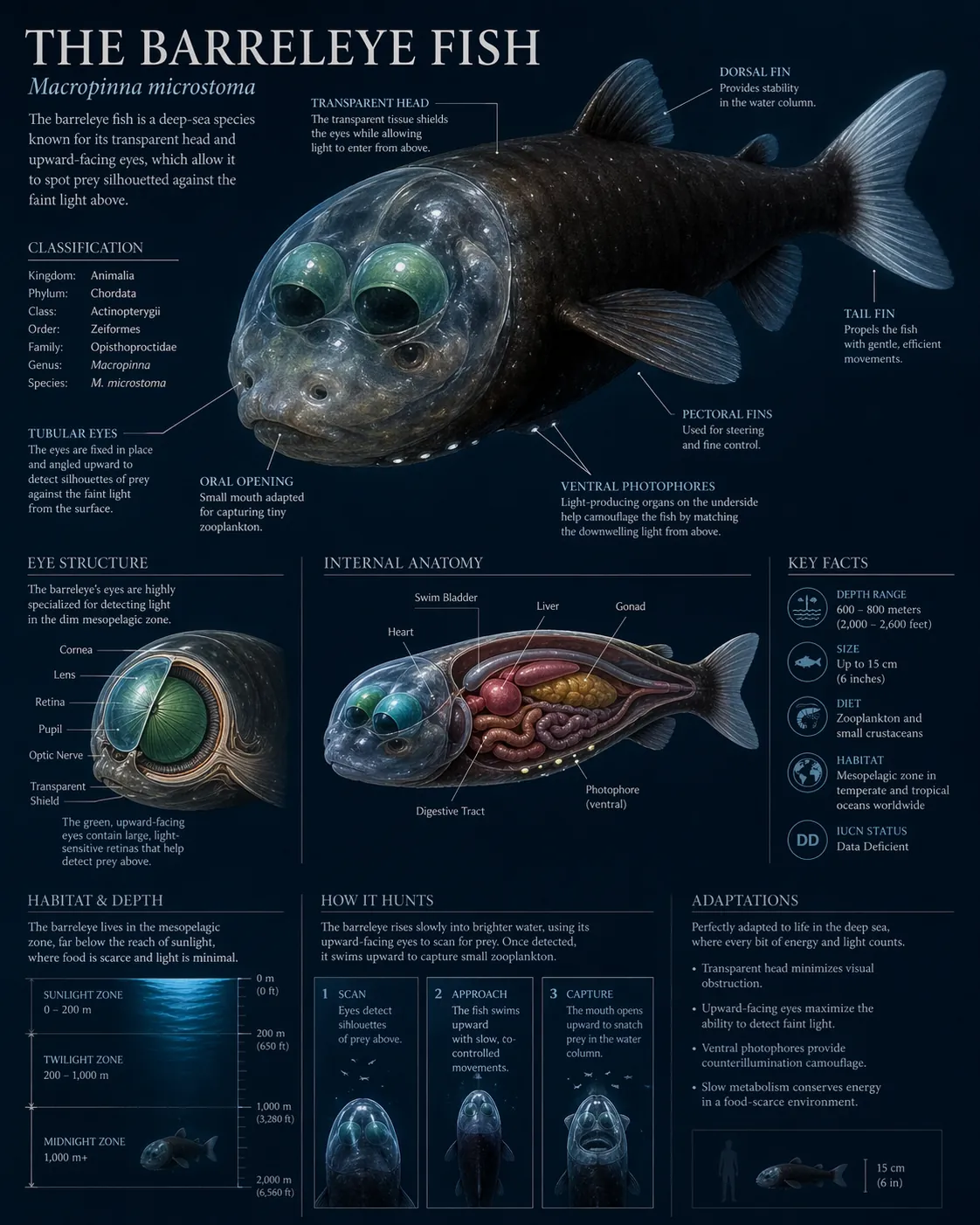
Dense educational diagram that still keeps labels and hierarchy readable.
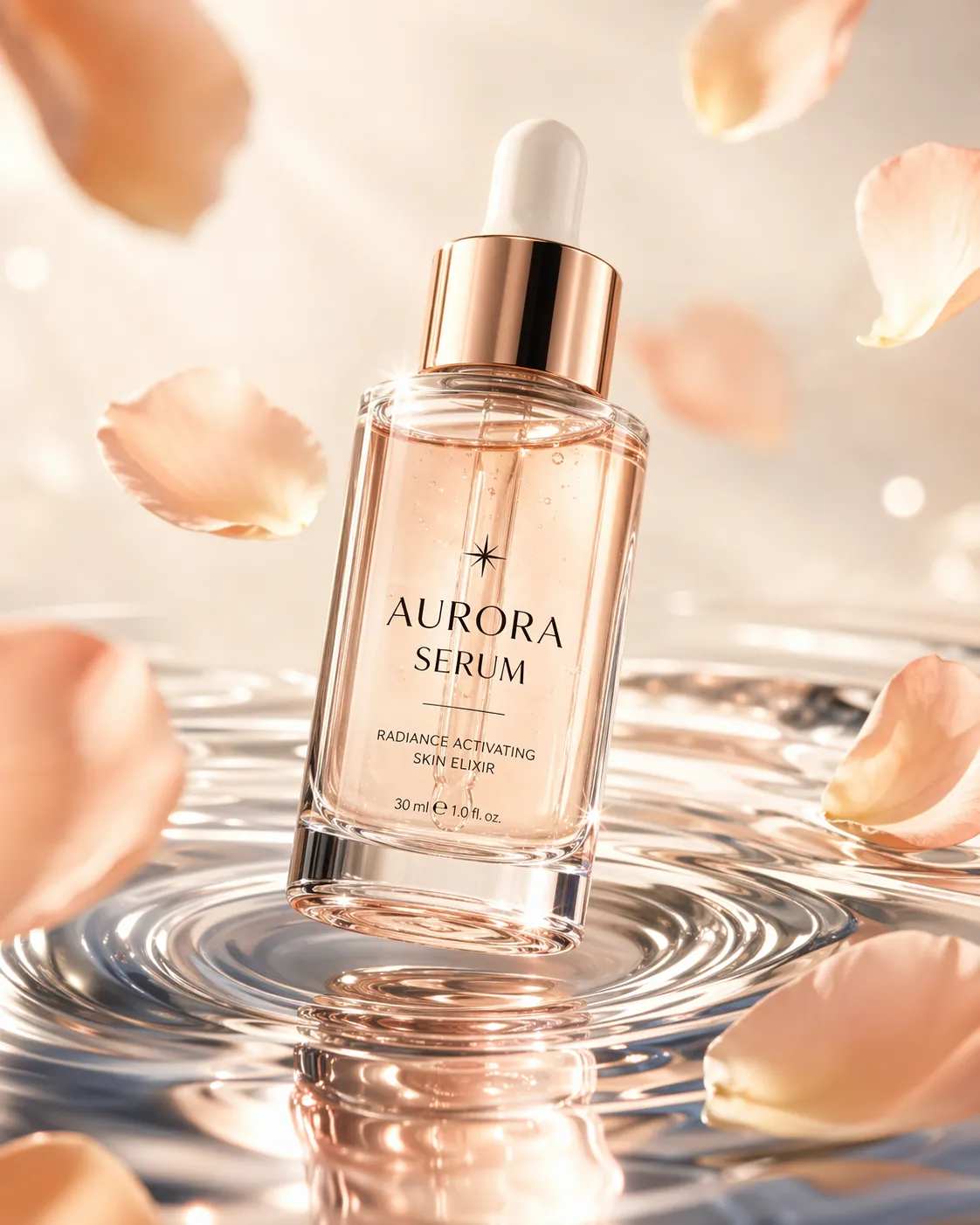
Beauty-campaign product render with premium reflections and packaging text.
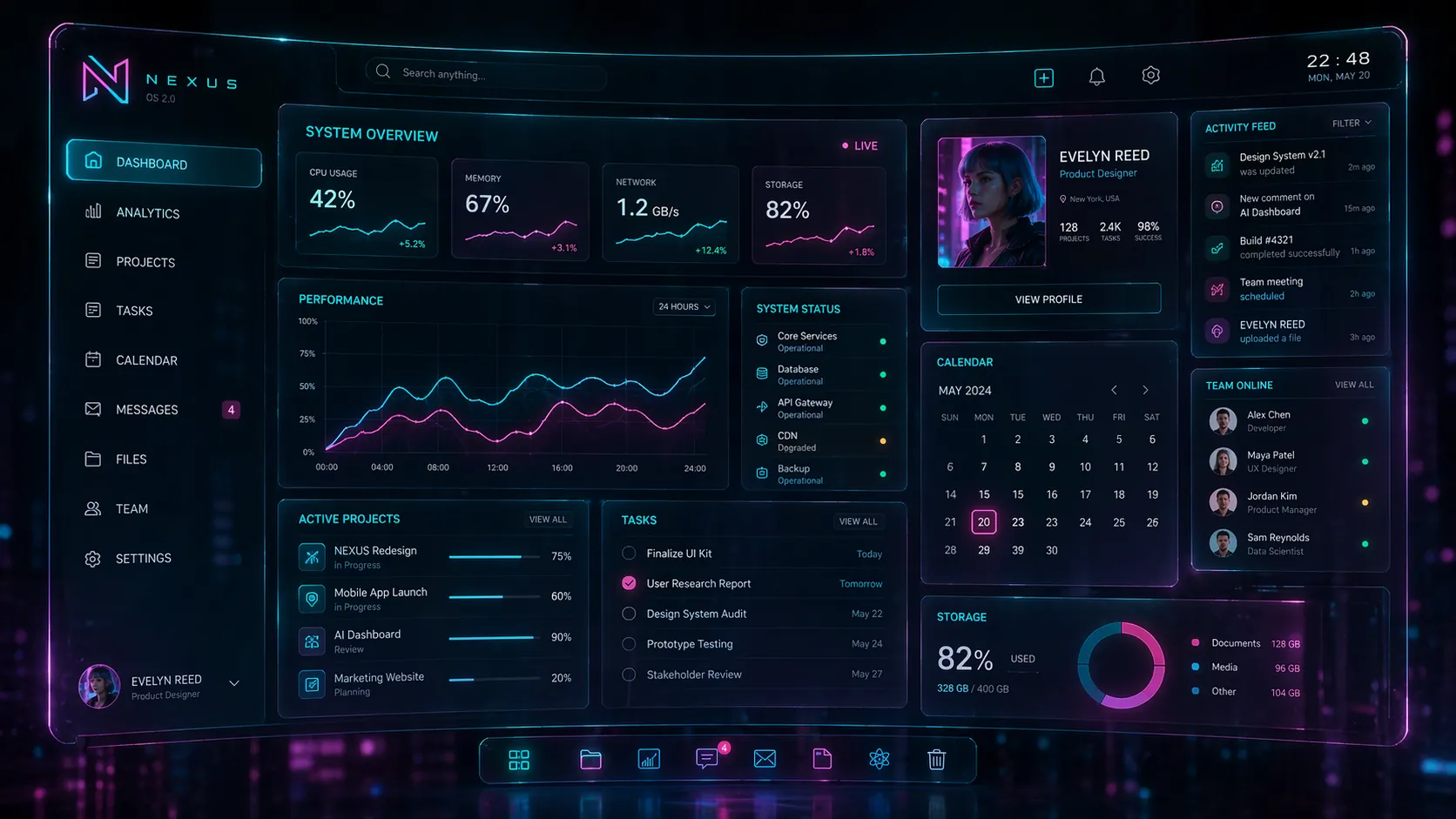
UI concept art for teams testing how far in-image interface text can go.
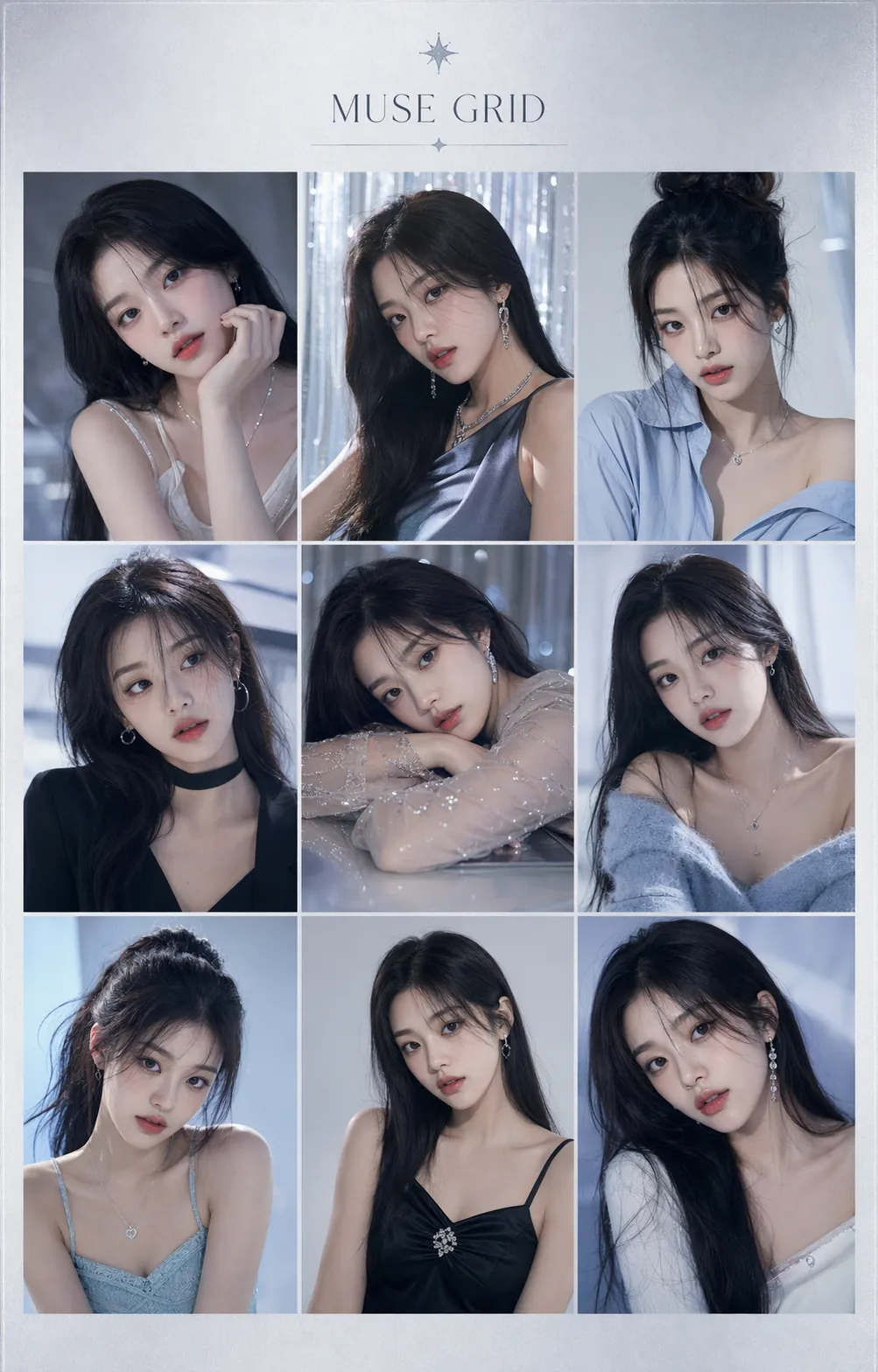
Consistency-heavy fashion board with one character held across many looks.
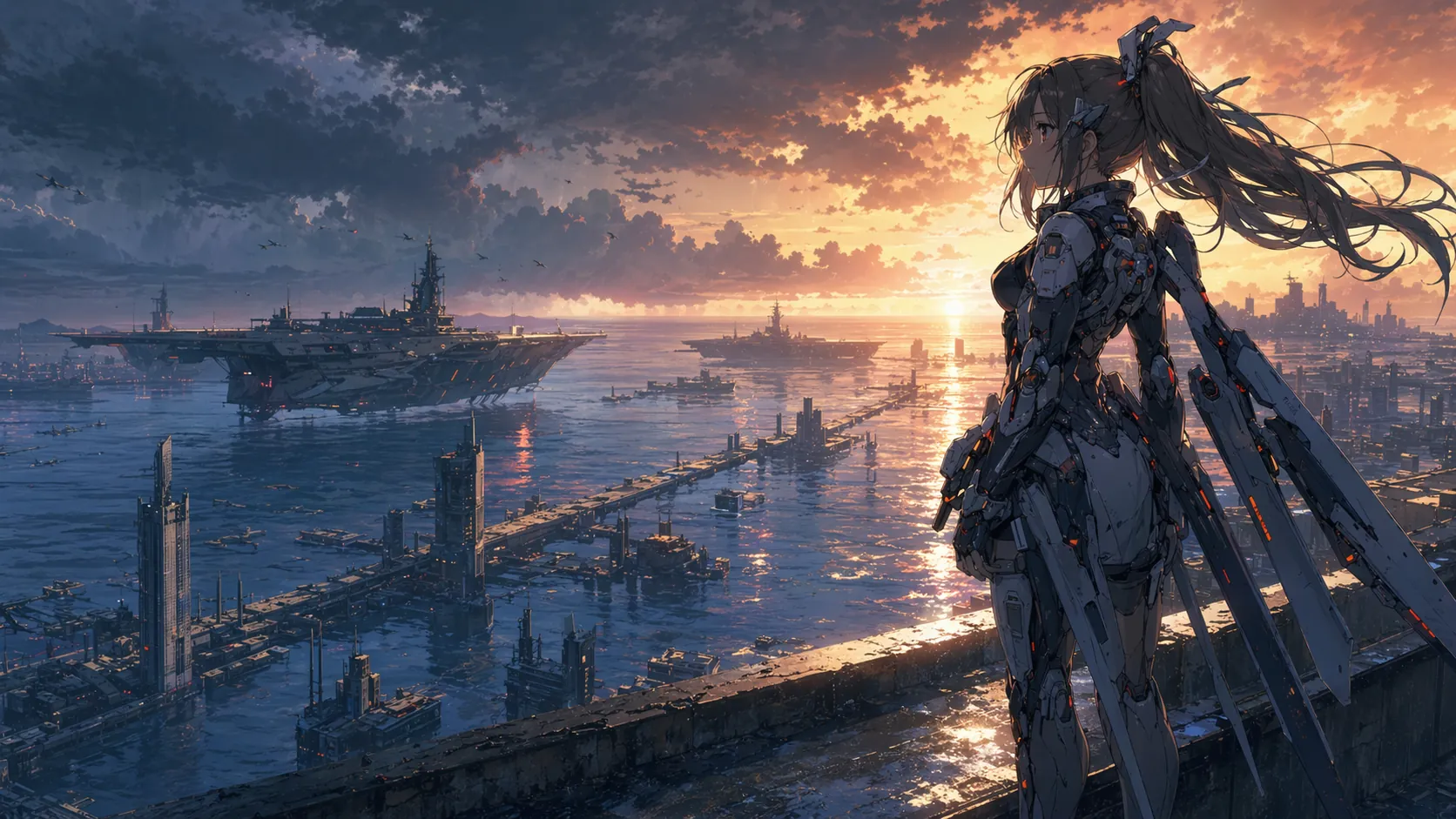
Big-screen anime composition with cinematic scale and rich environment detail.
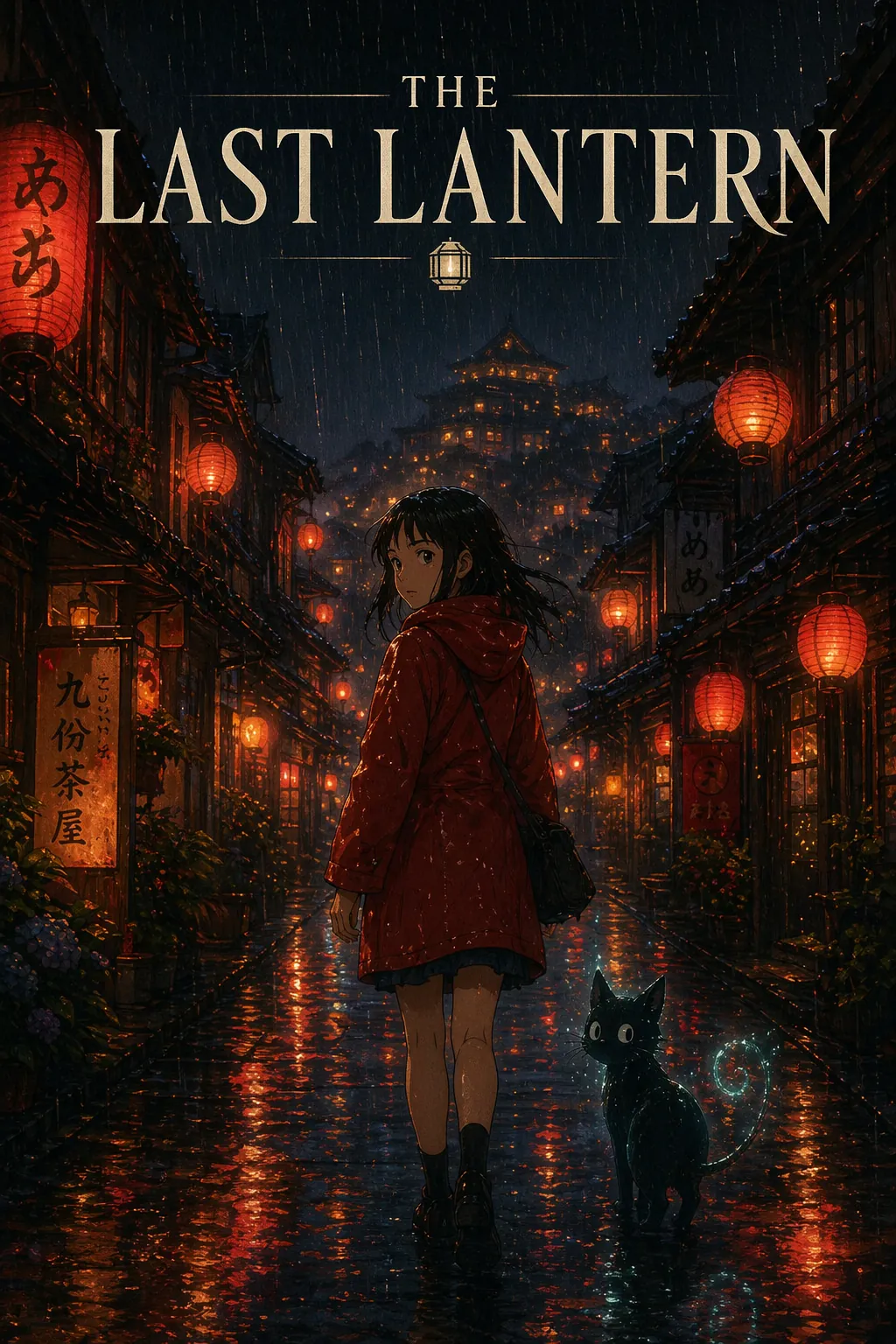
Theatrical poster design with story atmosphere and readable title treatment.
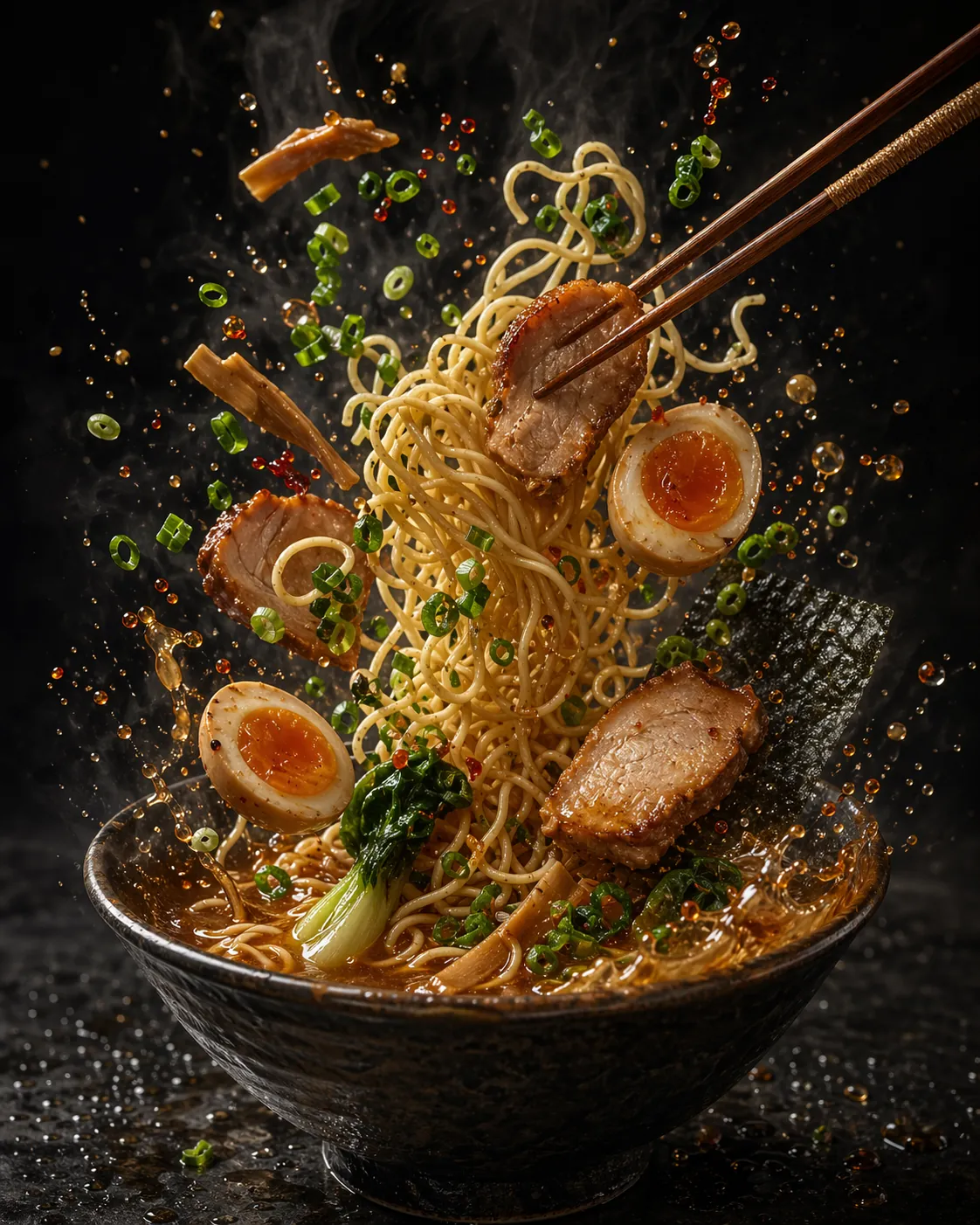
High-motion food editorial built to feel like a premium restaurant ad.
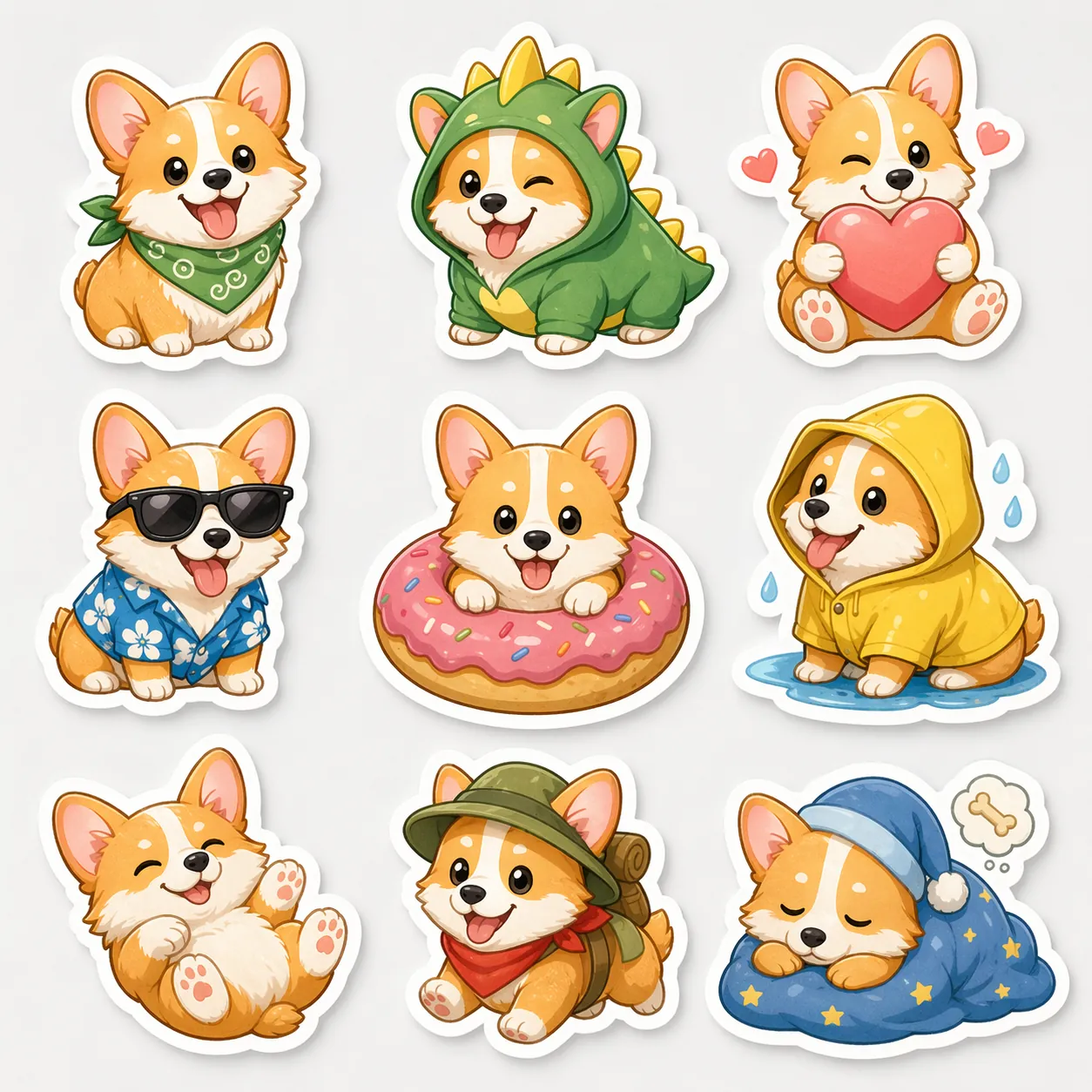
Merch-ready sticker pack showing style consistency in a small canvas.
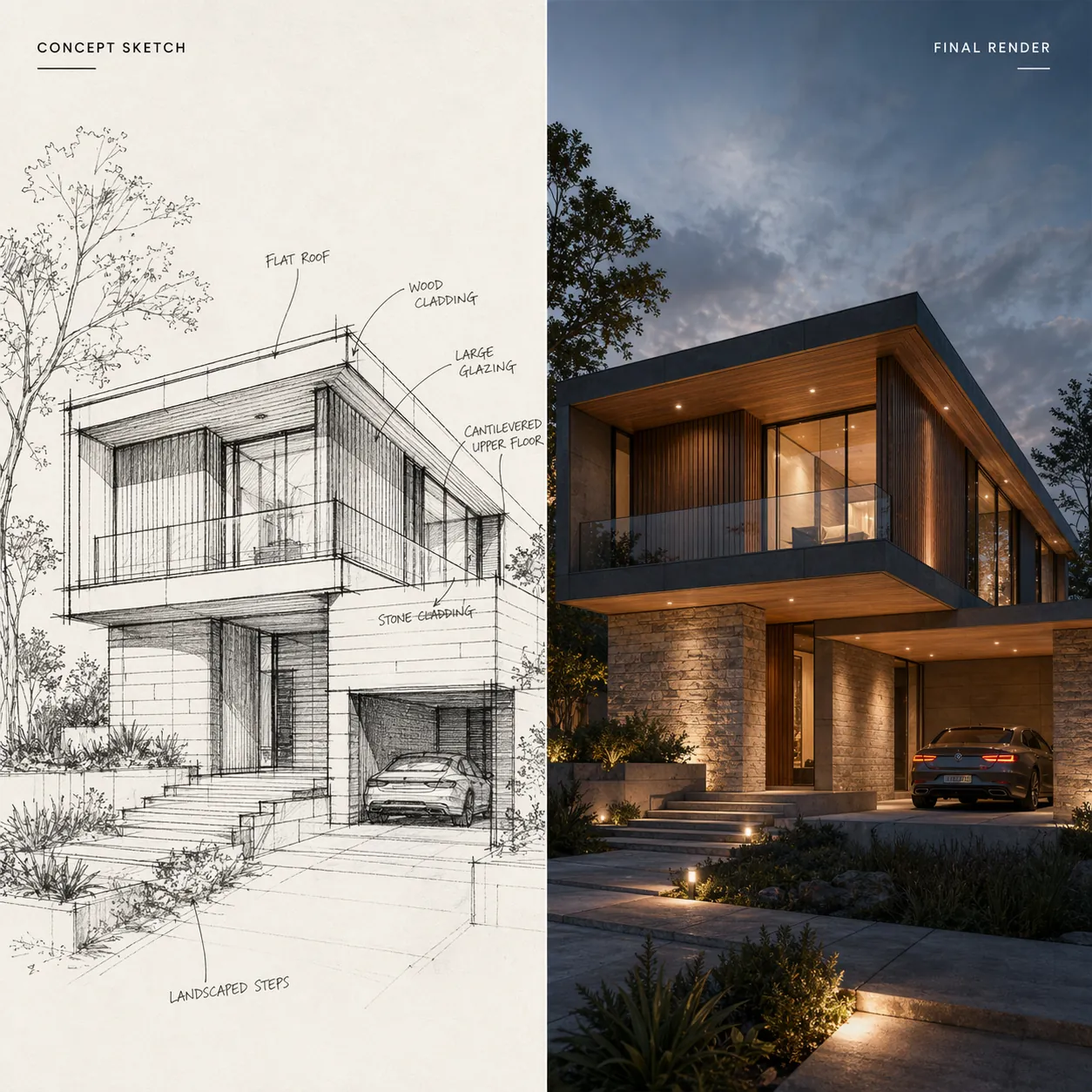
Sketch-to-render transformation with clean correspondence between concept and output.
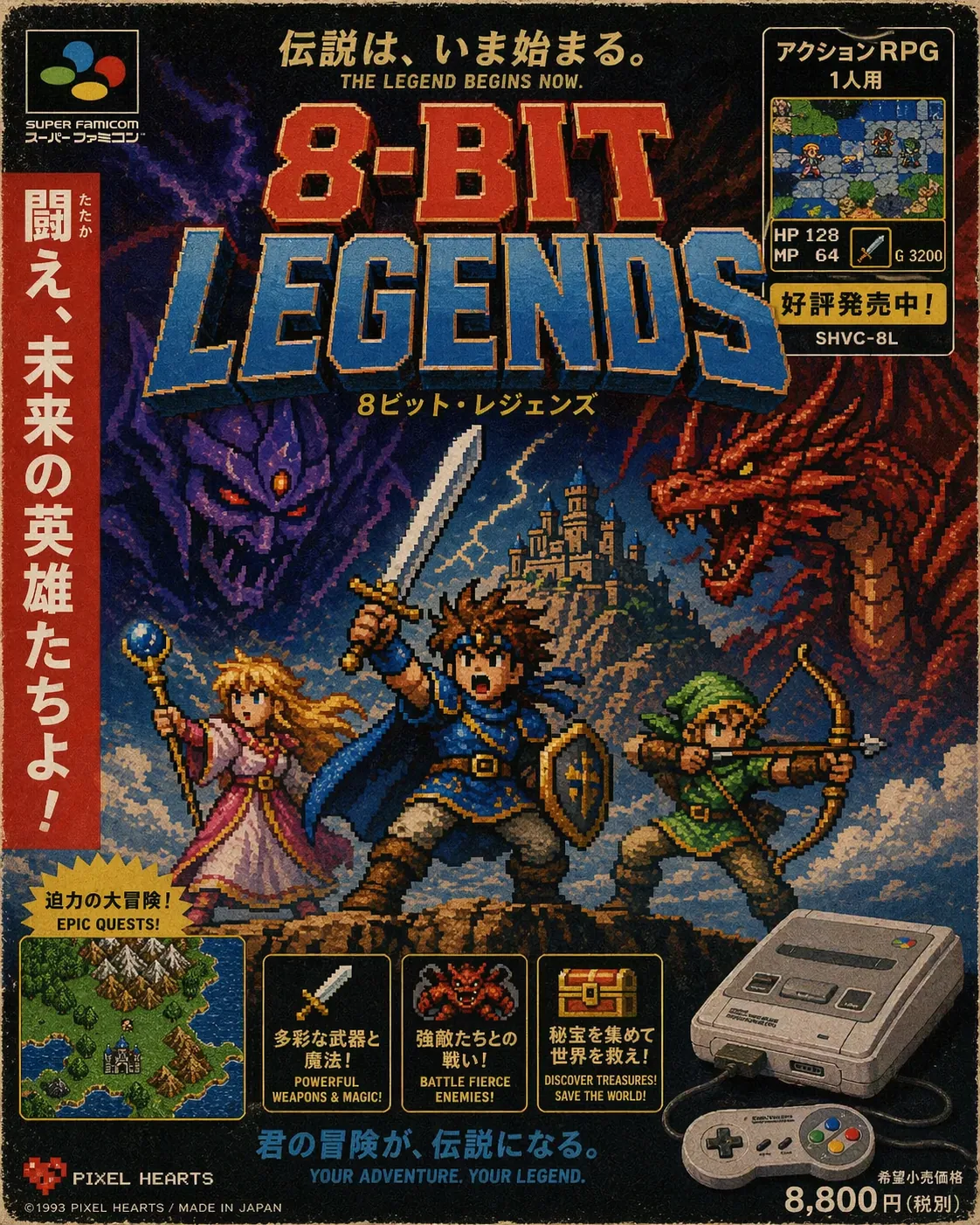
Nostalgia-heavy poster design with readable headline typography.
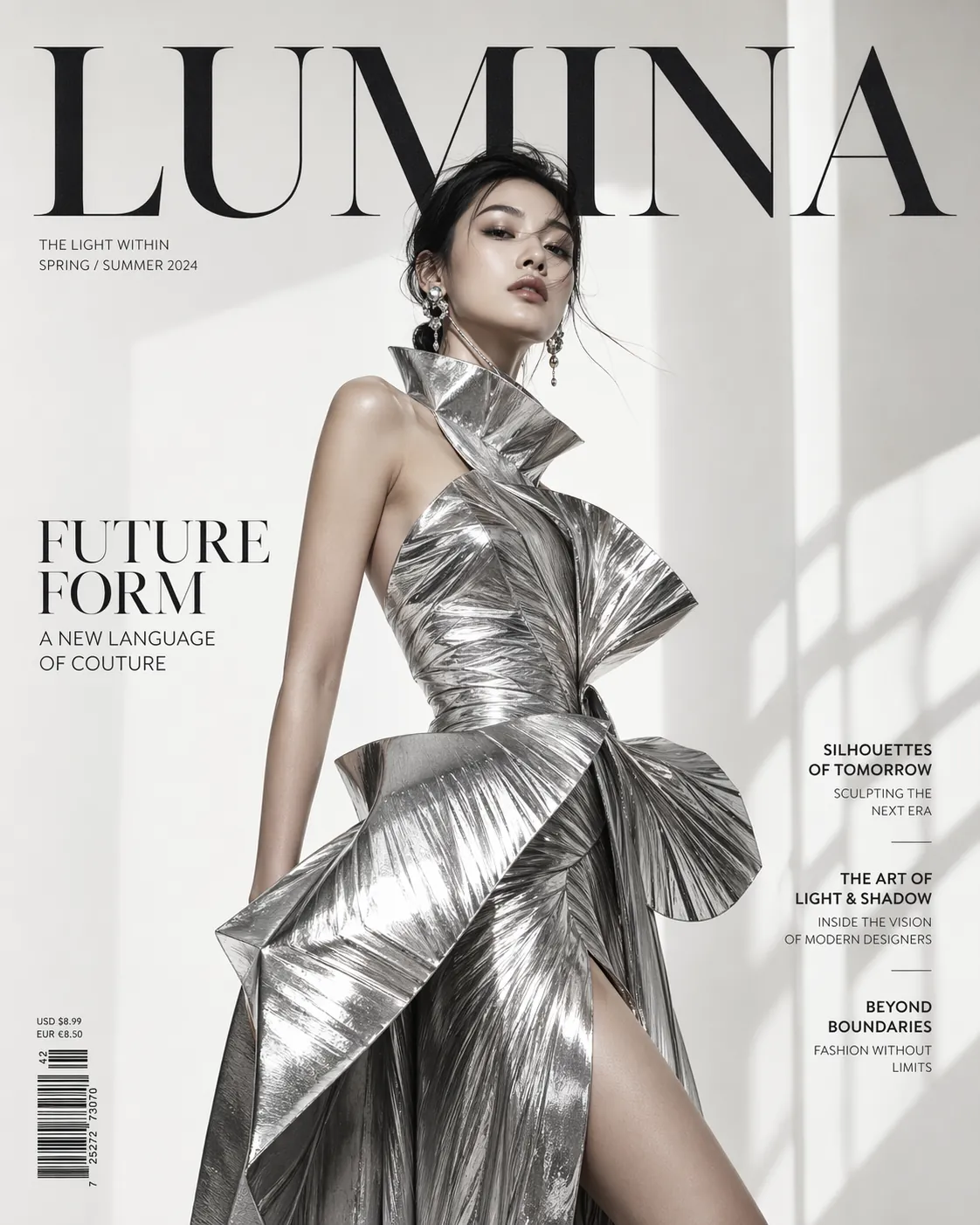
Magazine-cover styling that mixes fashion photography with layout polish.
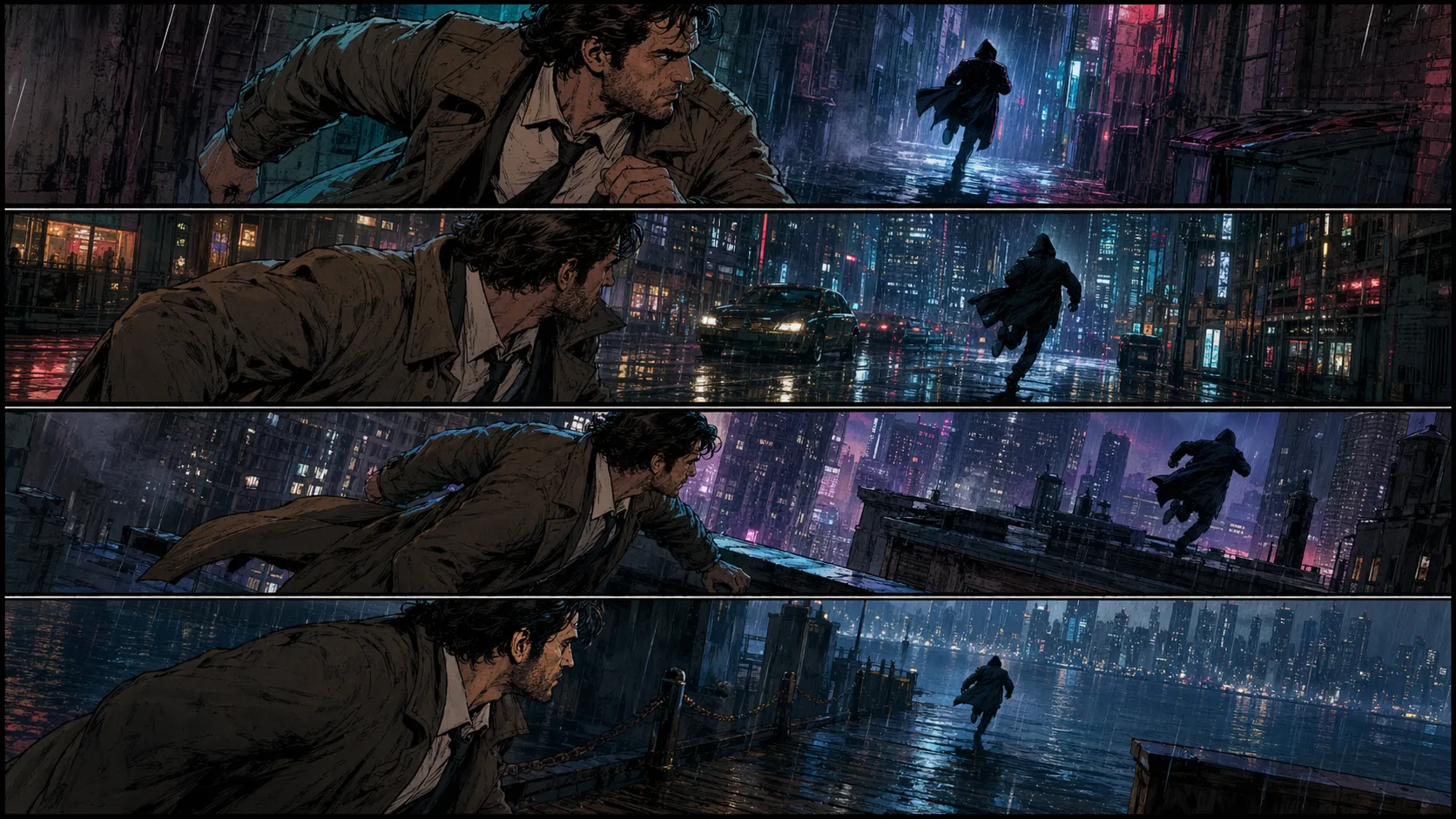
Sequential storytelling example for storyboard and comic prompt lovers.
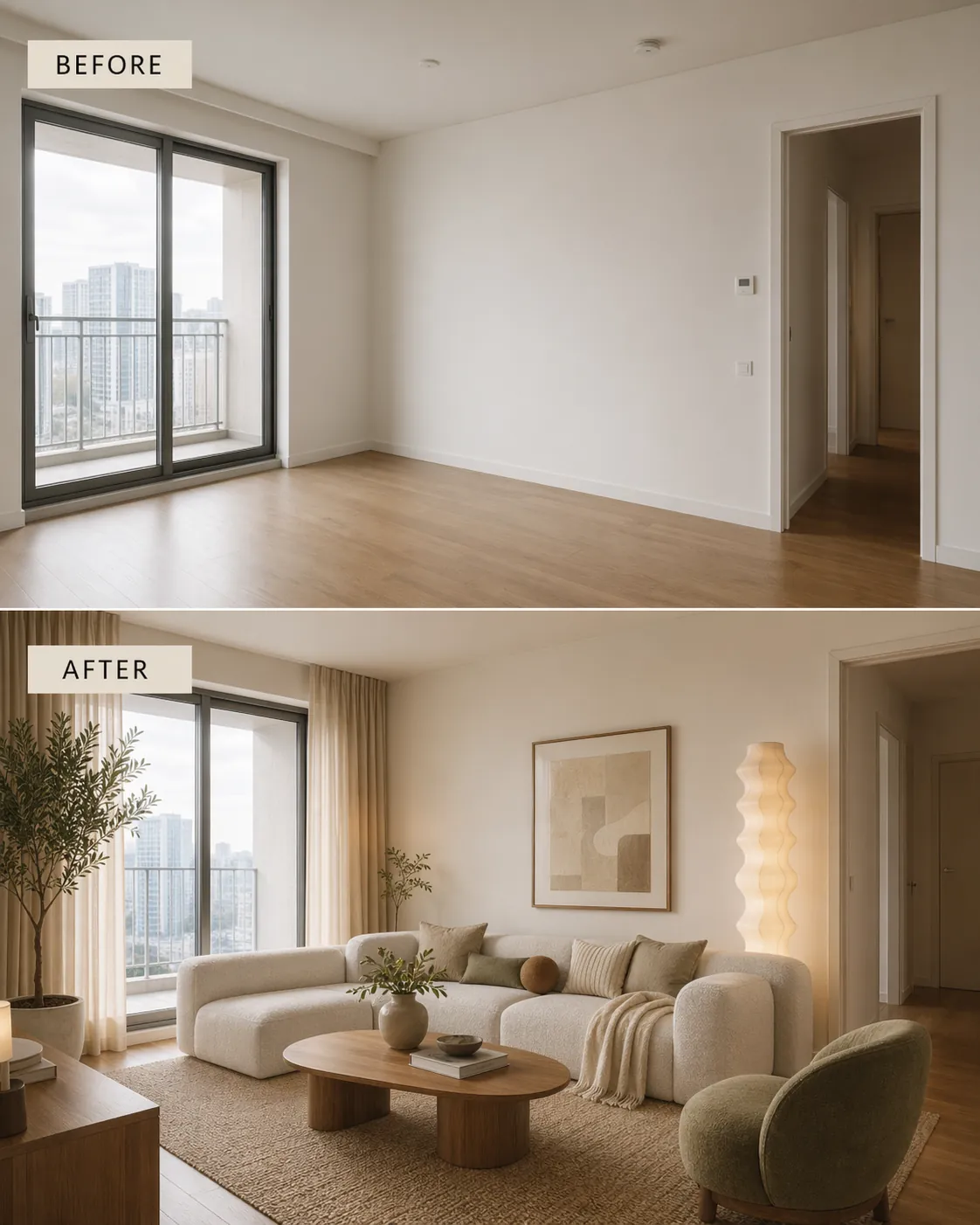
Home makeover comparison with clear instructional labels and soft commercial lighting.
GPT Image 2: From Prompt to Production in 3 Steps
A simple workflow for turning an idea into a campaign-ready image without leaving the playground.
Describe the Shot Like a Creative Brief
Write in natural language and be specific about subject, styling, lighting, composition, and any text that must appear inside the image.
- Put exact in-image text in quotes, like "Summer Sale 50% Off".
- Use camera language when it matters, such as 85mm lens, shallow depth of field, or golden hour.
- Name the visual style directly: photorealistic, product photography, vector poster, or cinematic storyboard.
Pick the Format and Add References
Choose the aspect ratio that matches your placement, then add image references when you want stronger control over products, people, or composition.
- Use landscape ratios for banners and thumbnails, and taller ratios for stories or mobile-first mockups.
- Upload references when editing an existing product, garment, face, or environment.
- Use higher quality when layout accuracy or text clarity matters more than speed.
Generate, Refine, and Export
Start from a strong first pass, then use follow-up instructions to adjust lighting, copy, styling, background, or composition until the image is ready to ship.
- Iterate with short deltas like "same layout, but dusk lighting" or "keep the product, simplify the background".
- Use the result grid to compare consistency before exporting.
- Save prompts that work so teammates can reuse them on later campaigns.
GPT Image 2: Frequently Asked Questions
The practical questions teams ask before moving GPT Image 2 into daily production work.
GPT Image 2 refers to OpenAI's newest image generation workflow announced alongside ChatGPT Images 2.0 on April 21, 2026. On zzo.ai, it is the GPT image workspace for prompt-to-image generation, image editing, multilingual layouts, and iterative visual refinement.
The biggest jump is reliability on hard layout tasks: cleaner text rendering, stronger multi-turn editing, and better control when prompts involve multiple constraints. OpenAI's deprecation schedule also lists DALL·E 2 and DALL·E 3 model snapshots for retirement on May 12, 2026, which is part of why teams are moving newer production work to the GPT image stack.
Yes. You can start from a prompt, from an uploaded image, or from multiple references. That makes it useful for product edits, background changes, apparel concepts, layout refinements, and other iterative production work.
It is materially better than older general-purpose image models on posters, packaging, dashboards, editorial covers, and other layouts where words matter. You should still review final outputs before shipping, but text-heavy generations are now realistic enough to prototype and often good enough to publish.
Yes. Multilingual rendering is one of the strongest practical upgrades. It is especially useful for campaign localization, event posters, packaging concepts, and educational graphics where the language needs to live inside the image rather than being added later.
zzo.ai exposes common image aspect ratios directly in the playground so you can target banners, thumbnails, posters, and social placements without leaving the tool. The best choice depends on the final destination, but the workflow is designed to handle production-oriented framing rather than only square generations.
GPT image generations on zzo.ai are intended for real business workflows like ads, packaging, product mockups, and client visuals. Your exact commercial usage follows your plan and the applicable platform terms, so teams should confirm plan-level details on the pricing page before large-scale rollout.
Upload the current image, describe the change in natural language, and add more references when needed. This works well for replacing backgrounds, changing styling, adjusting campaign copy, or merging a product into a new scene while preserving the important details.
Transparent output depends on the exact image mode and export path you use, but GPT image workflows can support alpha-friendly outputs in scenarios where a cutout or compositing workflow is required. It is still worth testing your exact use case before committing a whole pipeline to it.
It can still struggle with heavily physics-dependent scenes, highly technical diagrams, intricate repetitive textures, and edge cases where every character of tiny text must be exact. For high-stakes production, the safest workflow is still generate, review, then refine.
It is a strong fit when teams care about campaign speed, consistent art direction, multilingual adaptation, and controllable editing. The model is much more practical for real brand workflows than earlier generations, but enterprise teams should still keep a human review step for compliance-sensitive creative.
Start Building with GPT Image 2 Today
Built for real production work: multilingual layouts, image editing, and campaign-ready exports.